Using special effects- Digital effect
You car] acid special effects to recorded pictures using the various digital functions. Tile
SOtlnd is recorded normally.
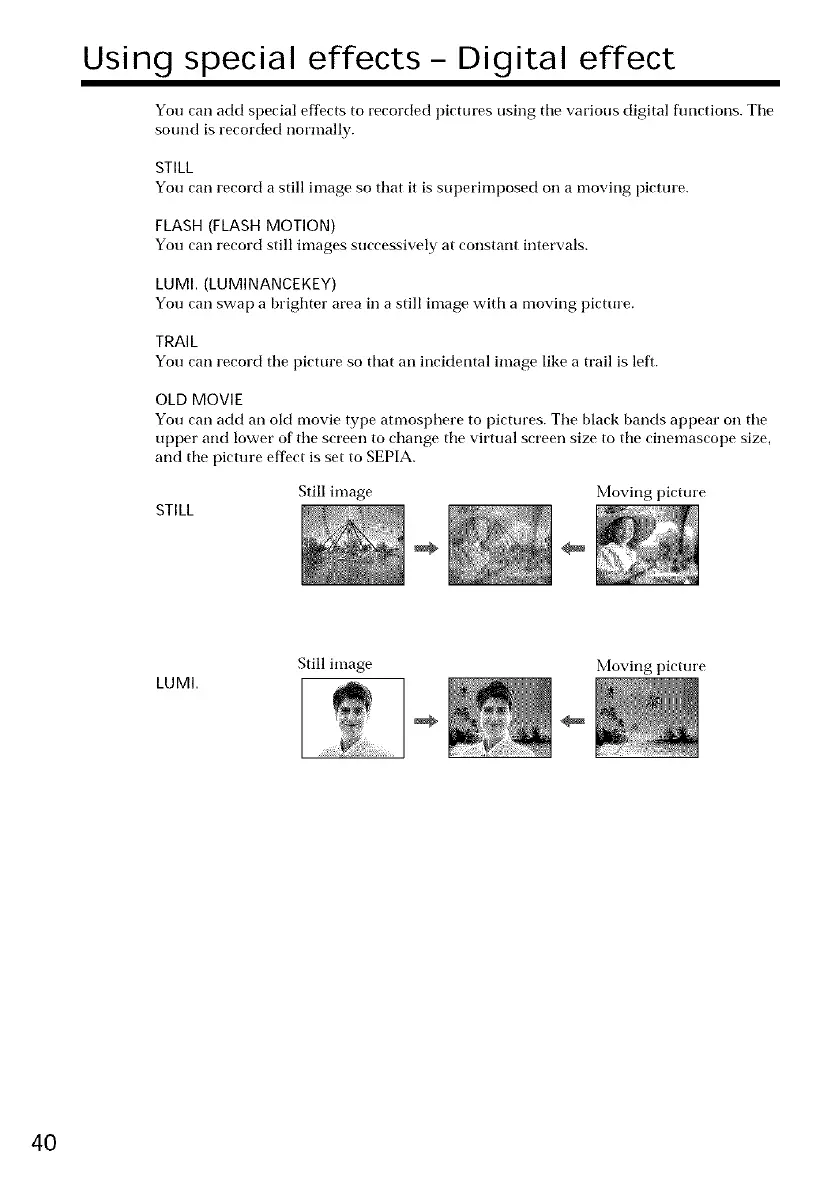
STILL
You can record a still image so that it is SUl)erimposed on a moving picture.
FLASH (FLASH MOTION)
You carl record still images successively at constant intervals.
LUM[. (LUMINANCEKEY)
You carl swap a brighter area in a still image with a moving picture.
TRAIL
You can record tile picture so that an incidental image like a trail is left.
OLD MOVIE
You carl add an old movie type atnmsphere to pictures. Tile black bands appear on tile
upper and lower of the screen to change tile virtual screen size to tile cinemascope size,
and tile picture effect is set to SEPIA.
Still image Moving picture
STILL
LUMI.
Still image
Moving picture
40















 To Next Page