Step 1 Preparing the power supply
Install tile battery pack to use your camcorder outdoors.
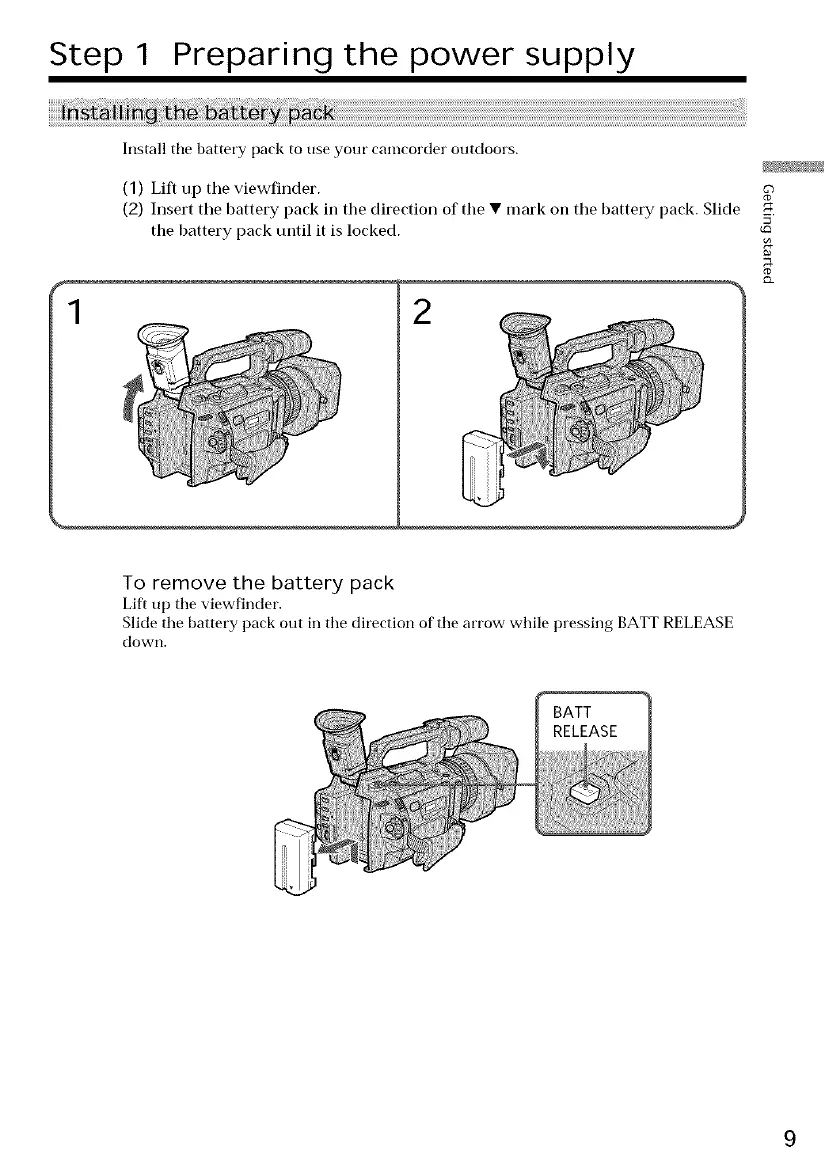
(1) Lift up the viewfinder.
(2) Insert the battery pack in tile direction of tile • mark oil the battery pack. Slide
the battery pack until it is locked.
1 2
To remove the battery pack
Lift up the viewfinder.
Slide the battery pack out in the direction of the arrow while pressing BATT RELEASE
down,
BATT
RELEASE















 To Next Page