32
EN
n Playing time and the track number on
the current track
µ
Remaining time and the track number
on the current track
µ
Track title on the current track*
r REC
=
SELECTOR
+
0)
p
· ∏
§
EJECT
•
•
•
•
•
•
•
•
•
0
10
=
SELECTOR
+
0)
p
· ∏
§
OPEN/CLOSE
DISPLAY/CHARACTER
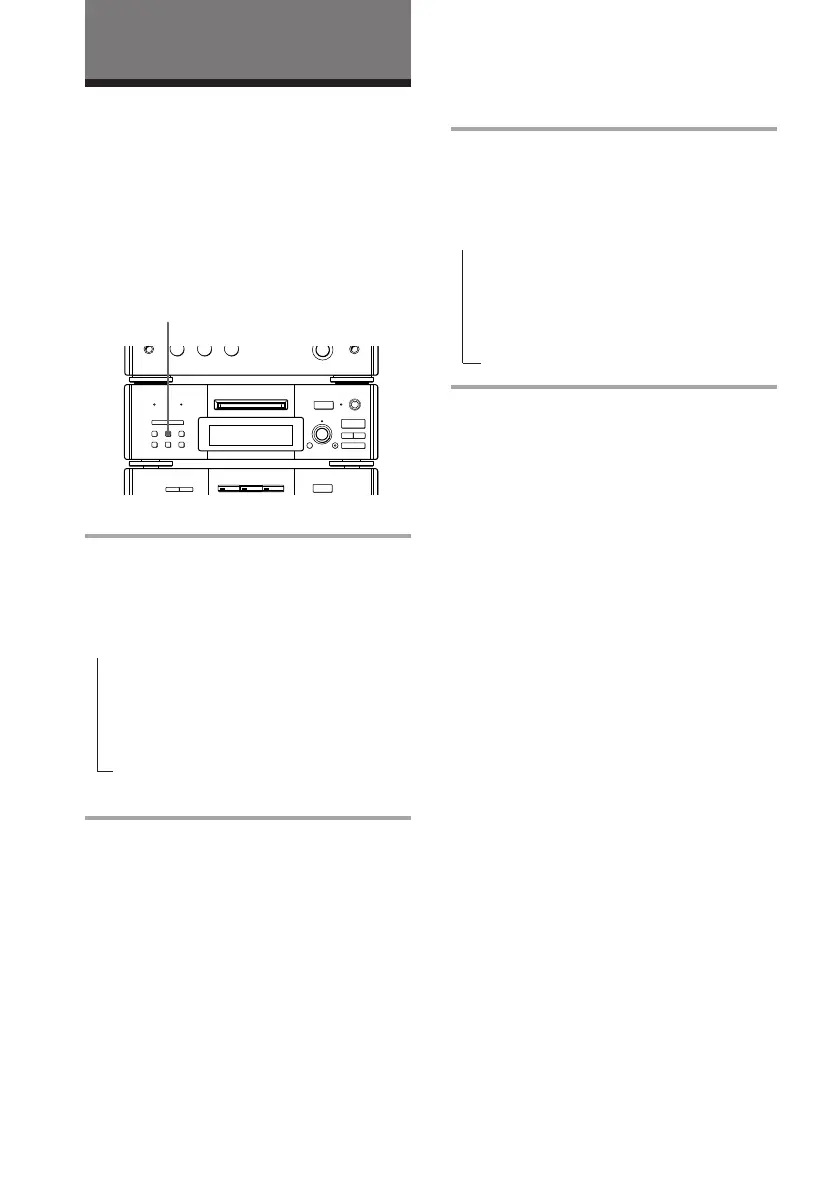
Using the MD display
Checking the remaining
time of an MD
Press DISPLAY/CHARACTER in stop
mode.
Each time you press the button, the display
changes as follows:
Tips
• Tracks numbered 1 to 25 appear in the Music
Calendar Display. If the track numbers exceed 25,
” appears to the right of number 25.
• The music calendar showing the track numbers
appears within a grid if the MD is a premastered
disc, or without a grid if the MD is a recordable
disc.
Note
The correct remaining time may not be displayed
due to the MD’s system limitations.
* “No Name” appears if no track title is stored.
n Total playing time and the track
numbers on the MD
µ
Remaining recordable time on the MD
(only for a recordable MD)
µ
Disc title on the MD
The MD Deck (DHC-MD77/
EX77MD/EX770MD only)
Press DISPLAY/CHARACTER during
play.
Each time you press the button, the display
changes as follows:
You can check the remaining time of the
current track or that of the MD.
Checking the remaining
time of a track









 To Next Page