33
EN
r REC
=
SELECTOR
+
0)
p
· ∏
§
EJECT
•
•
•
•
•
•
•
•
•
0
10
=
SELECTOR
+
0)
p
· ∏
§
OPEN/CLOSE
REPEAT
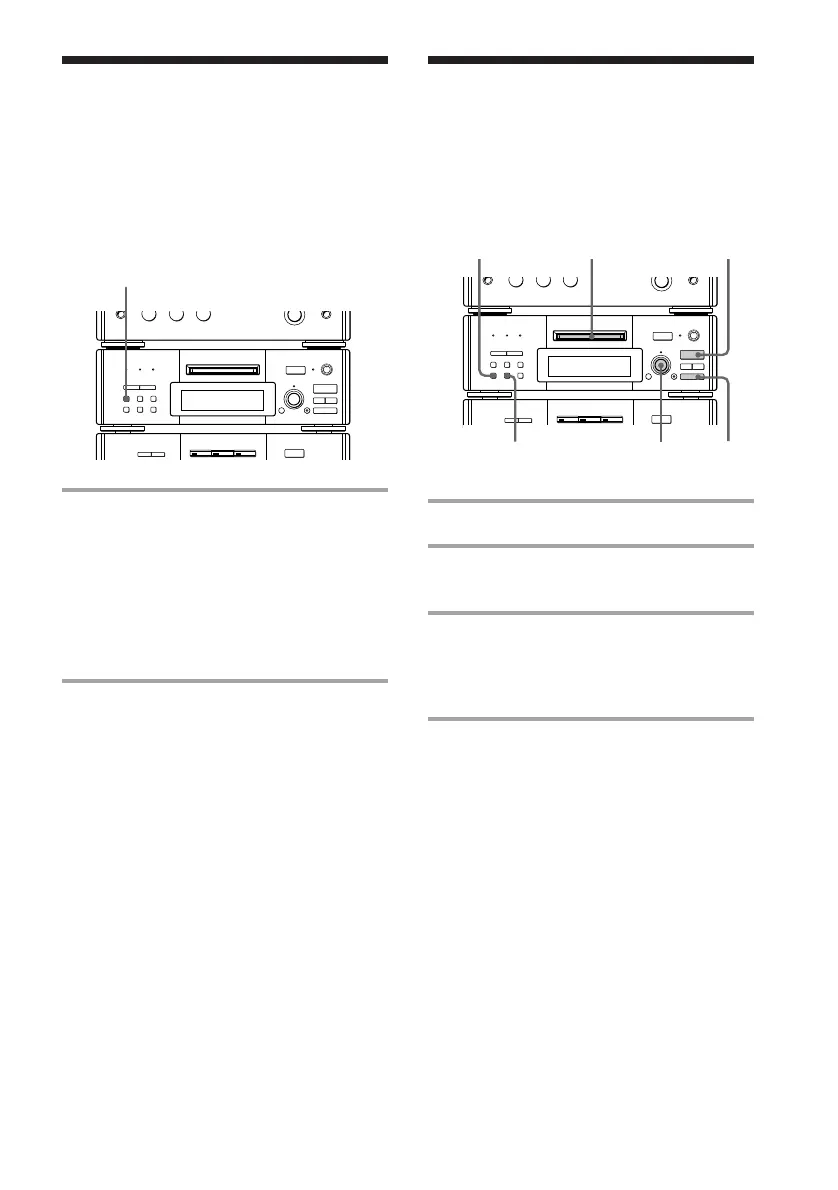
Playing the MD tracks
repeatedly
— Repeat Play
Playing the MD tracks
in random order
–– Shuffle Play
1 Insert an MD.
2 Press SHUFFLE.
“SHUFFLE” appears.
3 Press · ∏ (or · on the remote).
The sound source automatically switches
to the MD deck. “J” appears, then all
the tracks play in random order.
To cancel Shuffle Play
Press p, then CONTINUE.
Tip
To skip the tracks, turn SELECTOR clockwise (or
press + on the remote).
Note
You cannot start Shuffle Play during playback.
Press p, then SHUFFLE.
This function lets you repeat a single track or
all the tracks on an MD in normal play,
Shuffle Play and Program Play.
You can play the tracks in random order.
Press REPEAT during play until
“REPEAT” (for all the tracks) or
“REPEAT 1*” (for a single track)
appears.
Repeat Play starts.
* You cannot repeat a single track during Shuffle
Play and Program Play.
To cancel Repeat Play
Press REPEAT repeatedly until “REPEAT” or
“REPEAT 1” disappears.
r REC
=
SELECTOR
+
0)
p
· ∏
§
EJECT
•
•
•
•
•
•
•
•
•
0
10
§
OPEN/CLOSE
p
1
2
3
CONTINUE
SELECTOR









 To Next Page