34
EN
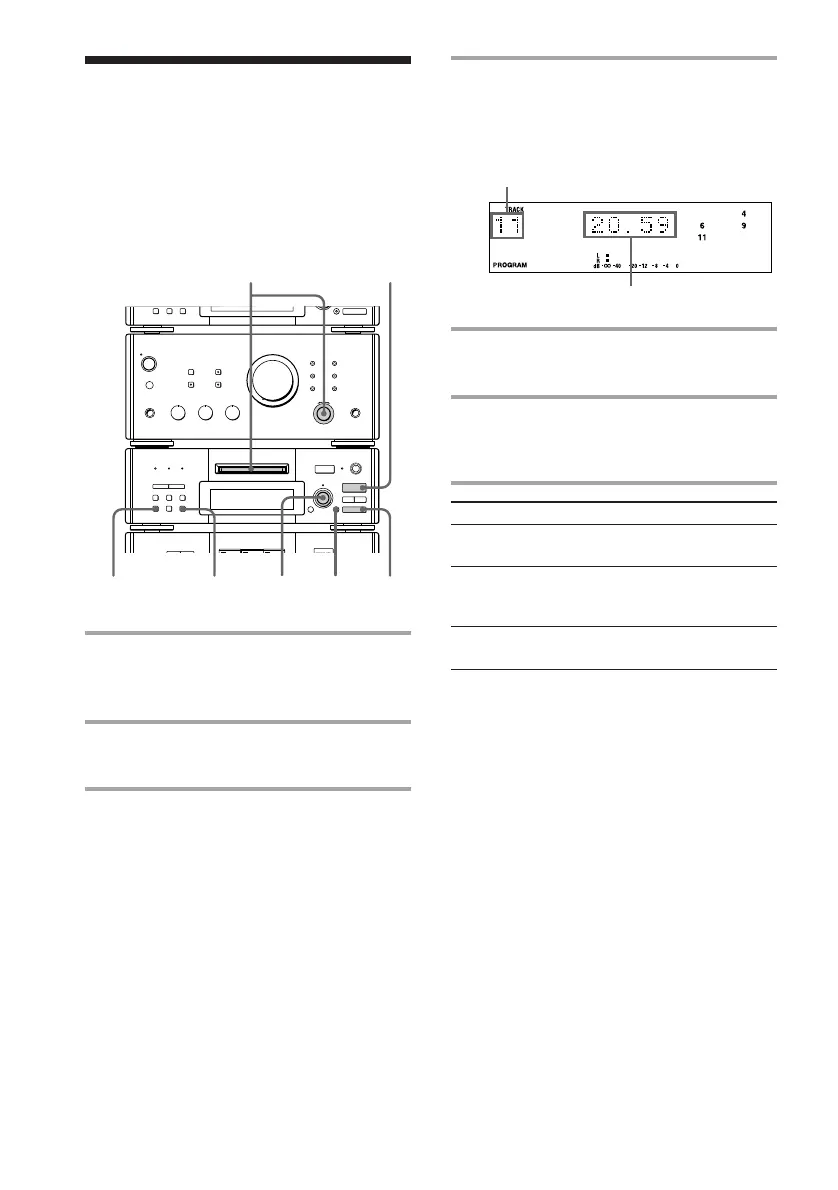
4 Press ENTER/YES.
The track is programmed. The last
programmed track appears, followed by
the total playing time.
5 To program additional tracks,
repeat steps 3 and 4.
6 Press · ∏ (or · on the remote).
All the tracks play in the order you
selected.
r REC
=
SELECTOR
+
0)
p
· ∏
§
EJECT
•
•
•
•
•
•
•
•
•
0
10
§
OPEN/CLOSE
16
432
p
CONTINUE
Programming the MD
tracks
–– Program Play
To
Cancel Program
Play
Add a track to
the program
(in stop mode)
Clear the entire
program
Tip
The program you made remains after the Program
Play has finished. To play the same program again,
press · ∏.
Note
You cannot start Program Play during playback.
Press p, then PROGRAM.
Do this
Press p, then CONTINUE.
Do steps 3 and 4 in
“Programming the MD
tracks.”
Press p in stop mode.
You can make a program of up to 25 tracks in
the order you want them to be played.
The last programmed track
Total playing time
1 Turn FUNCTION until the MD
indicator lights up, then insert an
MD.
2 Press PROGRAM.
“PROGRAM” appears.
3 Turn SELECTOR until the desired
track number appears.









 To Next Page