52
EN
2 Press ENTER/YES.
One of the following messages appears,
depending on the last edit.
Editing done: Message:
Erasing a single
track
Erasing all tracks on
an MD
Dividing a track
Combining tracks
Moving a track
Labeling a track or
an MD
Changing an existing
title
Erasing all titles on
an MD
3 Press ENTER/YES again.
“Complete” appears for a few seconds
and the contents of the MD are restored
to the condition before the edit.
To cancel the Undo Function
Press EDIT/NO or p on the MD deck.
“Erase Undo?”
“Divide Undo?”
“Combine Undo?”
“Move Undo?”
“Name Undo?”
The Tape Deck (MHC-EX66/
EX660 or the optional TC-TX77/
TX770 users only)
Recording on a tape
manually
You can record a CD or an MD as you like,
for example, recording just the tracks you
want or recording from the middle of the
tape.
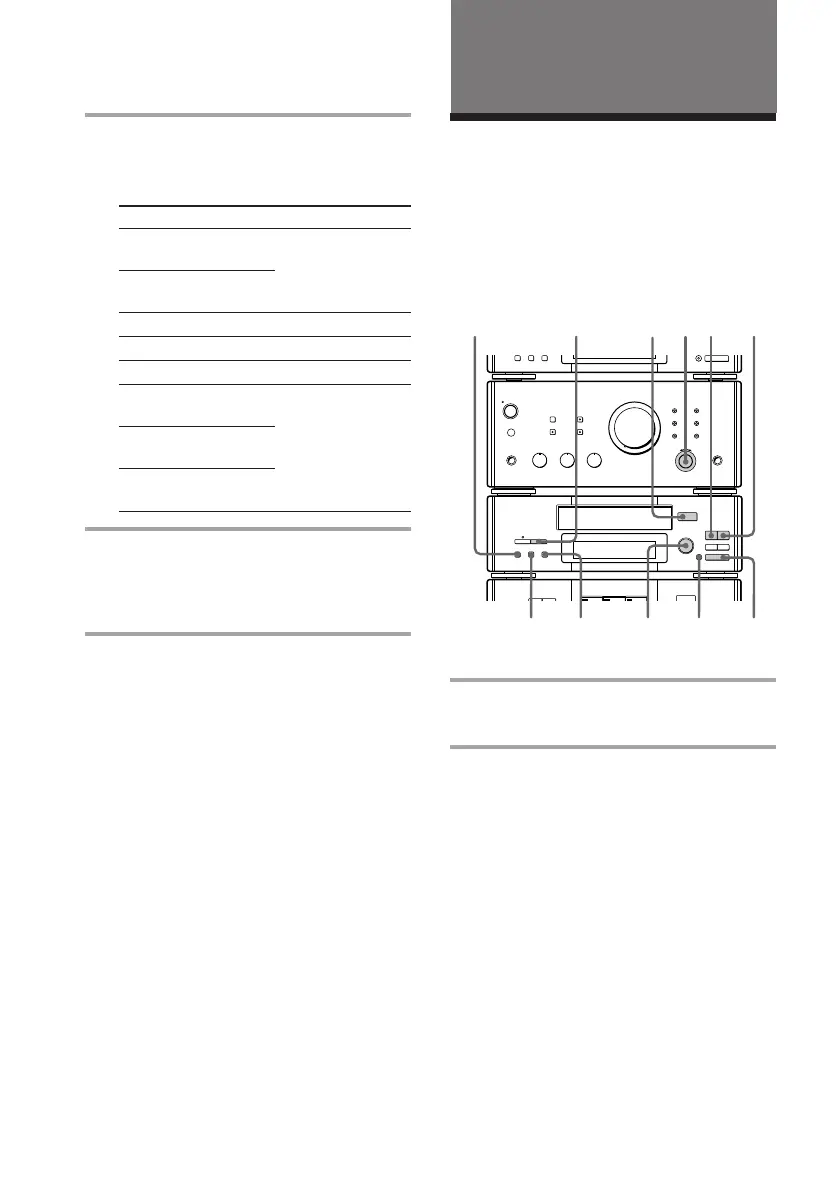
1 Insert a blank tape.
To insert a tape, see page 20.
2 Turn FUNCTION to select the
sound source to be recorded.
When you record from the radio, tune in
the desired radio station.
When you record the sound of a TV or
VCR, select “VIDEO 1” or “VIDEO 2/
AUX” (or “VIDEO 2” for DHC-MD77).
See page 13 for details.
Undoing the last edit (continued)
§
OPEN/CLOSE
® REC
0)
ª·
pP
§
OPEN/CLOSE
•
•
•
•
•
•
•
•
•
0
10
1
2
84
ªDOLBY NR
386
p
RESET









 To Next Page