45
EN
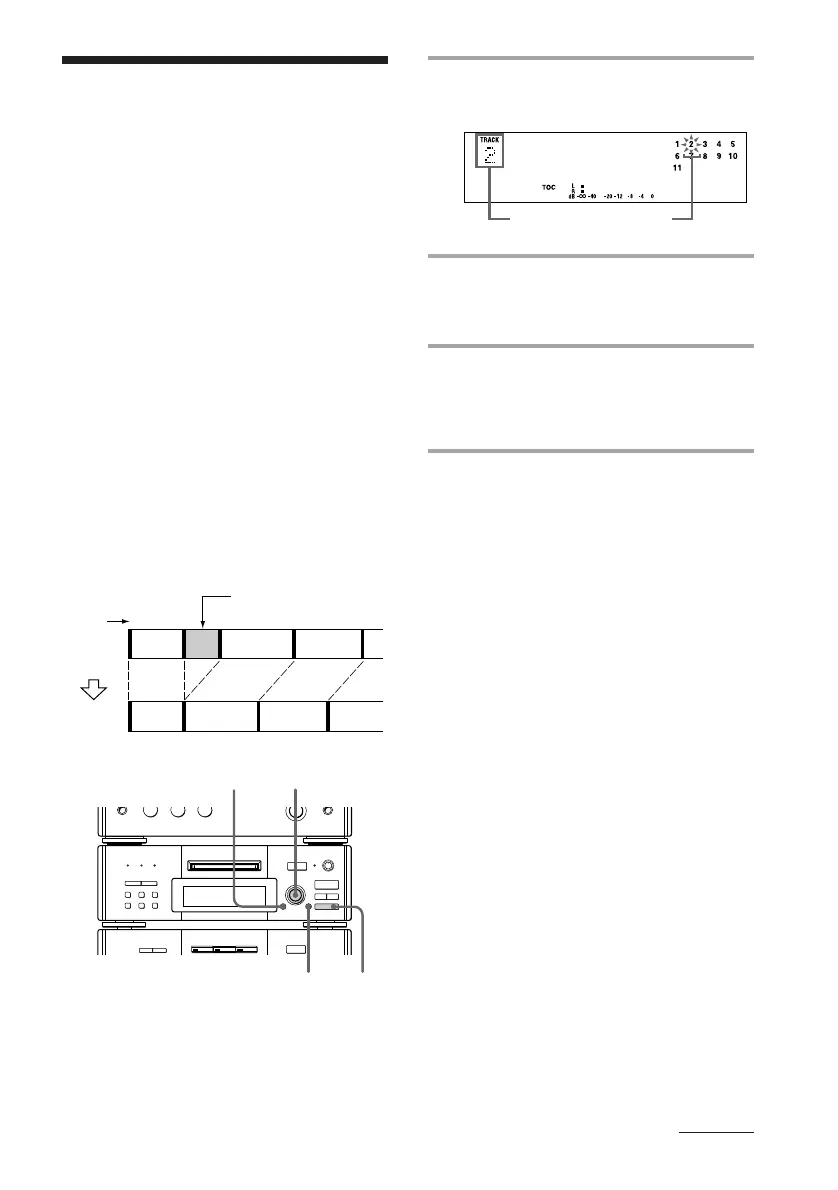
1 Turn SELECTOR until the track
number you want appears.
2 Press EDIT/NO repeatedly until the
selected track number and
“2 Erase ?” appear.
3 Press ENTER/YES.
“Complete” appears for a few seconds
and the selected track and title are
erased.
To cancel the Erase Function
Press p on the MD deck.
Note
“Erase!! ?” appears when the track was recorded or
edited on another deck and is record protected. To
erase the track, press ENTER/YES while “Erase!! ?”
is displayed.
r REC
=
SELECTOR
+
0)
p
· ∏
§
EJECT
•
•
•
•
•
•
•
•
•
0
10
=
SELECTOR
+
0)
p
· ∏
§
OPEN/CLOSE
12
3
p
1
ERASE
23
123
4
AB C D
AC D
The track number
you want
Erasing recordings
— Erase Function
Track
number
Erase track B.
Original
tracks
The MD system lets you erase unwanted
sound quickly and easily. The three options
to erase recordings are:
• Erasing a single track
• Erasing all tracks
• Erasing a portion of a track
Note
When “SHUFFLE” or “PROGRAM” appears in the
display, press CONTINUE so that the indication
disappears.
Erasing a single track
You can erase a track simply by specifying its
track number. When you erase a track, the
total number of tracks on the MD decreases
by one and all the tracks following the erased
one are renumbered.
Example: Erasing track B.
continued









 To Next Page