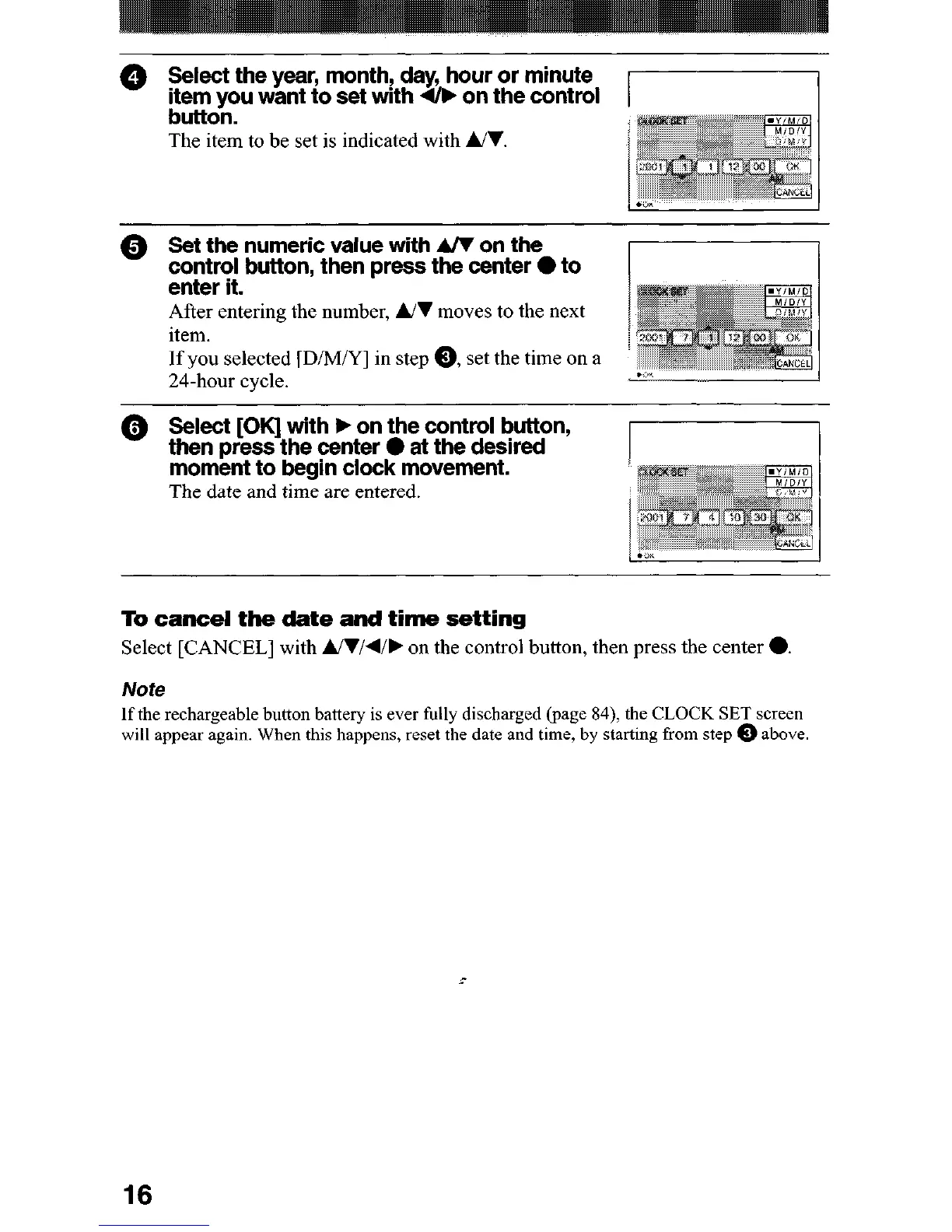
@ Select the year, month! day, hour or minute
item you want to set with & on the control
button.
The item to be set is indicated with UI.
@ Set the numeric value with A/V on the
control button, then Dress the center 0 to
enter it. -
After entering the number, UI moves to the next
item.
If you selected [D/M/Y] in step 0, set the time on a
’
24-hour cycle.
II
@ Select [OK] with F on the control button,
then press the center 0 at the desired
moment to begin clock movement.
The date and time are entered.
To cancel the date and time setting
Select [CANCEL] with Ul/d/F on the control button, then press the center 0.
Note
If the rechargeable button battery is ever fully discharged (page 84), the CLOCK SET screen
will appear again. When this happens, reset the date and time, by starting from step 0 above
c
16












 To Next Page