Recording images in
macro
Mode dial: ~/S/A/M/SCN~
The macro recording is used when
zooming up a little subject, such as
flowers. insects.
1
Adjusting the
exposure
(EXPOSURE)
Mode dial: m /S/A/SCNI~
Adjusts the exposure value which is set
in the automatic adjustment.
1
1
2
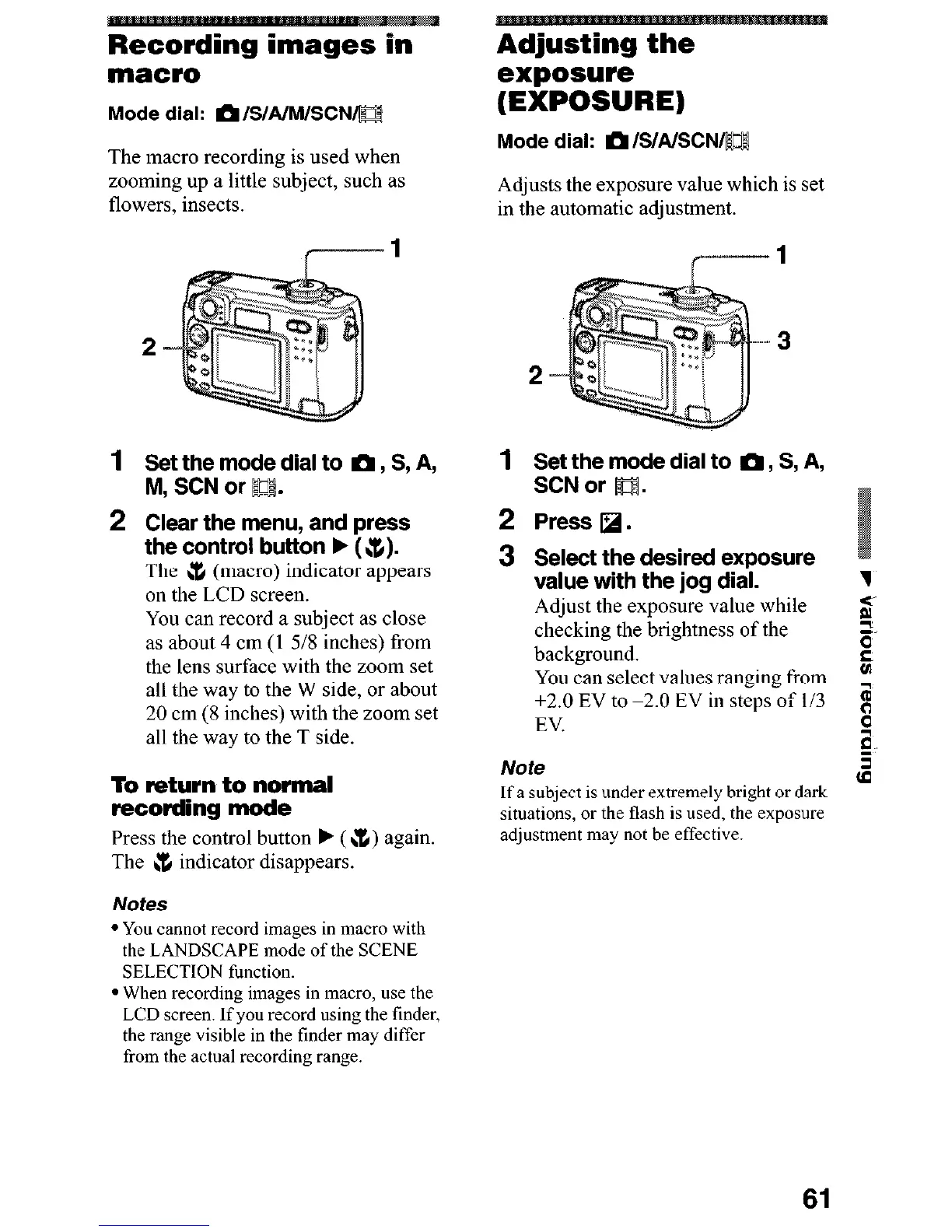
Set the mode dial to m, S, A,
M, SCN or DI.
Clear the menu, and press
the control button F (9).
The $ (macro) indicator appears
on the LCD screen.
You can record a subject as close
as about 4 cm (1 5/S inches) from
the lens surface with the zoom set
all the way to the W side, or about
20 cm (8 inches) with the zoom set
all the way to the T side.
To return to normal
recording mode
Press the control button F (h&) again.
The & indicator disappears.
l You cannot record images in macro with
the LANDSCAPE mode of the SCENE
SELECTION function.
l When recording images in macro, use the
LCD screen. If you record using the finder,
the range visible in the finder may differ
from the actual recording range.
1
2
3
3
2
Set the mode dial to m, S, A,
SCN or RI&
Press
q
.
Select the desired exposure
value with the jog dial.
Adjust the exposure value while
checking the brightness of the
background.
You can select values ranging from
+2.0 EV to -2.0 EV in steps of l/3
EV.
Note
If a subject is under extremely bright or dark
situations, or the flash is used, the exposure
adjustment may not be effective.
61












 To Next Page