Recording three
images with the
exposure shifted
rF$ii&y only) (EXP
Mode dial: m/S/A/M/SCN
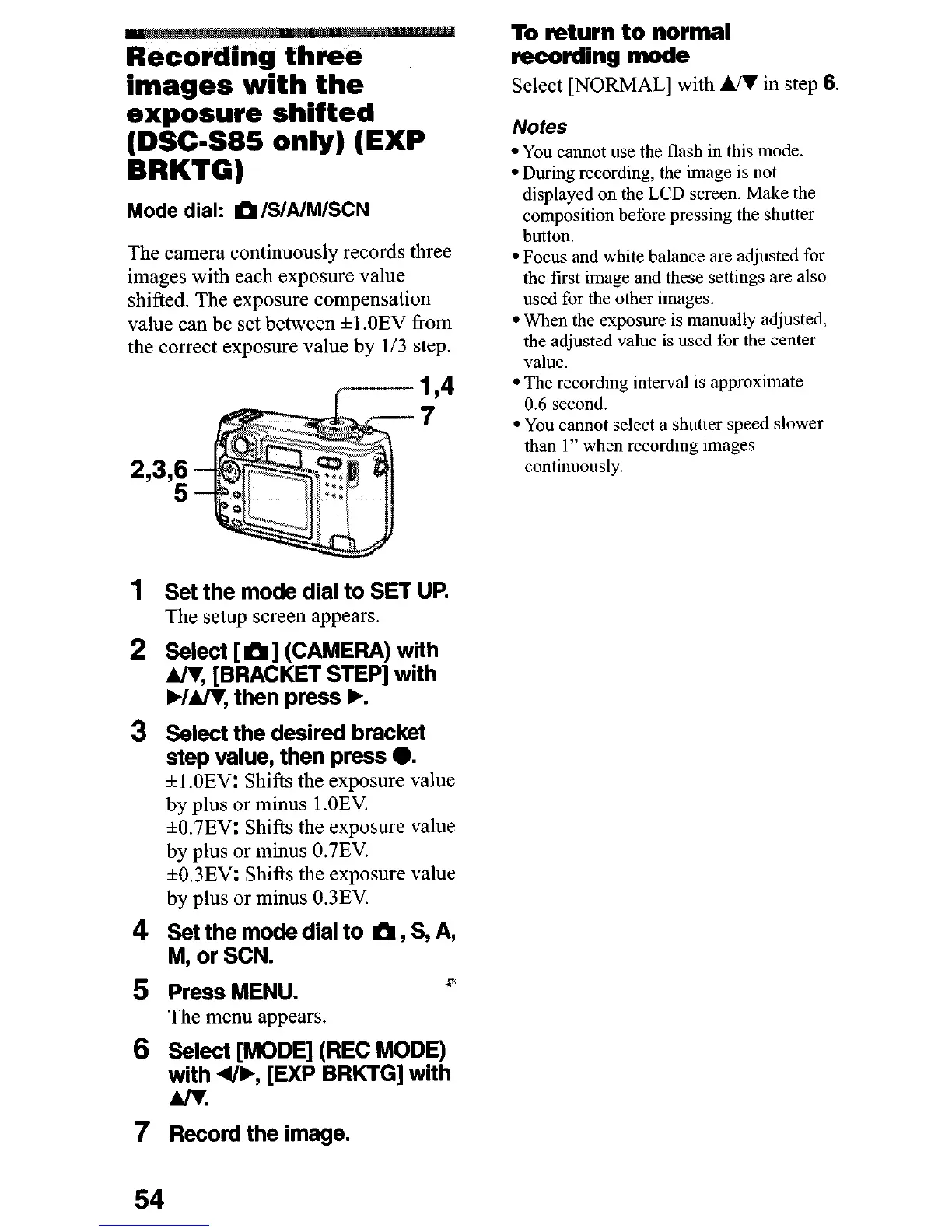
The camera continuously records three
images with each exposure value
shifted. The exposure compensation
value can be set between +l .OEV from
the correct exposure value by 113 step.
7
~~3,;
1
2
3
Set the mode dial to SET UP.
The setup screen appears.
Select [ m ] (CAMERA) with
A/y [BRACKET STEP] with
WA/V, then press F.
Select the desired bracket
step value, then press 0.
f 1 .OEV: Shifts the exposure value
by plus or minus 1 .OEV
+0.7EV: Shifts the exposure value
by plus or minus 0.7EV.
+0,3EV: Shifts the exposure value
by plus or minus 0.3EV.
Set the mode dial to ti, S, A,
M, or SCN.
Press MENU.
r
The menu appears.
Select [MODE] (REC MODE)
with 4&, [EXP BRKTG] with
Am.
7
Record the image.
To return to normal
recording mode
Select [NORMAL] with WI in step
6.
Notes
l You cannot use the flash in this mode.
l During recording, the image is not
displayed on the LCD screen. Make the
composition before pressing the shutter
button.
l Focus and white balance are adjusted for
the first image and these settings are also
used for the other images.
l When the exposure is manually adjusted,
the adjusted value is used for the center
value.
l The recording interval is approximate
0.6 second.
l You cannot select a shutter speed slower
than 1” when recording images
continuously.
54












 To Next Page