Notes
l You cannot zoom moving images.
l You can zoom images recorded in TEXT
mode, but cannot trim them.
l Zoom scaling is up to 5~ regardless of the
original image size.
l The quality of enlarged images may be
deteriorated.
l The original data is left even if you enlarge
the image.
l The enlarged image is recorded as the
newest file.
l If you trim an image, the remaining
“Memory Stick” capacity will be
decreased.
l If the remaining “Memory Stick” capacity
is not sufficient, you may be unable to trim
an image.
l You cannot trim to an image of 3:2.
l You cannot trim uncompressed (TIFF)
images.
Playing back the still
images in order
(SLIDE)
Mode dial: m
This tinction is useful for checking the
recorded images or for presentations,
etc.
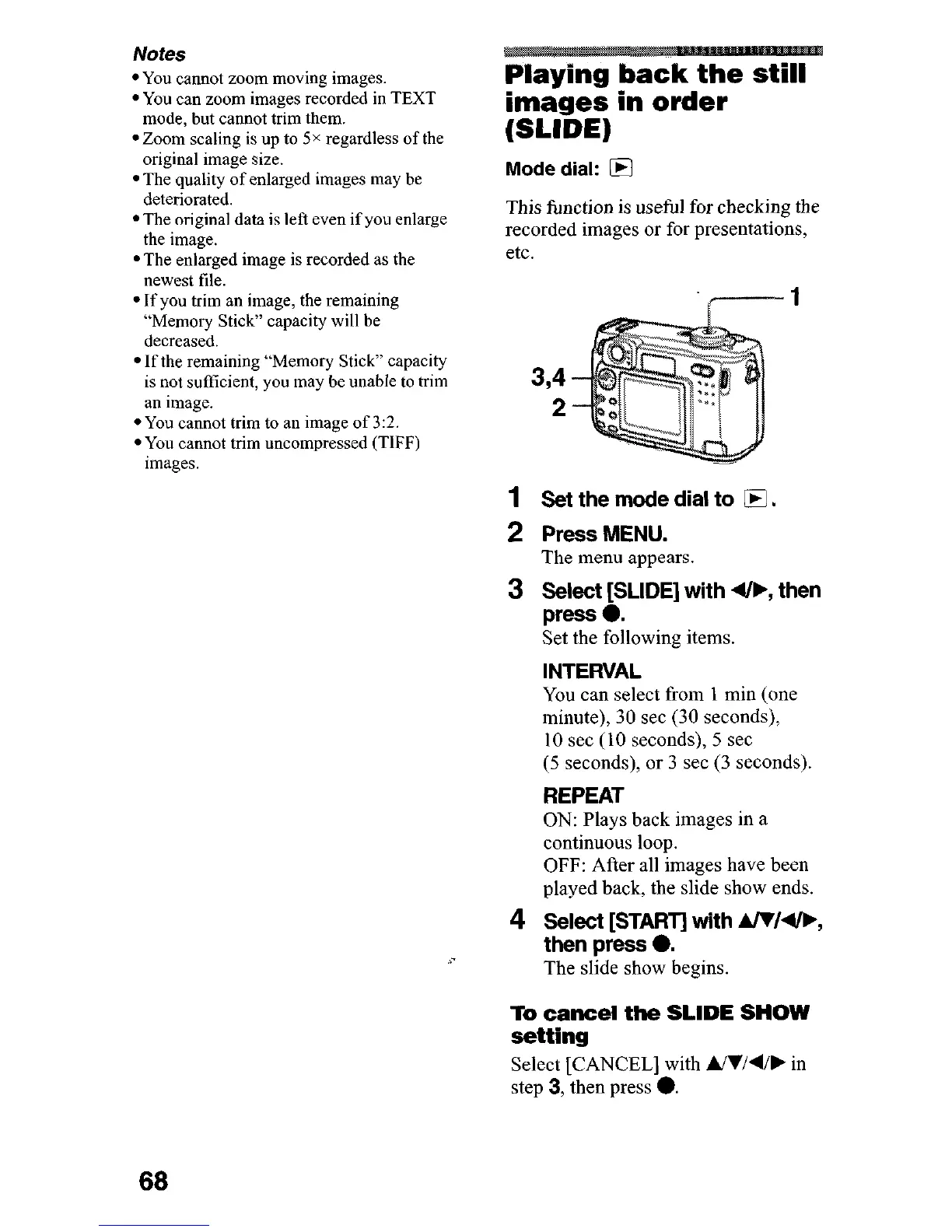
1
Set the mode dial to
q
.
2 Press MENU.
The menu appears.
3 Se4ggLIDE] with 4/b, then
Set the following items.
INTERVAL
You can select from 1 min (one
minute), 30 set (30 seconds),
10 set ( 10 seconds), 5 set
(5
seconds), or 3 set (3 seconds).
REPEAT
ON: Plays back images in a
continuous loop.
OFF: After all images have been
played back, the slide show ends.
4
Select [START] with AlW4/b,
then press 0.
The slide show begins.
To cancel the SLIDE SHOW
setting
Select [CANCEL] with Ul/4/, in
step
3,
then press 0.
68












 To Next Page