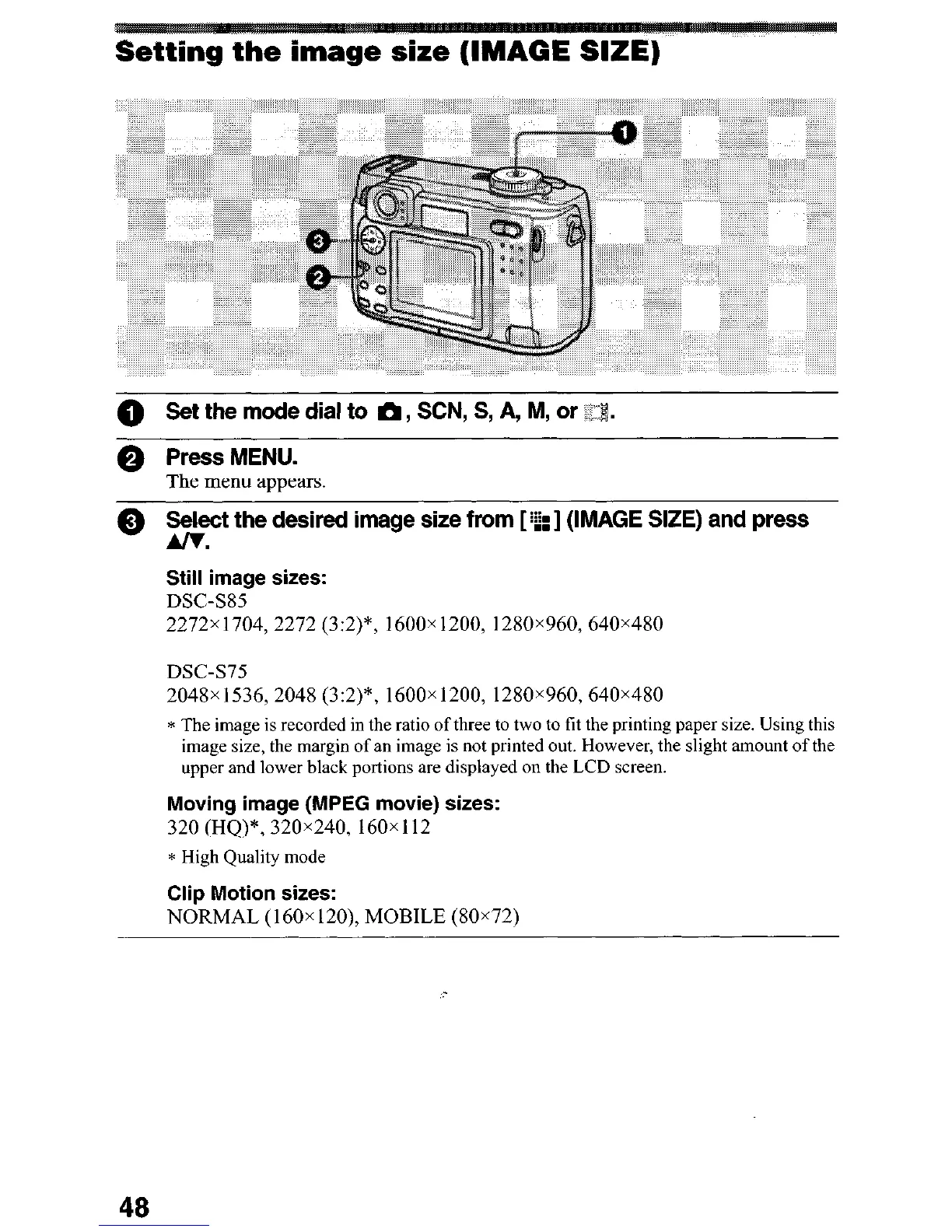
Setting the image size (IMAGE SIZE)
0 Set the mode dial to m, SCN, S, A, M, or -1%
0 Press MENU.
The menu appears.
0 Se&ect the desired image size from [ ‘21 (IMAGE SIZE) and press
Still image sizes:
DSC-S85
2272x 1704,2272 (3:2)*, 1600x 1200, 1280x960,640x480
DSC-S75
2048x1536,2048 (3:2)*, 1600~1200, 1280~960,640~480
* The image is recorded in the ratio of three to two to fit the printing paper size. Using this
image size, the margin of an image is not printed out. However, the slight amount of the
upper and lower black portions are displayed on the LCD screen.
Moving image (MPEG movie) sizes:
320 (HQ)*, 320x240, 160x 112
* High Quality mode
Clip Motion sizes:
NORMAL (160x 120), MOBILE (80x72)
48












 To Next Page