Recording still images
as uncompressed
files (TIFF)
Mode dial: ~~ISIAIM/S~N
Records the images without
compression, so the image does not
deteriorate. Images recorded in this
mode are suitable for printing with a
high-quality image. The JPEG
(compressed) format image is also
recorded with the TIFF format image.
-1
4
I
1
!p;hseC’;30de dial to m, S, A,
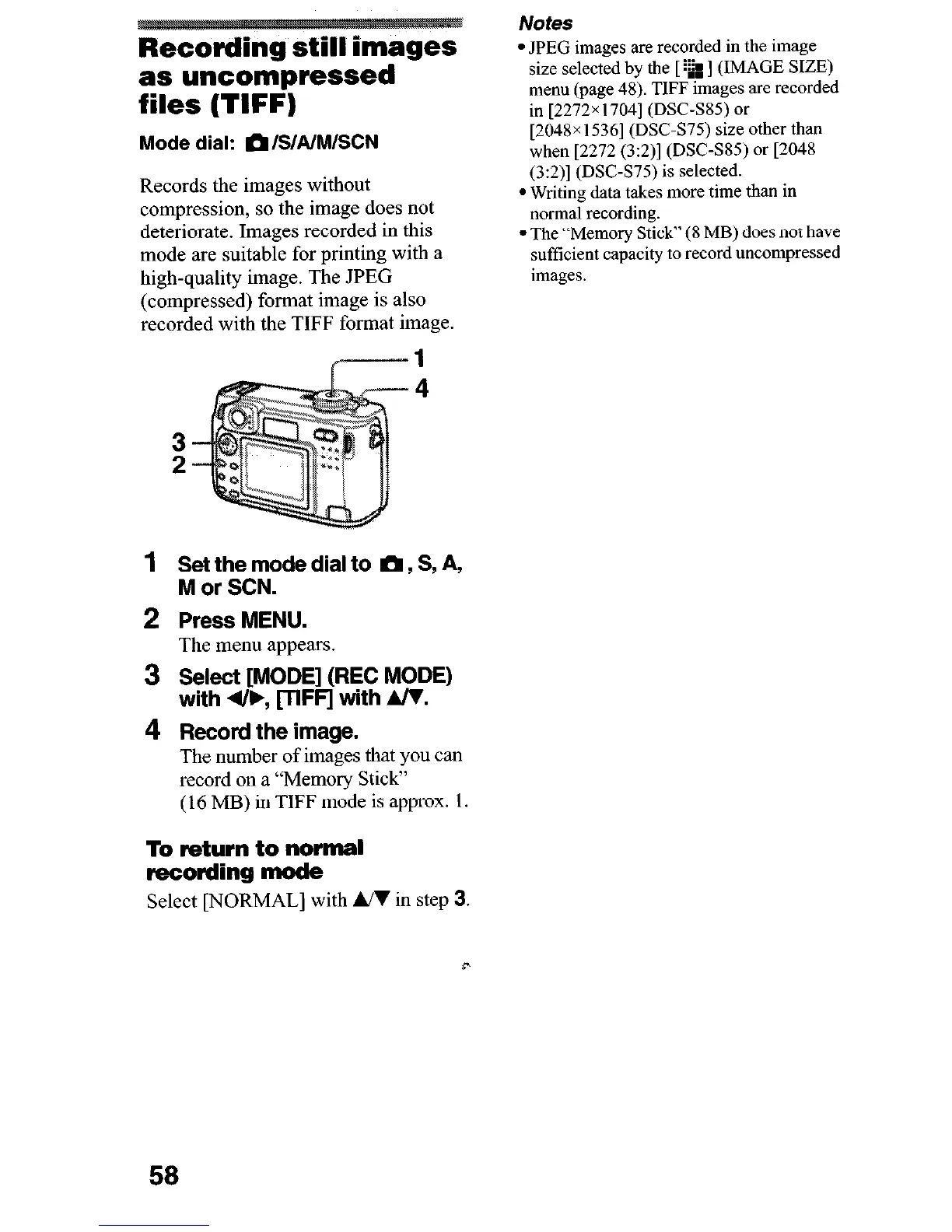
2 Press MENU.
The menu appears.
3 Select [MODE] (REC MODE)
with 4&, VFF’J with A/V.
4 Record the image.
The number of images that you can
record on a “Memory Stick”
(16 MB) in TIFF mode is approx. 1.
To return to normal
recording mode
Select [NORMAL] with UI in step 3.
Notes
l JPEG images are recorded in the image
size
selected by the [ ‘811 (IMAGE SIZE)
menu (page 48). TIFF images are recorded
in [2272x 17041 (DSC-SS5) or
[2048x 15361 (DSC-S75) size other than
when [2272 (3:2)] (DSC-SS5) or [2048
(3:2)] (DSC-S75) is selected.
l Writing data takes more time than in
normal recording.
l The “Memory Stick” (8 MB) does not have
sufficient capacity to record uncompressed
images.
c
58












 To Next Page