Playing back moving images
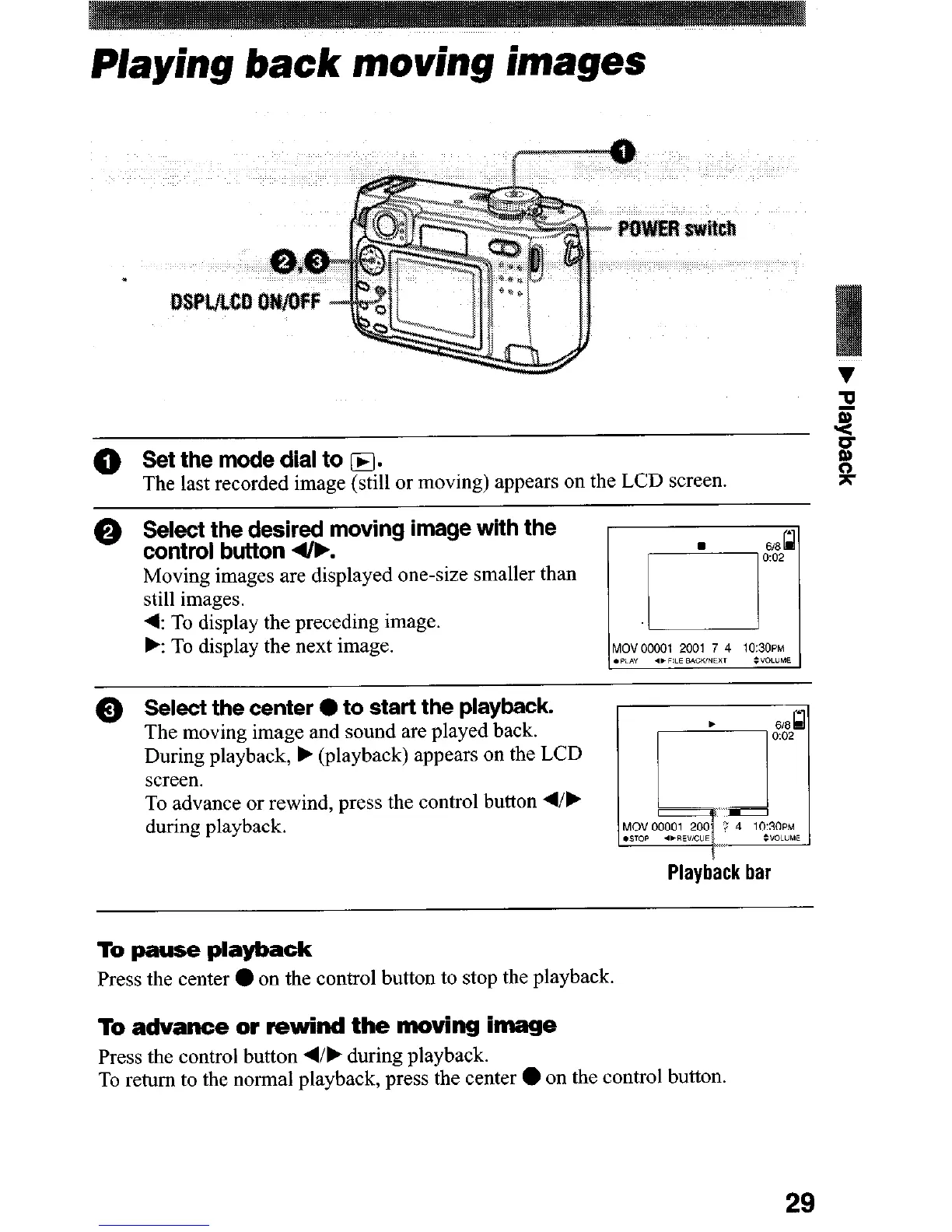
@ Set the mode dial to m.
The last recorded image (still or moving) appears on the LCD screen.
0 Select the desired moving image with the
control button 4&.
Moving images are displayed one-size smaller than
still images.
4: To display the preceding image.
.: To display the next image.
0 Select the center 0 to start the playback.
The moving image and sound are played back.
During playback, b (playback) appears on the LCD
screen.
To advance or rewind, press the control button d/b
during playback.
Playback bar
To pause playback
Press the center 0 on the control button to stop the playback.
To advance or rewind the moving image
Press the control button 4/F during playback.
To return to the normal playback, press the center
l
on the control button.
29












 To Next Page