Recording still images
Still images are recorded in JPEG format.
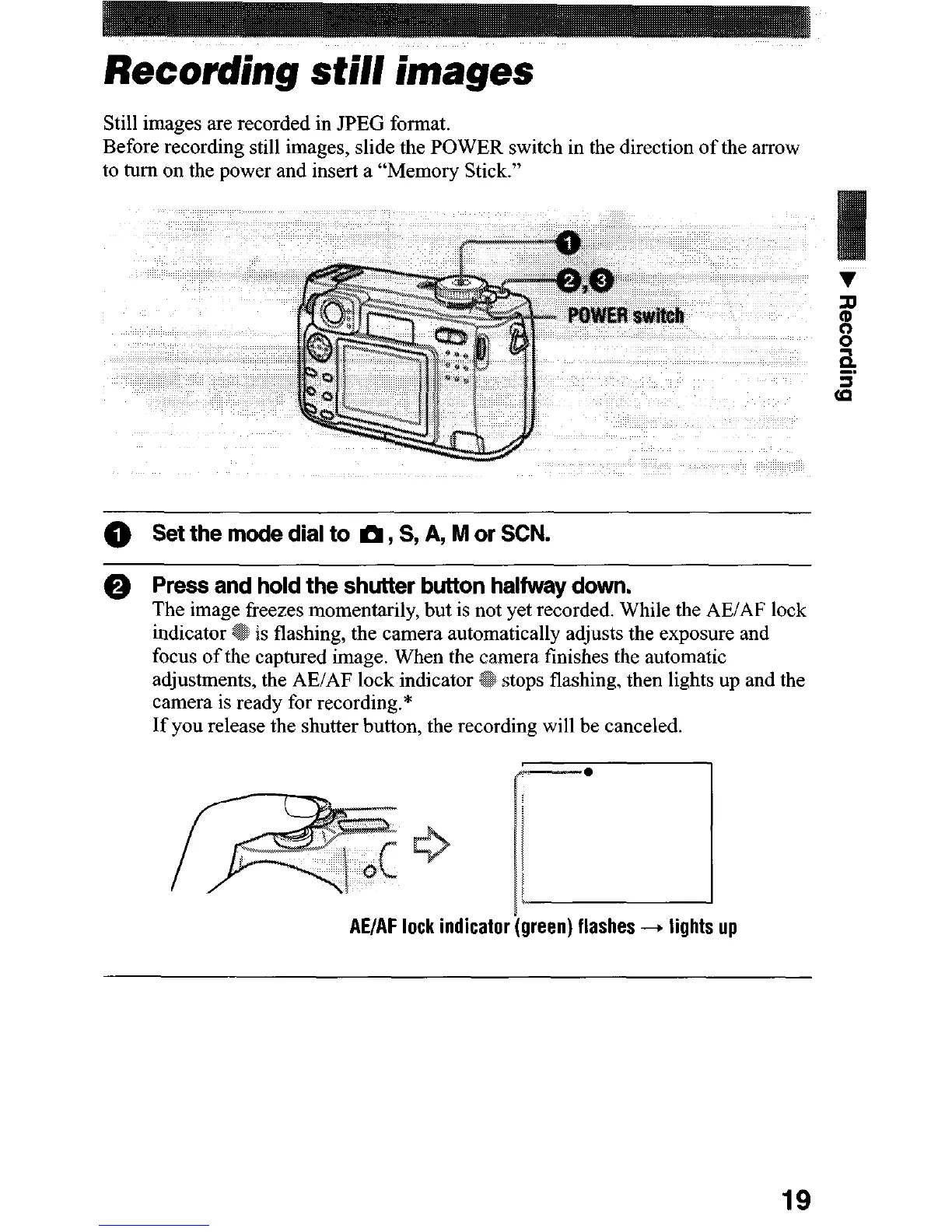
Before recording still images, slide the POWER switch in the direction of the arrow
to turn on the power and insert a “Memory Stick.”
0
Set the mode dial to m, S, A, M or SW.
0
Press and hold the shutter button halfway down.
The image freezes momentarily, but is not yet recorded. While the AEiAF lock
is flashing, the camera automatically adjusts the exposure and
captured image. When the
mera finishes the automatic
adjustments, the AE/AF lock indicator
stops flashing, then lights up and the
camera is ready for recording.*
If you release the shutter button, the recording will be canceled.
.
AE/AF lock indicator (green) flashes -+ lights up
19












 To Next Page