0 When the mode dial is set to SET UP or I@ :
@ Press UI/*l, on the control button to select the item you want to set up.
@ Press the center 0 on the control button to enter the item.
~;p mode dial is set to ti, S, A, M,
1
:
Press.N*kF on the control button to select the
setting of the item.
The selected setting is turned to yellow, and the
setup is complete.
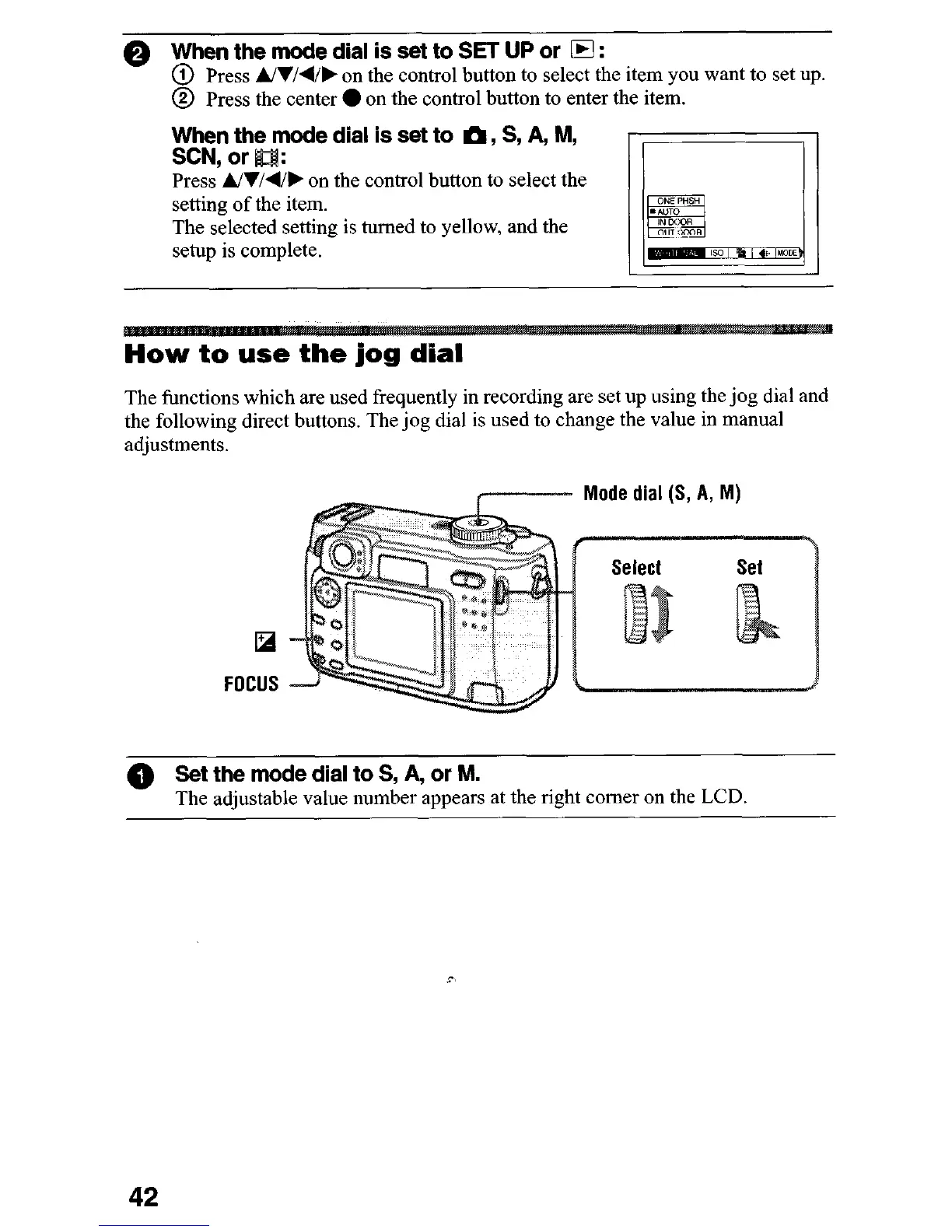
How to use the jog dial
The functions which are used frequently in recording are set up using the jog dial and
the following direct buttons. The jog dial is used to change the value in manual
adjustments.
Mode dial (S, A, M)
FOCUS
@ Set the mode dial to S, A, or M.
The adjustable value number appears at the right comer on the LCD
42












 To Next Page