@ Turn the jog dial to select the item or value
number you want to adjust.
l
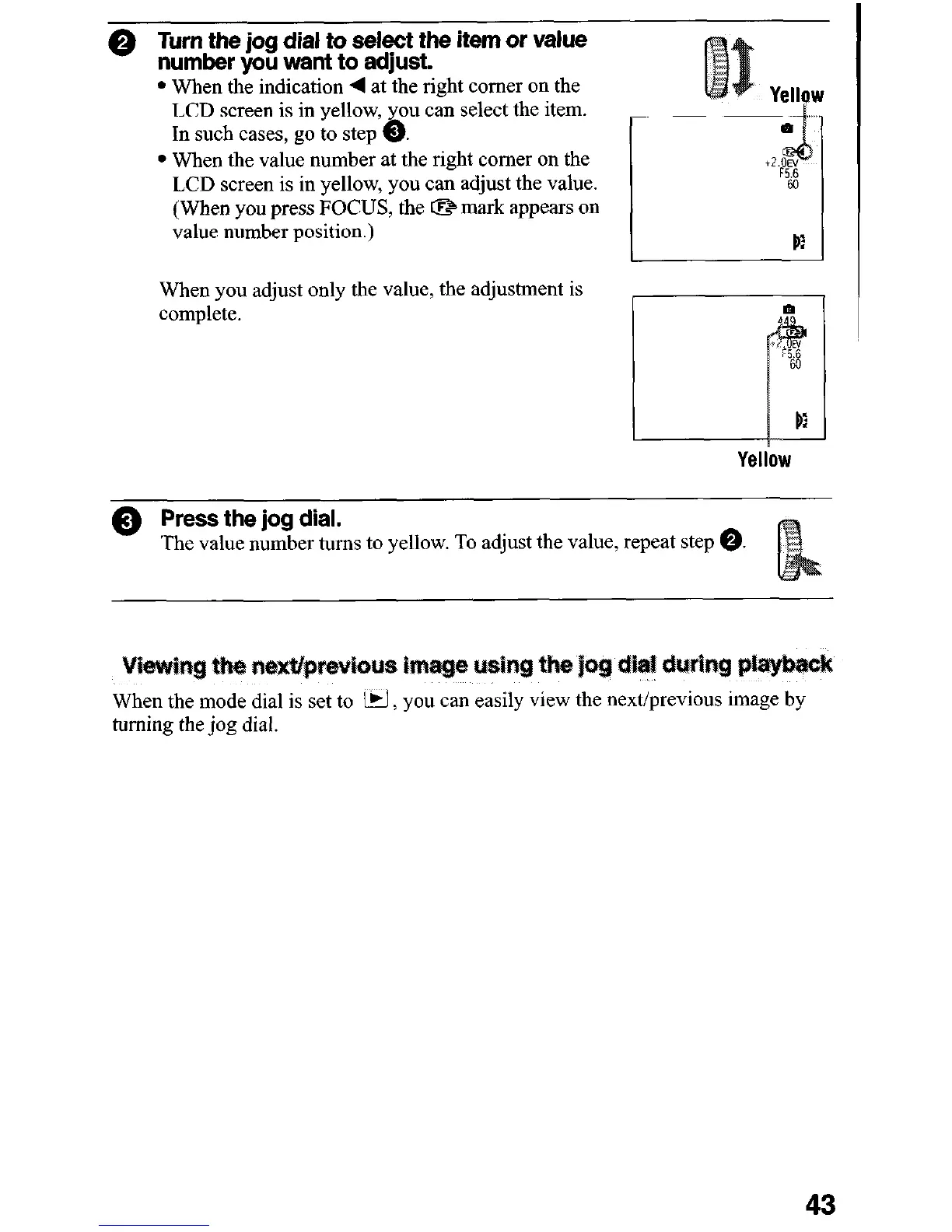
When the indication 4 at the right comer on the
LCD screen is in yellow, you can select the item.
In such cases, go to step @.
l
When the value number at the right comer on the
LCD screen is in yellow, you can adjust the value.
(When you press FOCUS, the CB mark appears on
value number position.)
When you adjust only the value, the adjustment is
complete.
1 pi
Yellow
@ Press the jog dial.
The value number turns to yellow. To adjust the value, repeat step 0.
When the mode dial is set to iri, you can easily view the next/previous image by
turning the jog dial.
43












 To Next Page