Recording text
documents (TEXT)
Mode dial: m
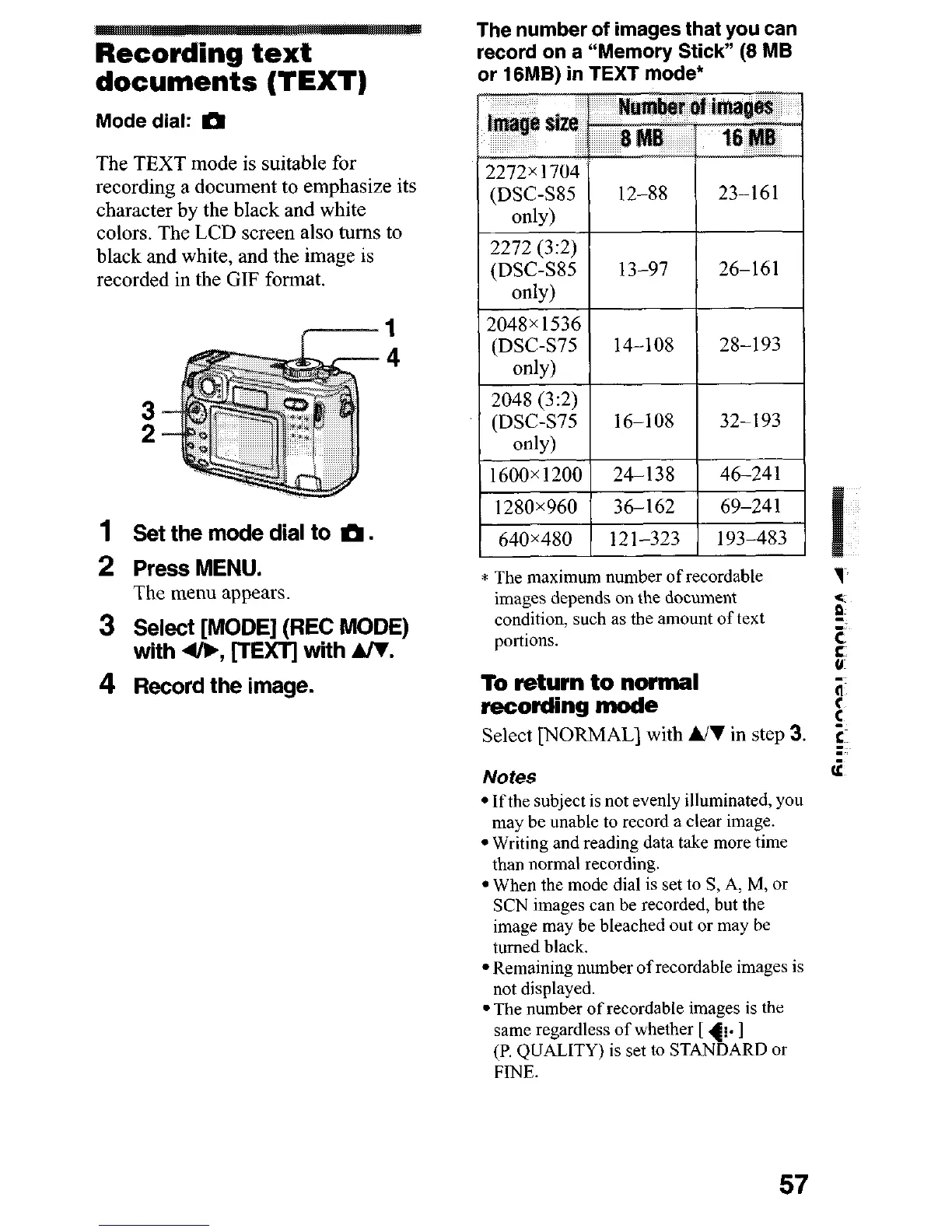
The TEXT mode is suitable for
recording a document to emphasize its
character by the black and white
colors. The LCD screen also turns to
black and white, and the image is
recorded in the GIF format.
1
1
Set the mode dial to m.
2 Press MENU.
The menu appears.
3 Select [MODE] (REC MODE)
with 4/b, [TEXTj with A/V.
4 Record the image.
The number of images that you can
record on a “Memory Stick” (8 MB
or 18MB) in TEXT mode*
(DSC-SSS
12-88
23-161
only)
2272 (3:2)
(DSC-SS5
13-97
26-161
onb)
2048x 1536
(DSC-S75
14-10s
28-193
only)
2048 (3:2)
(DSC-S75 16-108 32-193
* The maximum number of recordable
7
images depends on the document
*
condition, such as the amount of text
5
portions.
c
5
To return to normal
recording mode
ii
:
Select [NORMAL] with &I in step 3.
in
Notes
(z
l Ifthe subject is not evenly illuminated, you
may be unable to record a clear image.
l Writing and reading data take more time
than normal recording.
l When the mode dial is set to S, A, M, or
SCN images can be recorded, but the
image may be bleached out or may be
turned black.
l Remaining number of recordable images is
not displayed.
l The number of recordable images is the
same regardless of whether [ +. ]
(P, QUALITY) is set to STANDARD or
FINE.
57












 To Next Page