94
Adjusting the Brightness/
Contrast of the LCD
You can adjust the brightness and contrast of the
display of the menu control block.
Proceed as follows:
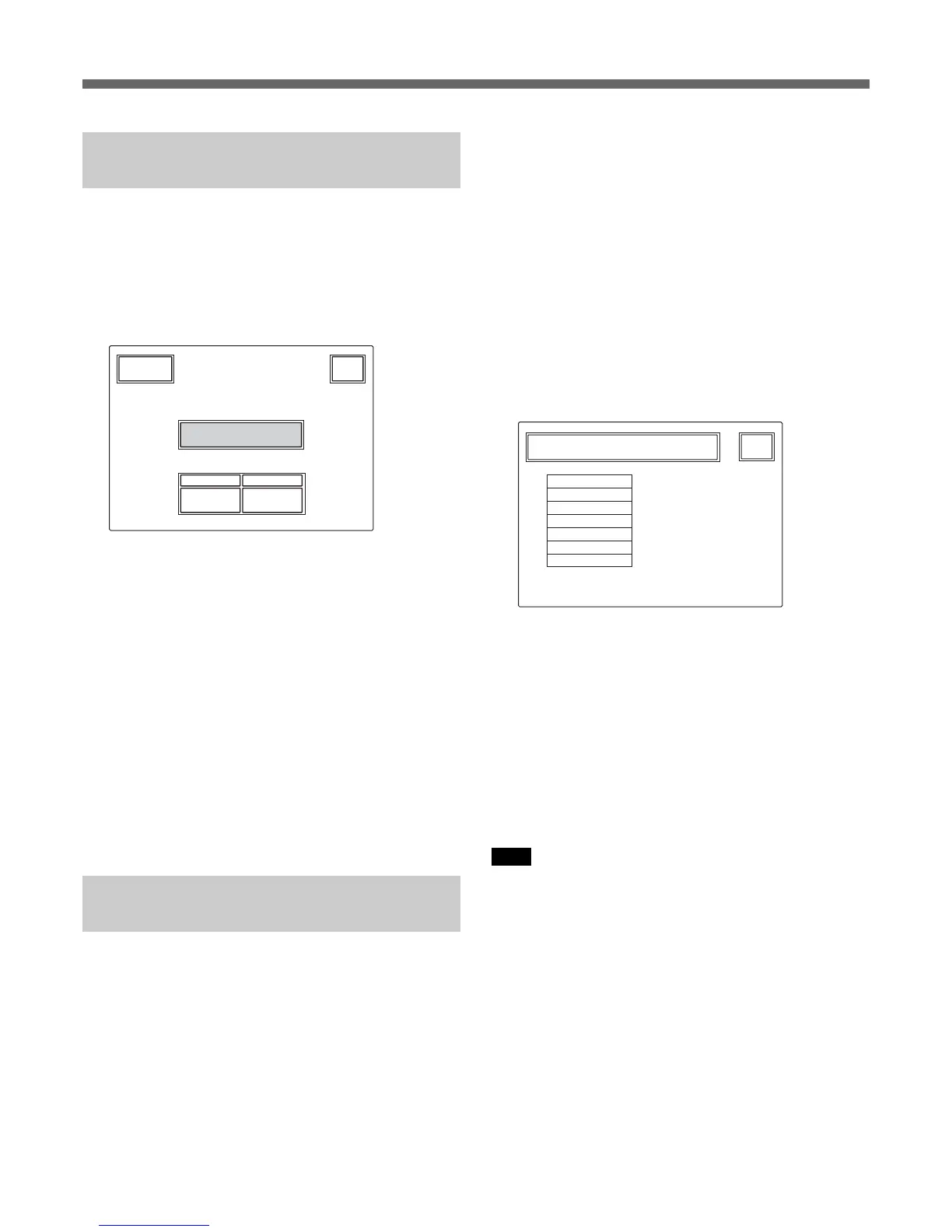
1 Press [LCD] on the OTHERS menu to display the
LCD setting display.
LCD Brightness
/Contrast
Clear
Exit
55
Cont
Bright
2 Adjust Bright and Cont (5 is the standard value
with both items).
To adjust the brightness and contrast for
camera pictures
1 Press [LCD Moni.] on the OTHERS menu to
display the LCD setting display.
2 Adjust Bright and Cont (5 is the standard value
with both items).
When the adjustment is completed
Press
[Exit] to leave the menu.
Assigning a Function to the
ASSIGN Button
You can assign a function to the ASSIGN button.
Note that the assignable functions depend on the
connected camera.
Proceed as follows:
1 Press the OTHERS button in the Menu operation
block so that the OTHERS menu is displayed on
the LCD, then press [RCP Config] to call the RCP
Config menu.
2 Set the menu to Advanced Setting mode.
1)Press [Security] on the RCP Config menu.
2)Press and highlight [Engineer Mode].
The [Status], [Menu Set], and [Code No.] buttons
are displayed.
3)Press [Status].
The Security Status menu appears.
4)Press [Advance Mode].
3 Press [SW Setting] on the RCP Config menu to
obtain the SW Setting display.
Exit
RCP Config Menu
SW Setting
BlackAUTO
ATW
TLCS
DynaLatitude
SW Assign
NoAssign
Black/Flare
Sel
4 Turn the second left control knob (Sel) to highlight
the function to be assigned.
NoAssign (default): No assignment
Black/Flare: Switching the function of the
BLACK/FLARE knobs
Black AUTO: ON/OFF of the auto black
ATW: ON/OFF of the auto tracing white balance
TLCS: ON/OFF of the total level control function
DynaLatitude: ON/OFF of the DynaLatitude
function
Note
Some functions may be unoperative, depending on the
connected camera.
When the assignment is completed
Press
[Exit] to leave the menu.
Initial Settings



 To Next Page