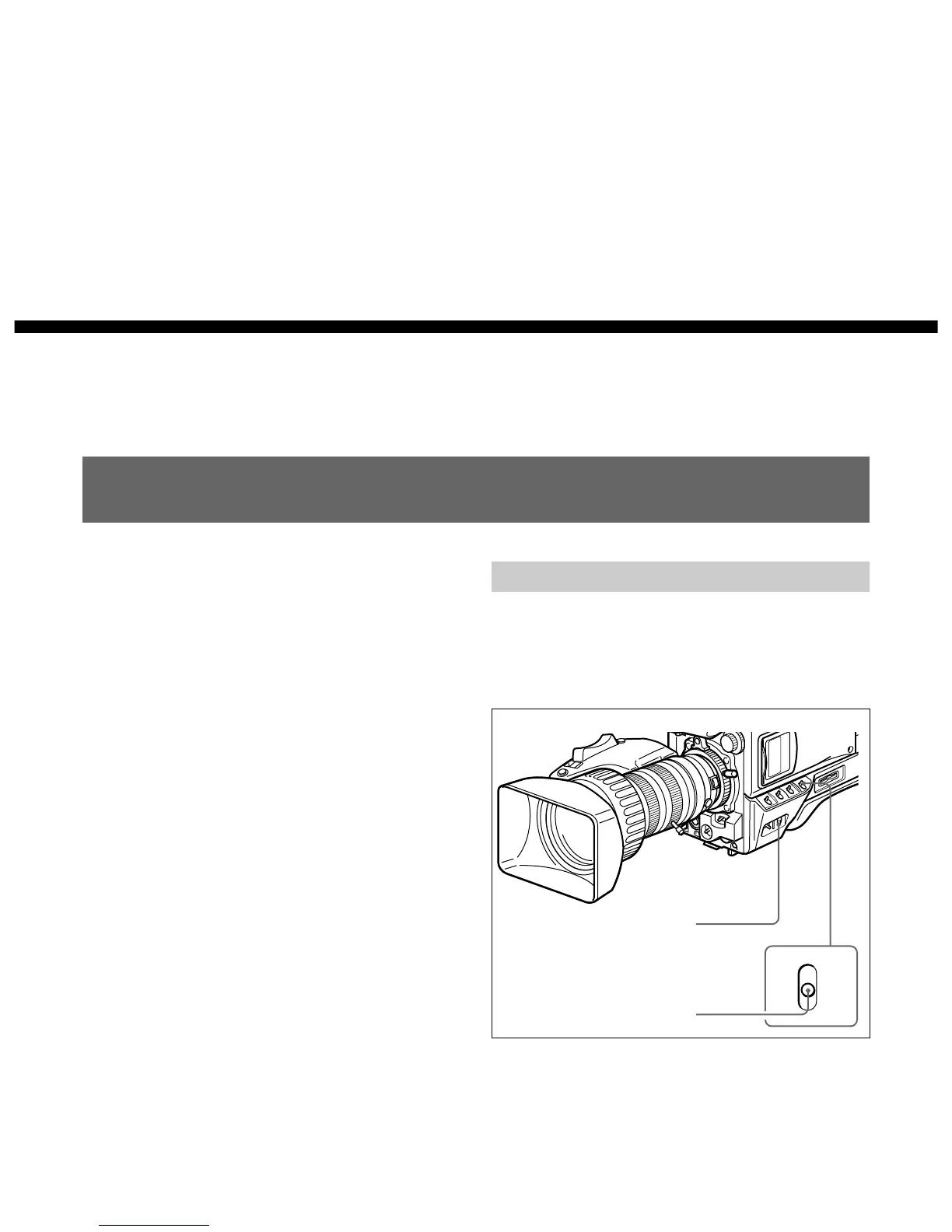
Changing the Viewfinder Display
Use the MENU switch and MENU dial shown in the
following figure to switch the viewfinder display
among the normal indications, USER menu pages and
TOP MENU.
Chapter 4
Viewfinder Screen
Indications and Menus
Viewfinder Screen Indications
There are four types of indication screen which appear
in the viewfinder and the video monitor connected to
the MONITOR OUT connector, as follows.
• Normal indications
These show the operating state of the camera and
connected VTR. (See page 52.)
• Status indications
Pressing the MENU switch to the OFF/STATUS side
while the normal indications are present calls a
display of current settings. (See page 51.)
• USER menu
These provide settings for the lens aperture, shutter
speed, and so forth. (See page 51.)
• TOP MENU
This menu is used for user’s menu customization,
picture quality settings, and storing/retrieving data to/
from a Memory Stick. (See page 55.)
MENU switch
MENU dial



 To Next Page