Chapter 2 Fitting and Connections
Chapter 2 Fitting and Connections 37
CCU/VTR/CMA
VIDEO OUT
VIDEO OUT
GEN LOCK IN
VIDEO OUT
GEN LOCK IN
VIDEO OUT
GEN LOCK IN
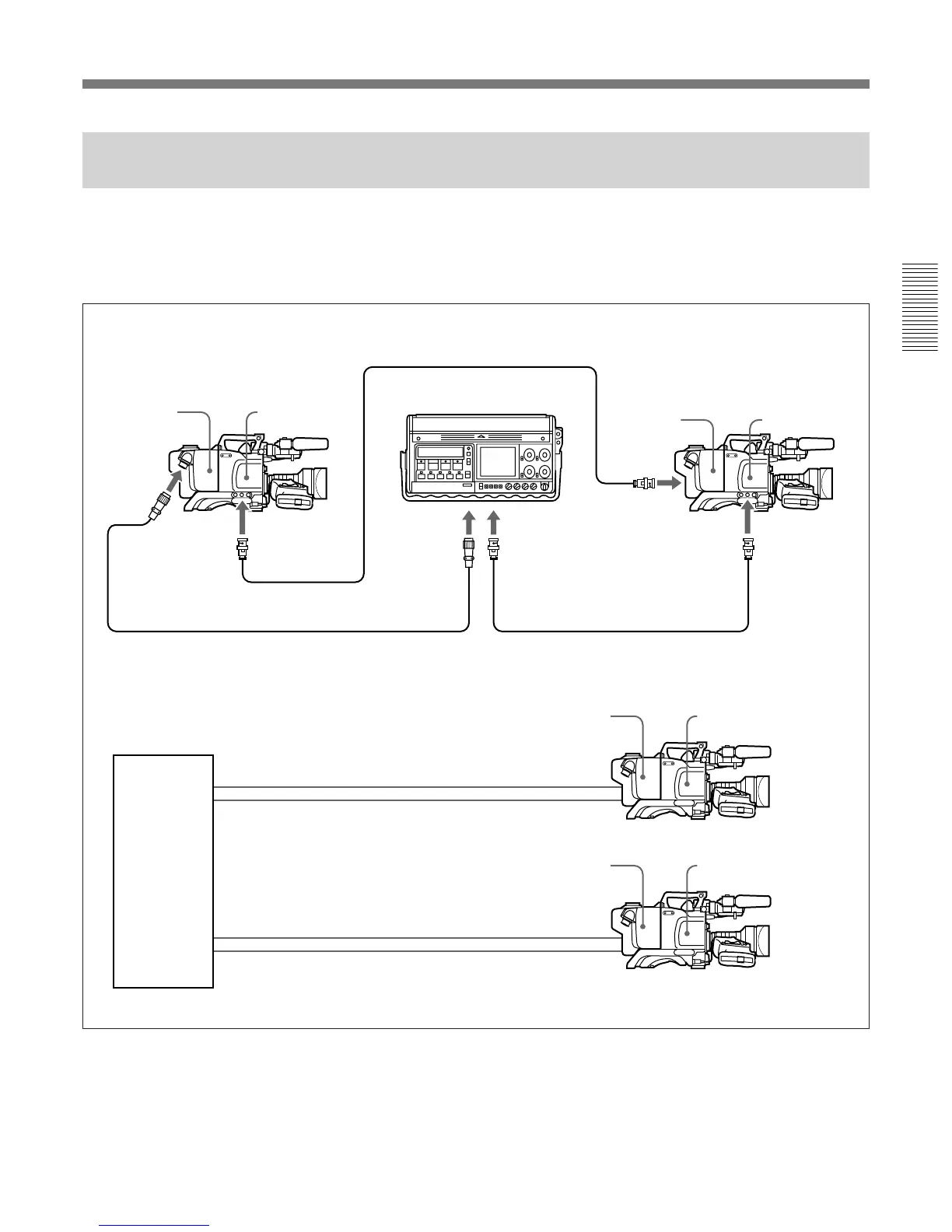
Connecting a Number of Cameras (Without Using a Camera Control
Unit)
When using two or more synchronized cameras
without a camera control unit, connect an external sync
signal to the GEN LOCK IN connector on the camera
adaptor (CA-D50/D50P etc.), supplying a VBS or BS
signal. The camera will then operate synchronized to
this signal.
You can adjust the synchronization using the
MAINTENANCE menus. (See page 66.)
Example 1: Camera 2 synchronized to the signal from camera 1
CA-D50/D50P
Camera 1
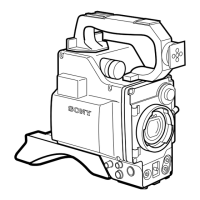
DXC-D50/D50P/
D50WS/D50WSP
CCZ-A Camera Cable
BNC cable
Portable VTR
To camera
connector
To video input
connector
CA-D50/D50P
Camera 2
DXC-D50/D50P/
D50WS/D50WSP
Example 2: Cameras 1 and 2 synchronized to the signal from a special effects unit or similar
Special effects
unit or similar
Video input connector
BNC cable
Sync signal output
connector
CA-D50/D50P
DXC-D50/D50P/
D50WS/D50WSP
BNC cable
Video input connector
BNC cable
CA-D50/D50P
Camera 2
Camera 1
DXC-D50/D50P/
D50WS/D50WSP
Sync signal output
connector
BNC cable
BNC cable


 To Next Page