Advanced Operations
23
3 Press U u of the 5 Direction JOG
to select the desired repeat mode
and press i (VOL) to confirm.
You can select one repeat mode from
“Track”, “A-B” and “Sentence”.
If you select either “Track” or “A-B”,
proceed to step 5.
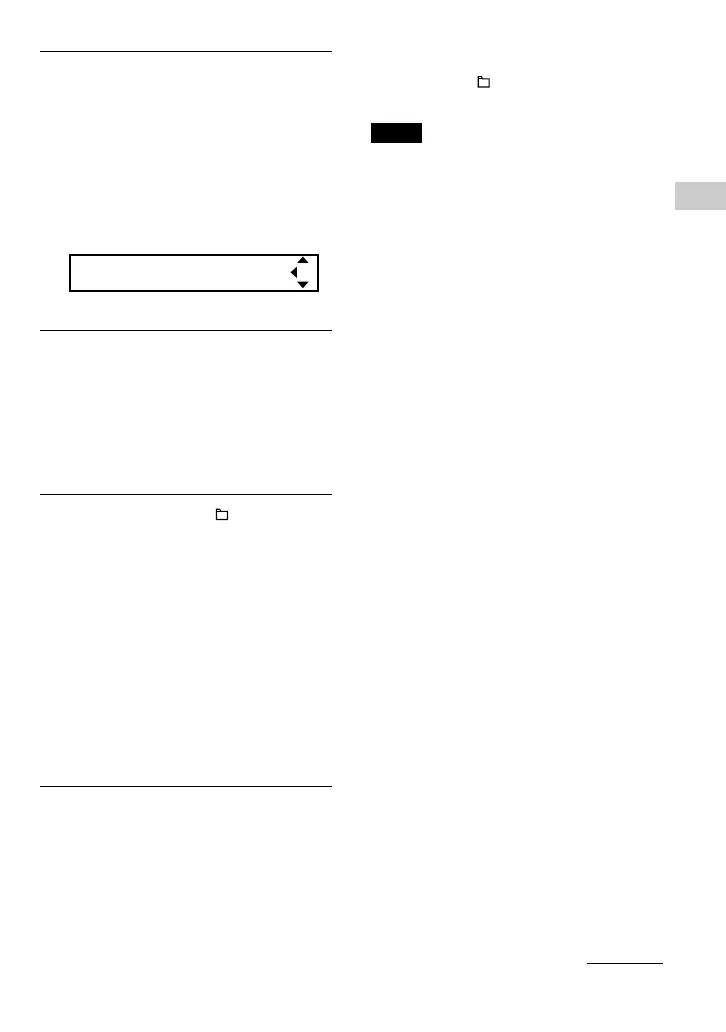
If you select “Sentence”, the “Repeat
Count” number appears in [ ].
Repeat Count[2]
Proceed the following step 4.
4 If “Sentence” is selected in step 3:
Press U u of the 5 Direction JOG
to select the desired repeat count
number and press i (VOL) to
confirm.
You can set the repeat count number
from 1-9. The default setting is 2 times.
5 Press and hold the /MENU
button until the screen changes.
Refer to the following topics for each
repeat mode operation.
• Repeat: Track
“Playing tracks repeatedly (Repeat:
Track)”
• Repeat: A-B
“Playing a specified section
repeatedly (Repeat: A-B)”
• Repeat: Sentence
“Playing specified sentences
repeatedly (Repeat: Sentence)”
To cancel operating the menu screen
Press and hold the /MENU button until the
screen changes.
Notes
• The display automatically returns to the playback
screen if you do not operate any button for 60
seconds.
• When there are no audio files in the built-in flash
memory, you cannot set any repeat mode.
• When you connect the Network Walkman to your
computer, the selected repeat mode will be
canceled.
• When you change the Play Range, the selected
repeat mode will be canceled.
• You can only select repeat mode from stop mode.
continued



 To Next Page