37
Adjusting the settings of your Network Walkman
Tur ning off the
beep sound (Beep)
You can turn off the beep sounds of your
Network Walkman.
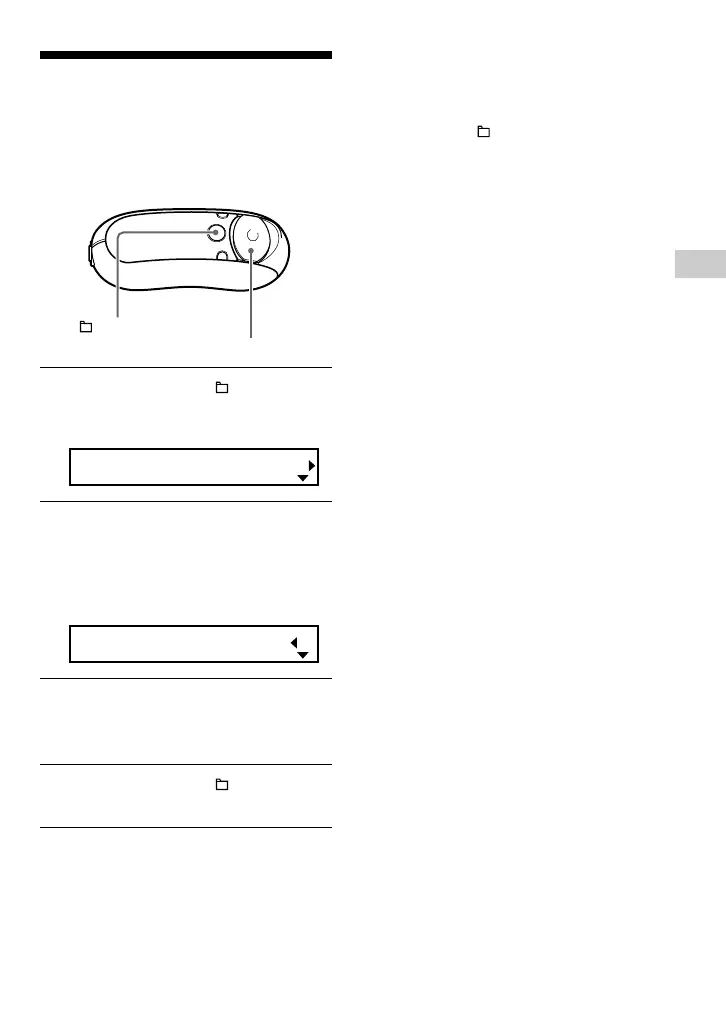
1 Press and hold the /MENU
button until the following menu
screen appears.
Search
2 Press U u of the 5 Direction JOG
to select “Beep:” and press
i (VOL) to confirm.
The beep sound setting (ON/OFF)
appears in [ ].
Beep[ON ]
3 Press U u of the 5 Direction JOG
to select “OFF” and press i (VOL)
to confirm.
4 Press and hold the /MENU
button until the screen changes.
/MENU
button
5 Direction JOG
To change the setting to ON
Select “ON” in step 3.
To cancel operating the menu screen
Press and hold the /MENU button until the
screen changes.



 To Next Page