39
Other functions
B
Other functions
Formatting
memory (Format)
You can use your Network Walkman to
format the built-in flash memory.
If memory is formatted, all the following data
stored in the built-in flash memory will be
erased. Be sure to verify the data stored in the
memory prior to formatting.
• All music data transferred to the Network
Walkman using the SonicStage software
• All data stored to the Network Walkman
using Windows Explorer, etc.
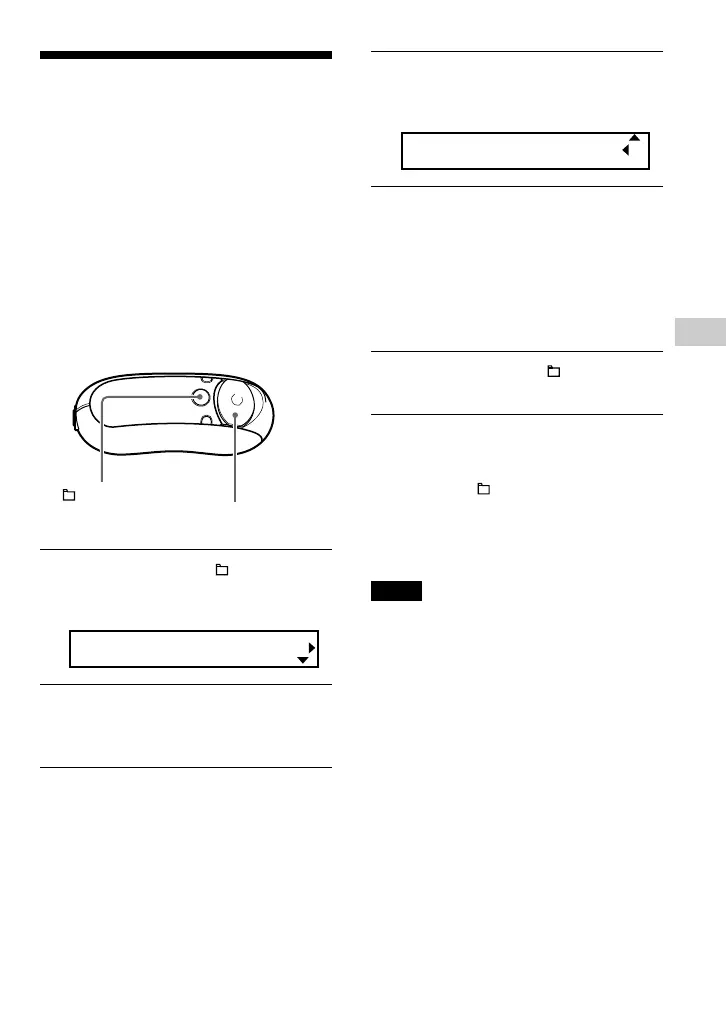
1 Press and hold the /MENU
button in stop mode until the
following menu screen appears.
Search
2 Press U u of the 5 Direction JOG
to select “Advanced Menu” and
press i (VOL) to confirm.
3 Press U u of the 5 Direction JOG
to select “Format” and press
i (VOL) to confirm.
Format[Cancel?]
4 Press U u of the 5 Direction JOG
to select “OK?” and press i (VOL)
to confirm.
“Formatting” appears and starts
formatting.
When formatting is complete,
“Complete” appears.
5 Press and hold the /MENU
button until the screen changes.
To cancel operating the menu screen
Press and hold the /MENU button until the
screen changes.
To cancel formatting
Select “Cancel?” in step 4.
Notes
• You cannot format memory while playing music.
• Do not format the built-in flash memory using
Windows Explorer. If you format the built-in
flash memory, format it using the “Format” menu
of the Network Walkman.
/MENU
button
5 Direction JOG



 To Next Page