49
FM Tuner (NW-E303/E305/E307 only)
Setting the
reception (Scan
Sens)
When you set the “FM Auto Preset” (page
45) or “Manual Tuning” (page 47), it may
receive many unnecessary broadcast stations
because reception is too sensitive. In this
case, set to “Scan Sens: Low”.
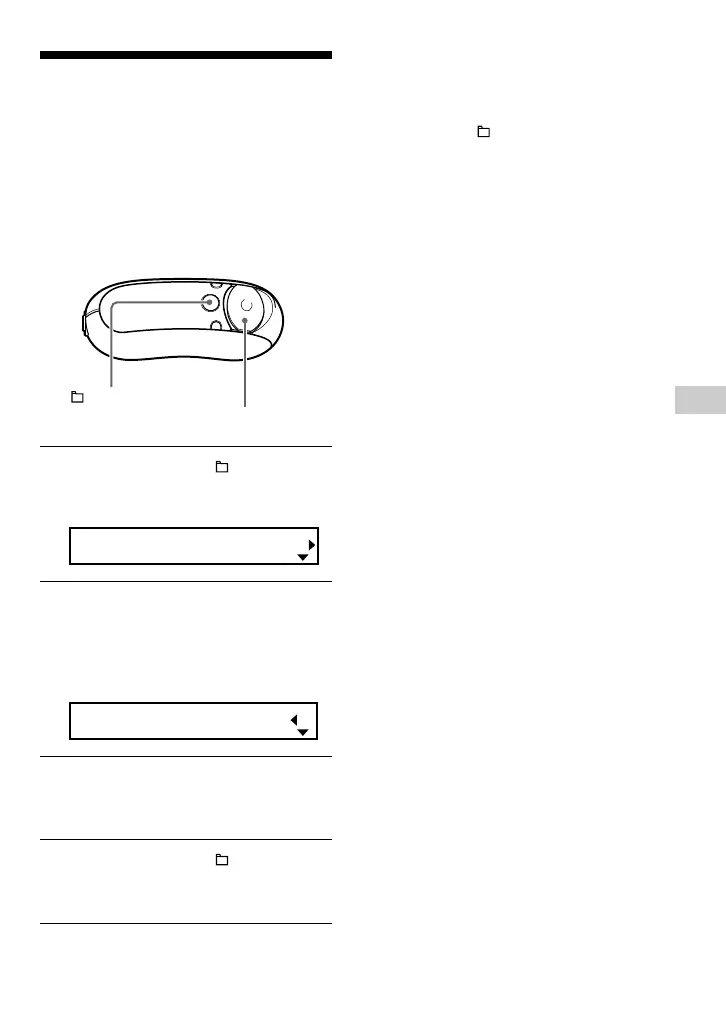
1 Press and hold the /MENU
button until the following menu
screen appears.
FM Auto Preset
2 Press U u of the 5 Direction JOG
to select “Scan Sens:” and press
i (VOL) to confirm.
The reception setting (High/Low)
appears in [ ].
Scan Sens[High]
3 Press U u of the 5 Direction JOG
to select “Low” and press i (VOL)
to confirm.
4 Press and hold the /MENU
button until the FM tuner screen
appears.
To set back the reception
Select “High” in step 3.
To cancel operating the menu screen
Press and hold the /MENU button until the FM
tuner screen appears.
/MENU
button
5 Direction JOG



 To Next Page