48
Presetting desired
broadcast stations
You can preset broadcast stations that “FM
Auto Preset” misses (page 45).
1 Select the desired frequency by
Manual Tuning mode.
2 Press and hold the center of the 5
Direction JOG (Nx).
The frequency you select in step 1 is
preset and the preset number appears to
the left of the frequency.
z Tip
You can preset up to 30 stations (P01 to P30).
Note
The preset number is always sorted from low to
high frequency order.
To delete preset broadcast
stations
1 Select the desired frequency’s
preset number.
2 Press and hold the center of the 5
Direction JOG (Nx).
3 Press U u of the 5 Direction JOG
to select “OK” and press i (VOL)
to confirm.
The preset broadcast station is deleted
and the next one appears.
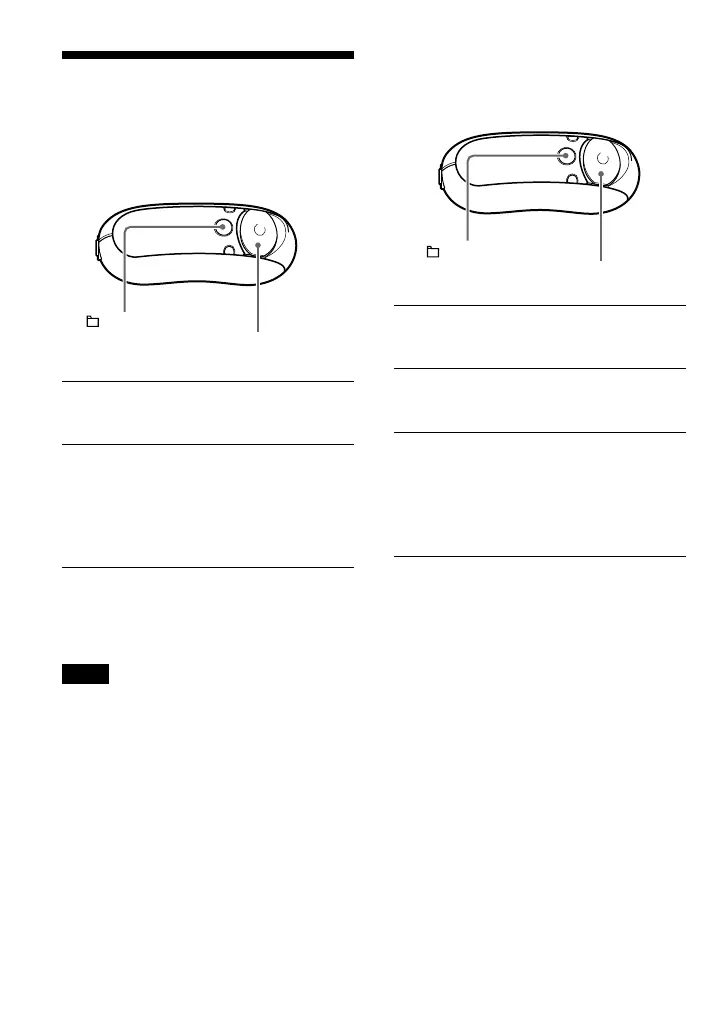
/MENU
button
5 Direction JOG
/MENU
button
5 Direction JOG



 To Next Page