35
Adjusting the settings of your Network Walkman
2 Press U u of the 5 Direction JOG
to select “Volume:” and press
i (VOL) to confirm.
The volume setting (Manual/Preset)
appears in [ ].
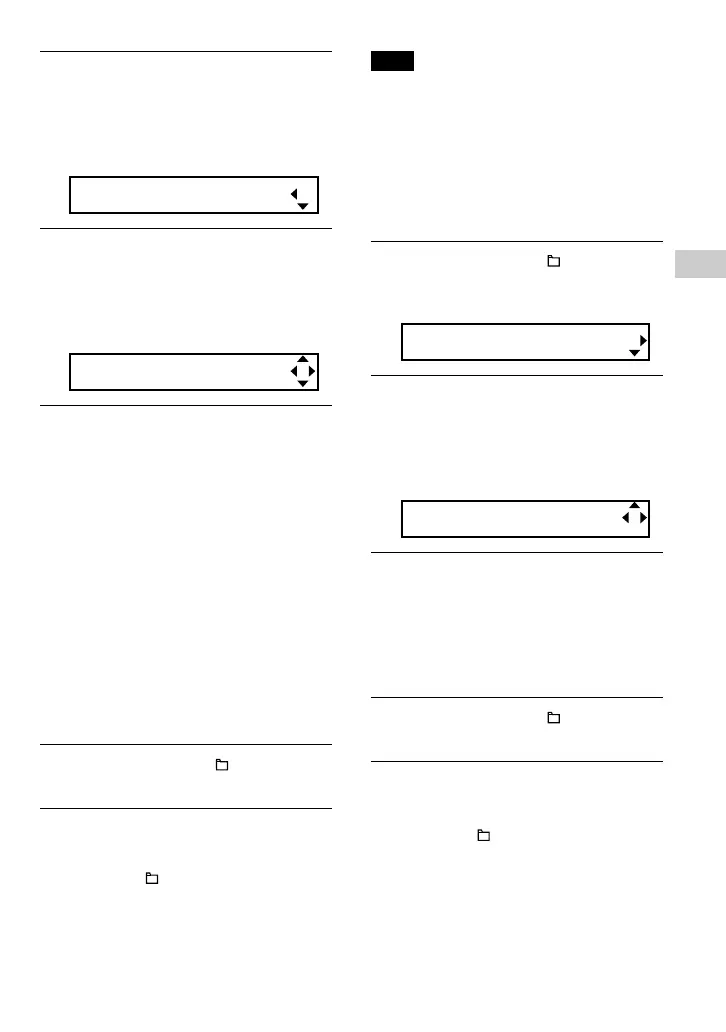
Volume[Manual]
3 Press U u of the 5 Direction JOG
to select “Preset” and press
i (VOL) to confirm.
The volume level of “L (Low)” appears
in [ ].
L[ 5]M:10 H:15
4 Set the volume levels for the 3
preset levels: L (Low), M (Mid), or
H (High).
1 Press U u of the 5 Direction JOG to
select the volume level of “L (Low)”
and press i (VOL) to confirm.
The volume level of “M (Mid)”
appears in [ ].
2 Press U u of the 5 Direction JOG to
select the volume level of “M (Mid)”
and press i (VOL) to confirm.
The volume level of “H (High)”
appears in [ ].
3 Press U u of the 5 Direction JOG to
select the volume level of “H (High)”
and press i (VOL) to confirm.
5 Press and hold the /MENU
button until the screen changes.
To cancel operating the menu screen
Press and hold the /MENU button until the
screen changes.
Note
If AVLS (page 33) is set, the actual volume may be
lower than the settings.
Releasing AVLS (AVLS: OFF) returns the volume
to the preset level.
Switching to manual mode
(Volume: Manual)
1 Press and hold the /MENU
button until the following menu
screen appears.
Search
2 Press U u of the 5 Direction JOG
to select “Volume:” and press
i (VOL) to confirm.
The volume setting (Manual/Preset)
appears in [ ].
Volume[Preset]
3 Press U u of the 5 Direction JOG
to select “Manual” and press
i (VOL) to confirm.
With this setting, you can adjust the
volume level by pressing the i (VOL)/
I (VOL) of the 5 Direction JOG.
4 Press and hold the /MENU
button until the screen changes.
To cancel operating the menu screen
Press and hold the /MENU button until the
screen changes.



 To Next Page