34
3 Press U u of the 5 Direction JOG
to select “ON” and press i (VOL)
to confirm.
The volume is kept at a moderate level.
4 Press and hold the /MENU
button until the screen changes.
To change the setting to OFF
Select “OFF” in step 3.
To cancel operating the menu screen
Press and hold the /MENU button until the
screen changes.
z Tip
“AVLS” appears by pressing i (VOL)/I (VOL) of
the 5 Direction JOG if the “AVLS:ON” is set.
Setting the volume
using the preset
volume function
(Volume)
There are 2 modes to adjust the volume level.
Manual Volume:
Press i (VOL)/I (VOL) of the 5
Direction JOG to adjust the volume level
from 0 to 31.
Preset Volume:
Press i (VOL)/I (VOL) of the 5
Direction JOG to set the volume level to
any of 3 preset levels: Low, Mid, High.
Setting a volume level for
preset mode (Volume:
Preset )
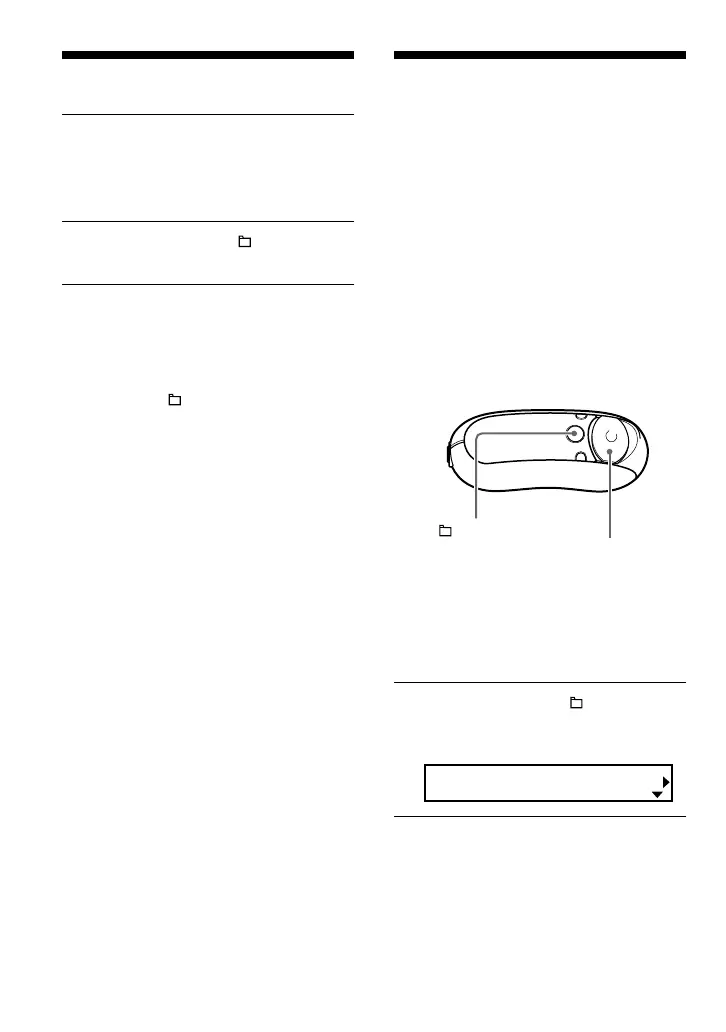
1 Press and hold the /MENU
button until the following menu
screen appears.
Search
Limiting the volume (AVLS)
/MENU
button
5 Direction JOG



 To Next Page