41
Other functions
Setting the date
format (Date Disp
Type)
You can select the date format from among
“year/month/day”, “day/month/year” and
“month/day/year” when adjusting the current
time setting “Date-Time”.
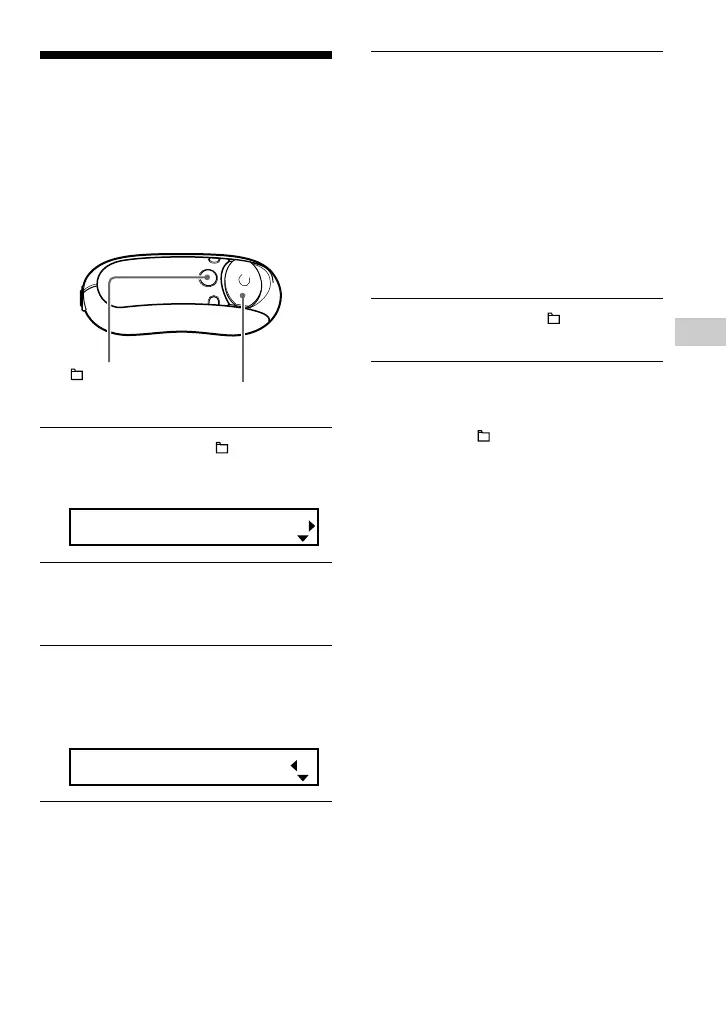
1 Press and hold the /MENU
button in stop mode until the
following menu screen appears.
Search
2 Press U u of the 5 Direction JOG
to select “Advanced Menu” and
press i (VOL) to confirm.
3 Press U u of the 5 Direction JOG
to select “Date Disp Type” and
press i (VOL) to confirm.
The date format setting appears in [ ].
Date[yy/mm/dd]
4 Press U u of the 5 Direction JOG
to select the desired setting and
press i (VOL) to confirm.
You can select the date format setting
from the following.
• yy/mm/dd: The date format appears
“year/month/day”.
• dd/mm/yy: The date format appears
“day/month/year”.
• mm/dd/yy: The date format appears
“month/day/year”.
5 Press and hold the /MENU
button until the screen changes.
To cancel operating the menu screen
Press and hold the /MENU button until the
screen changes.
/MENU
button
5 Direction JOG



 To Next Page