44
Displaying the
player information
(Information)
Information such as product name, built-in
flash memory capacity, serial number and
software version can be shown.
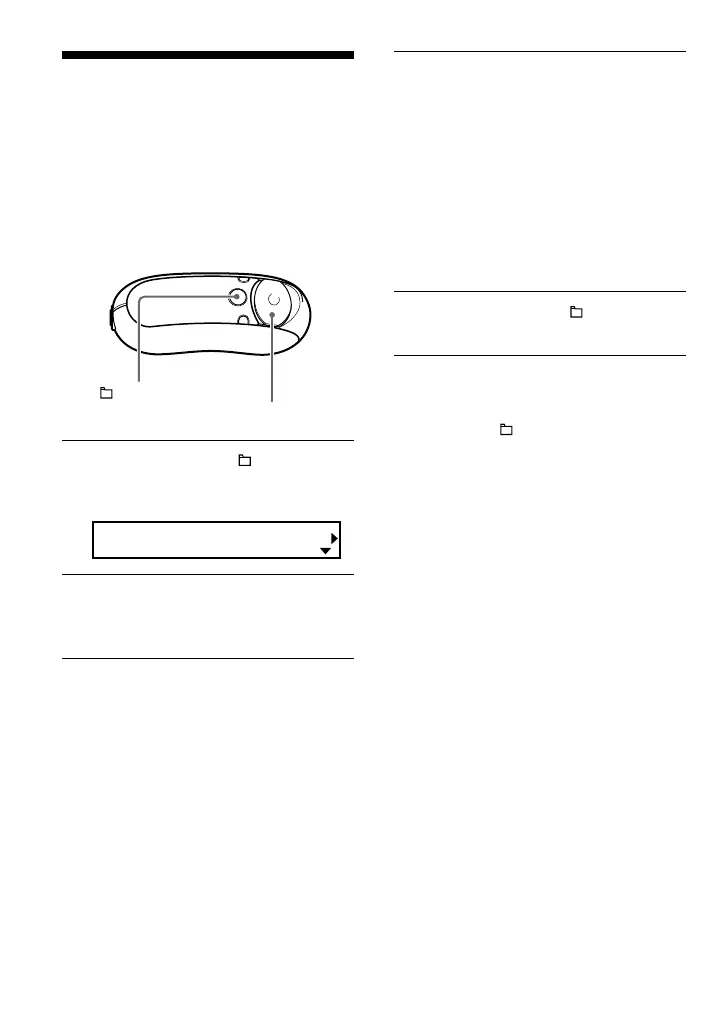
1 Press and hold the /MENU
button in stop mode until the
following menu screen appears.
Search
2 Press U u of the 5 Direction JOG
to select “Advanced Menu” and
press i (VOL) to confirm.
3 Press U u of the 5 Direction JOG
to select “Information” and press
i (VOL) to confirm.
Displays the following information by
pressing u of the 5 Direction JOG each
time.
1: product name
2: built-in flash memory capacity
3: serial number
4: software version
4 Press and hold the /MENU
button until the screen changes.
To cancel operating the menu screen
Press and hold the /MENU button until the
screen changes.
/MENU
button
5 Direction JOG



 To Next Page