Learning the basics
GUID GUID-674516E9-7783-4313-A470-21D53828B358
Title Learning the basics
Changes For nxtstp UG. Done by Jorgen but renamed the Author to Nellie.
Version 1
Author zzTan Nellie
Status Released
Using the touchscreen
GUID GUID-D59D1053-4072-417B-BFE8-E3918A3A263F
Title Using the touch screen
Changes For nxtstp UG
Version 10
Author zzLuLinda
Status Released
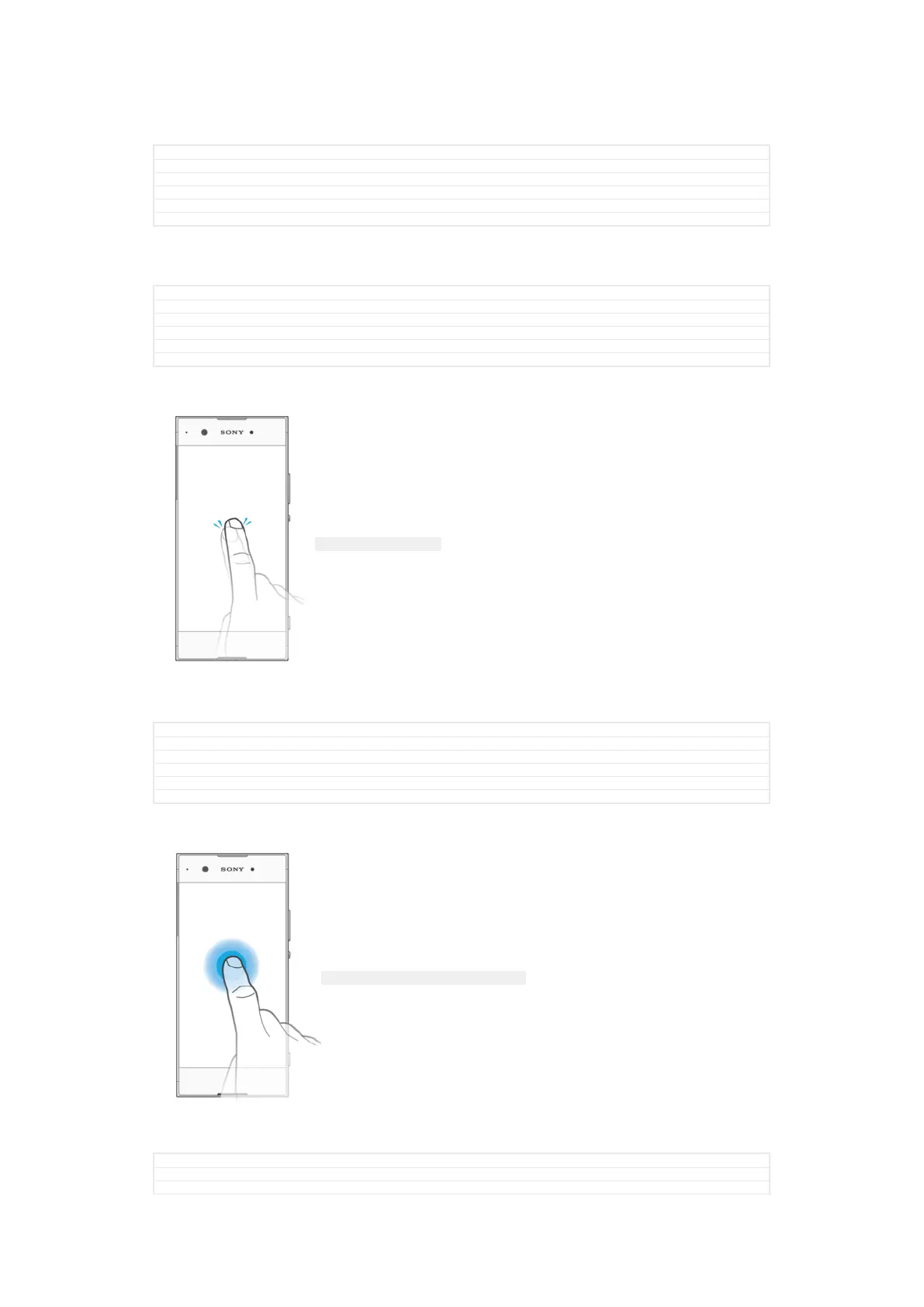
Tapping
ID: ILL-SONY-17HI-TAPPING
•
Open or select an item.
•
Mark or unmark a checkbox or option.
•
Enter text using the on-screen keyboard.
GUID GUID-149BDDAC-EA89-4D9A-AAD2-E917F3A290F6
Title Tapping
Changes For nxtstp UG
Version 1
Author zzLuLinda
Status Released
Touching and holding
ID: ILL-SONY-17HI-TOUCHING-AND-HOLDING
•
Move an item.
•
Activate an item-specific menu.
•
Activate selection mode, for example, to select several items from a list.
GUID
GUID-DCB7D933-A687-4E9E-B67A-3D1E49F9DB01
Title Touching and holding
Changes For nxtstp UG
25
This is an internet version of this publication. © Print only for private use.



 To Next Page