DAV-DZ350/DZ650/DZ950
18
SECTION 3
TEST MODE
VERSION DISPLAY
Confi rmation procedure of version only:
1. Connect this unit with TV monitor.
2. Press the [
?/1
] button to turn on the system.
3. Press the [
Z
] button.
(State of “Tray open”)
4. After press the [
x
] button, press the [ DISPLAY] button on
the remote commander.
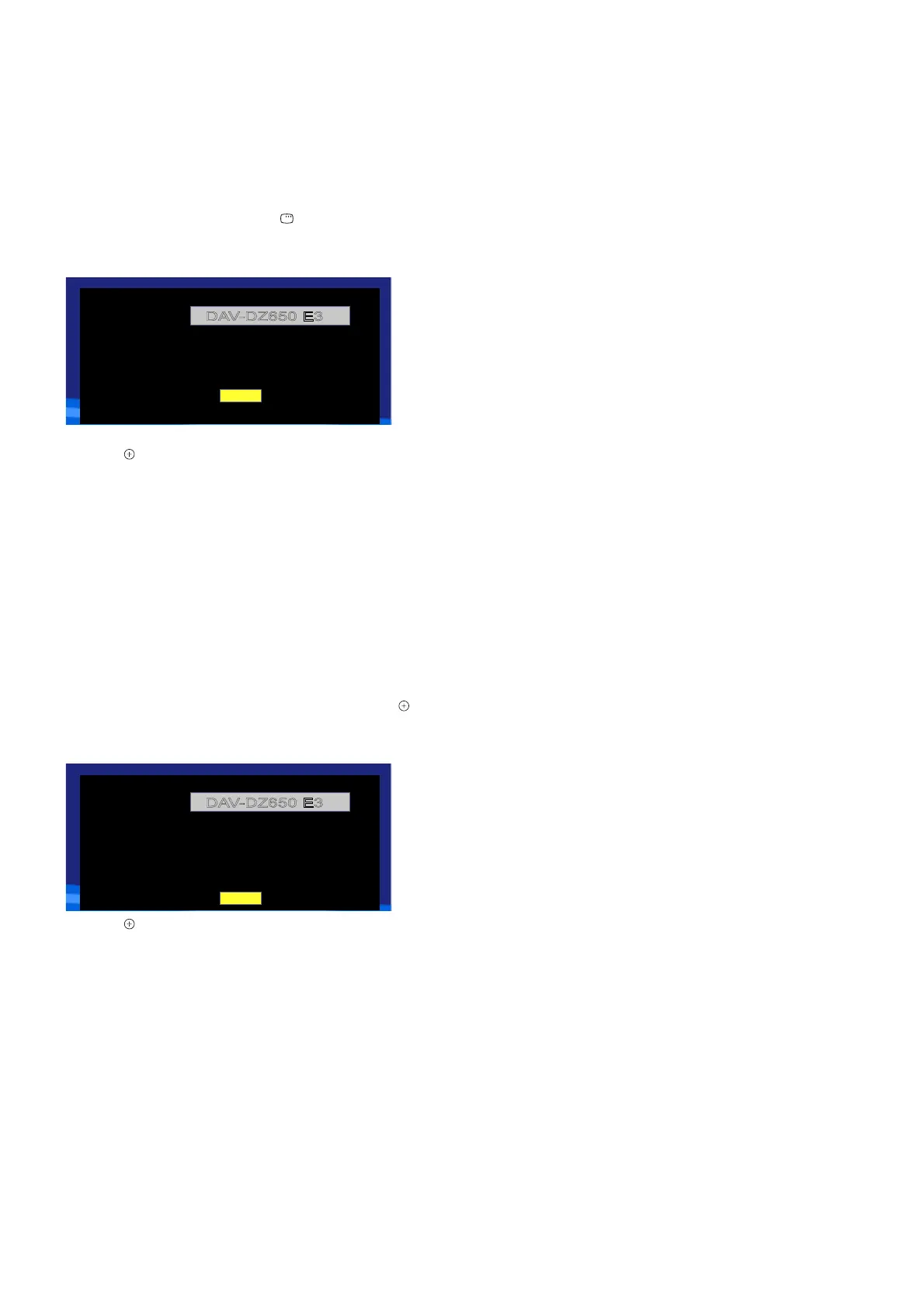
5. The version information appears to the TV monitor.
(Displayed character/values are example)
(Displayed character/values are example)
Model NO.
Release:
2013.01.11A
MPEG:
2.06.33
Region:
2
MCU:
2.46.74
HdcpKey
:
Yes
DAV-DZ650 E3
OK
Releasing Procedure:
1. Press the [ ] button on the remote commander.
2. The system will return to normal mode.
RESET
This unit can return to the factory settings.
Procedure:
1. Connect this unit with TV monitor.
2. Press the [
?/1
] button to turn on the system.
3. Press the [
Z
] button.
(State of “Tray open”)
4. Press the [
x
] button on the remote commander. Next, while
pressing the [SHIFT] button on the remote commander, press
the [4 FM], [5 TV(HDMI)] and [6 OPTICAL/AUDIO IN]
buttons on the remote commander in order, and release the
[SHIFT] button on the remote commander. Next, press the [ ]
button on the remote commander.
5. The information appears to the TV monitor.
(Displayed character/values are example)
Model NO.
Release:
2013.01.11A
MPEG:
2.06.33
Region:
2
MCU:
2.46.74
HdcpKey
:
Yes
Servo:
A4.04.00.00
Risc:
01.04.26.00
DAV-DZ650 E3
OK
6. Press the [ ] button on the remote commander.
7. When done, the messages “STANDBY” appears and turn off
the system.



 To Next Page