HBD-E2100/E3100/E3200/E4100/E6100
35
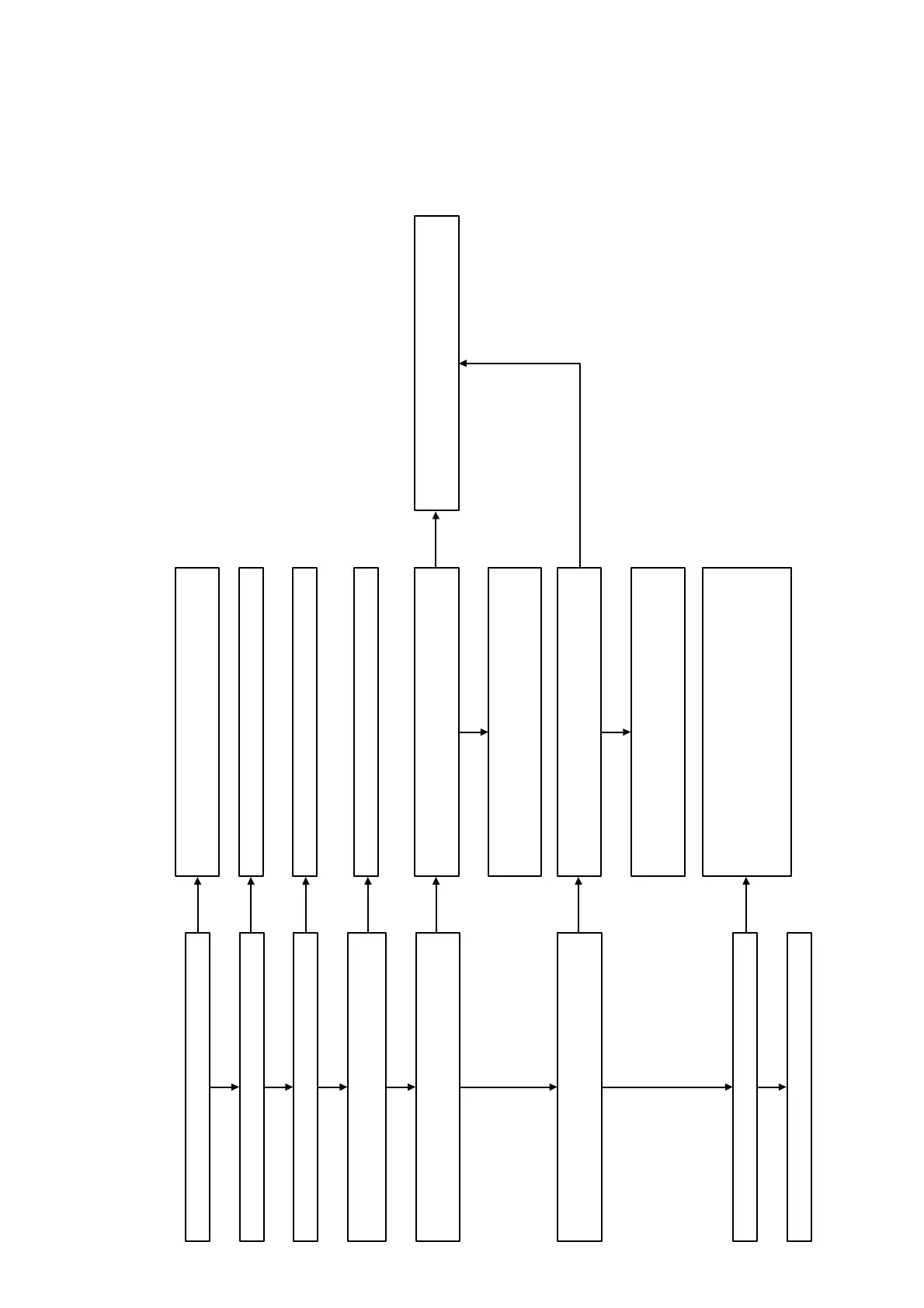
HDMI Check Flow
Check that the drive is operating normally.
Check that each power supply is supplied.
Yes
Yes
Yes
Yes
Yes
Yes
Yes
Yes
Check that only the digital output (HDMI) is affected.
Check that the input voltage of the following pin is 5.5 V.
MB1002 board IC408 pin 5 (VIN)
Check that the output voltage of the following pin is 5 V.
MB1002 board IC408 pin 4 (VOUT)
Yes
Check that the output voltage of the following pin is 3.3V.
MB1002 board Q204 pin 6
Check that there are no abnormalities in CN401.
Perform other analyses.
Check the settings on the menu screen.
Refer to the “Power Check Flow (1/2)” on page 33.
Check that the input voltage of the following pin is 3.3V.
MB1002 board IC408 pin 1 (CONT)
Refer to the “Power Check Flow (1/2)” on page 33 to
check on power control signal for PCONT_3
Refer to the “2-1. Flow of drive section check” on page 7
on original service manual.
Exchange the IC408.
Part No. 6-718-999-01
Description IC MM1839A50NRE
Check that the input voltage of the following pin is 3.3V.
MB1002 board Q204 pin 4 (CONT)
Refer to the “Power Check Flow (1/2)” on page 33.
Exchange the Q204.
Part No. 6-553-007-01
Description TR PMG85XP
Part No. 1-821-398-41
Description HDMI CONNECTOR (HDMI OUT ARC)
Exchange the CN401
Note: When CN401 is exchanged, be careful of the
quality of soldering enough.
No
No
No
No
No
No
No
No
No
Ver. 1.5



 To Next Page