— 6 —
SECTION 2
GENERAL
234
1
@§
@ª@•@¶
@∞
%¢
%∞
^¡
^™^£
^¢
^∞^§
%§%¶
%•
%ª
^º
#º#¡
#™ #£
#§
#•
$º
$™
$¡
#∞
#¢
$£$¢$∞$§$¶$•
$ª
%¡
%£
^•
%º
^ª
&º
&¡
%™
#¶
#ª
@¡
@™
@£
@¢
@º
!ª
!•
!¶
9
!§
!∞
56
7
8
0
!¡
!£
!™
!¢
^¶
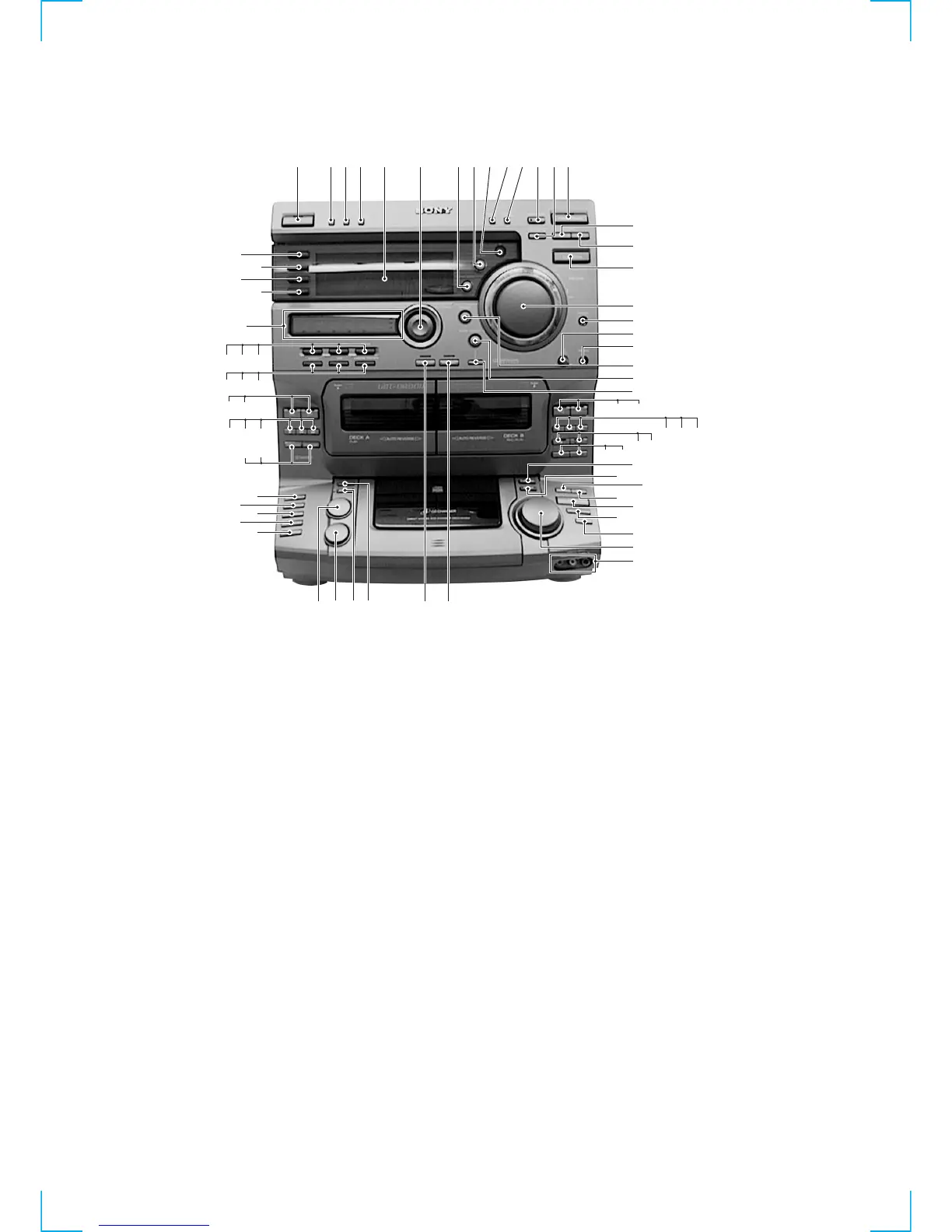
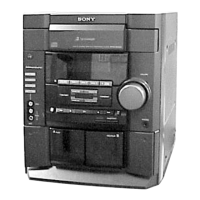
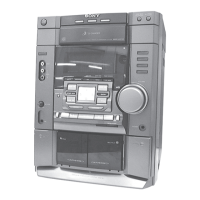
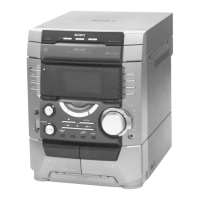
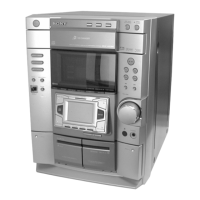
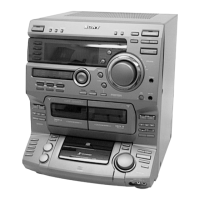
Location of Parts and Controls
1 1/u (Power) button and indicator
2 DEMO (STANDBY) button (DR8AV)
POWER SAVE/DEMO (STANDBY)
button (W900AV)
3 DISPLAY button
4 SPECTRUM ANALYZER button
5 Display window
6 GEQ control button
7 SYNC BASS button
8 SYNC EQ button
9 Remote sensor
0 TUNING MODE button
!¡ STEREO/MONO button
!™ ENTER/NEXT button and indicator
!£ TUNER MEMORY button
!¢ TUNER/BAND button
!∞ TUNING - button
!§ TUNING + button
!¶ FUNCTION button
!• VOLUME knob
!ª PHONES jack
@º MIC LEVEL knob
@¡ MIX MIC jack
@™ GROOVE button and indicator
@£ SUPER WOOFER button and indicator
@¢ MODE button
@∞ ª (B Deck) button and indicator
@§ · (B Deck) button and indicator
@¶ p (B Deck) button
@• 0 (B Deck) button
@ª ) (B Deck) button
#º P (B Deck) button
#¡ r REC (B Deck) button
#™ HI-SPEED DUB button
#£ CD SYNCHRO button
#¢ PLAY MODE button
#∞ REPEAT button
#§ 0 (CD) button
#¶ ) (CD) button
#• ·P (CD) button and indicator
#ª p (CD) button
$º DISK SKIP button
$¡ = AMS + knob
$™ VIDEO2 INPUT jacks
$£ PRO LOGIC button and indicator
$¢ DVD 5.1 CH
$∞ EDIT button
$§ NON-STOP button and indicator
$¶ LOOP button
$• FLASH button
$ª DISC 5 button
%º DISC 4 button
%¡ DISC 3 button
%™ DISC 2 button
%£ DISC 1 button
%¢ DOLBY NR button
%∞ DIRECTION button
%§ ) (A Deck) button
%¶ 0 (A Deck) button
%• p (A Deck) button
%ª · (A Deck) button
^º ª (A Deck) button
^¡ KARAOKE PON/MPX button
^™ DSP button and indicator
^£ EFFECT button and indicator
^¢ ENTER button and indicator
^∞ GEQ CONTROL button
^§ P. FILE MEMORY
^¶ Equalizer indicators
^• t/CLOCK SET button
^ª SLEEP button
&º REC button and indicator
&¡ DAILY button and indicator
• AMS is the abbreviation for Automatic
Music Sensor.
Front Panel


 To Next Page