EasyManua.ls Logo

Sony IT-A100 - Choosing Tone or Pulse Dialing

Sony IT-A100
58 pages
Print Icon
To Next Page IconTo Next Page
To Previous Page IconTo Previous Page
Loading...
Choosing
tone
or
pulse
dialing
For
the
telephone
to
work
correctly,
you
must
set
it
to
the
type
of
your
dialing
system:
tone
or
pulse
dialing.
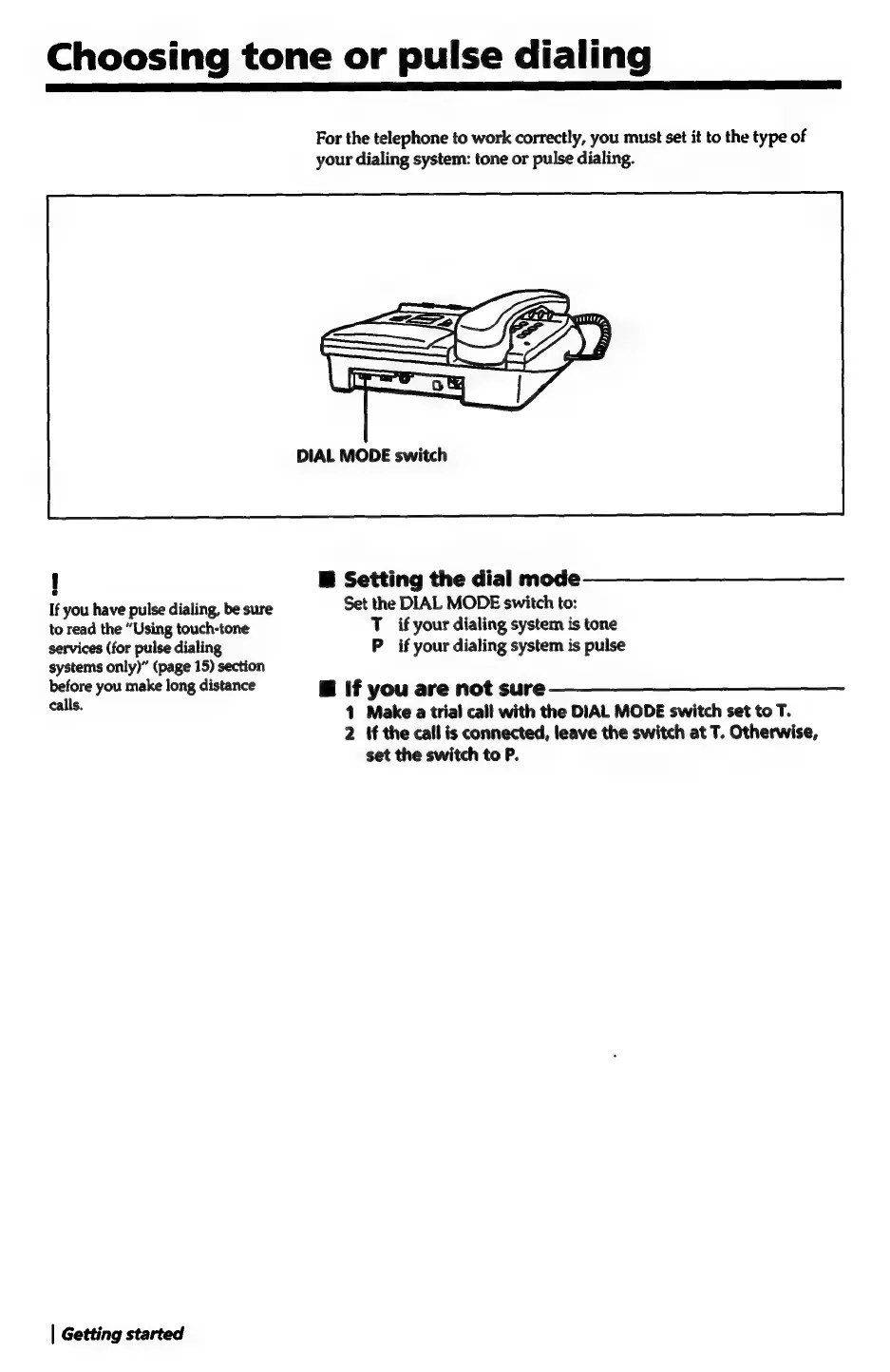
DIAL
MODE
switch
!
Mf
Setting
the
dial
mode
If
you
have
pulse
dialing,
be
sure
Set
the
DIAL
MODE
switch
to:
to
read
the
“Using
touch-tone
T
if
your
dialing
system
is
tone
services
(for
pulse
dialing
P
if
your
dialing
system
is
pulse
systems
only)”
(page
15)
section
before
you
make
long
distance
B
if
you
are
not
sure
cle.
1
Make
a
trial
call
with
the
DIAL
MODE
switch
set
to
T.
2
If
the
call
is
connected,
leave
the
switch
at
T.
Otherwise,
set
the
switch
to
P.
|
Getting
started

Related product manuals