EasyManua.ls Logo

Sony IT-A100 - Making Memory Dialing Calls

Sony IT-A100
58 pages
Print Icon
To Next Page IconTo Next Page
To Previous Page IconTo Previous Page
Loading...
i
If
you
use
a
Private
Branch
Exchange
(PBX)
You
need
to
dial
a
digit
(such
as
9)
to
access
an
outside
line
before
you
dial
a
phone
number.
To
store
the
phone
number:
1
Enter
the
outside
line
access
digit.
2
Press
REDIAL/PAUSE
to
enter
a
pause
(to
allow
the
phone
time
to
the
access
outside
line).
3
Enter
the
phone
number
you
want
to
store.
@
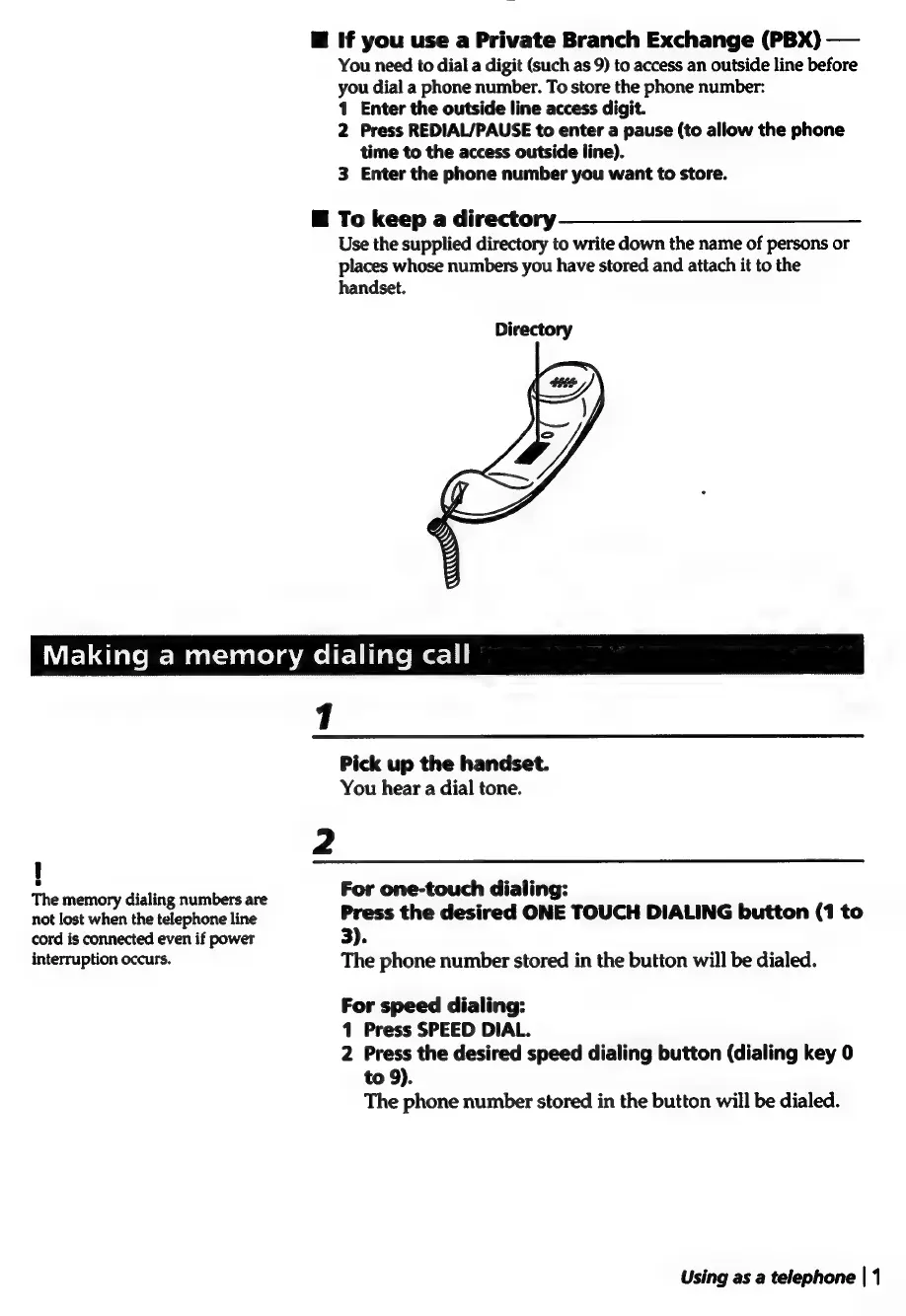
To
keep
a
directory
Use
the
supplied
directory
to
write
down
the
name
of
persons
or
places
whose
numbers
you
have
stored
and
attach
it
to
the
handset.
Wire
dlalem-Mastsiscelemeltlilale
merci
The
memory
dialing
numbers
are
not
lost
when
the
telephone
line
cord
is
connected
even
if
power
interruption
occurs.
Pick
up
the
handset.
You
hear
a
dial
tone.
For
one-touch
dialing:
Press
the
desired
ONE
TOUCH
DIALING
button
(1
to
3).
The
phone
number
stored
in
the
button
will
be
dialed.
For
speed
dialing:
1
Press
SPEED
DIAL.
2
Press
the
desired
speed
dialing
button
(dialing
key
0
to
9).
The
phone
number
stored
in
the
button
will
be
dialed.
Using
as
a
telephone
|
1

Related product manuals