Using the Remote Control
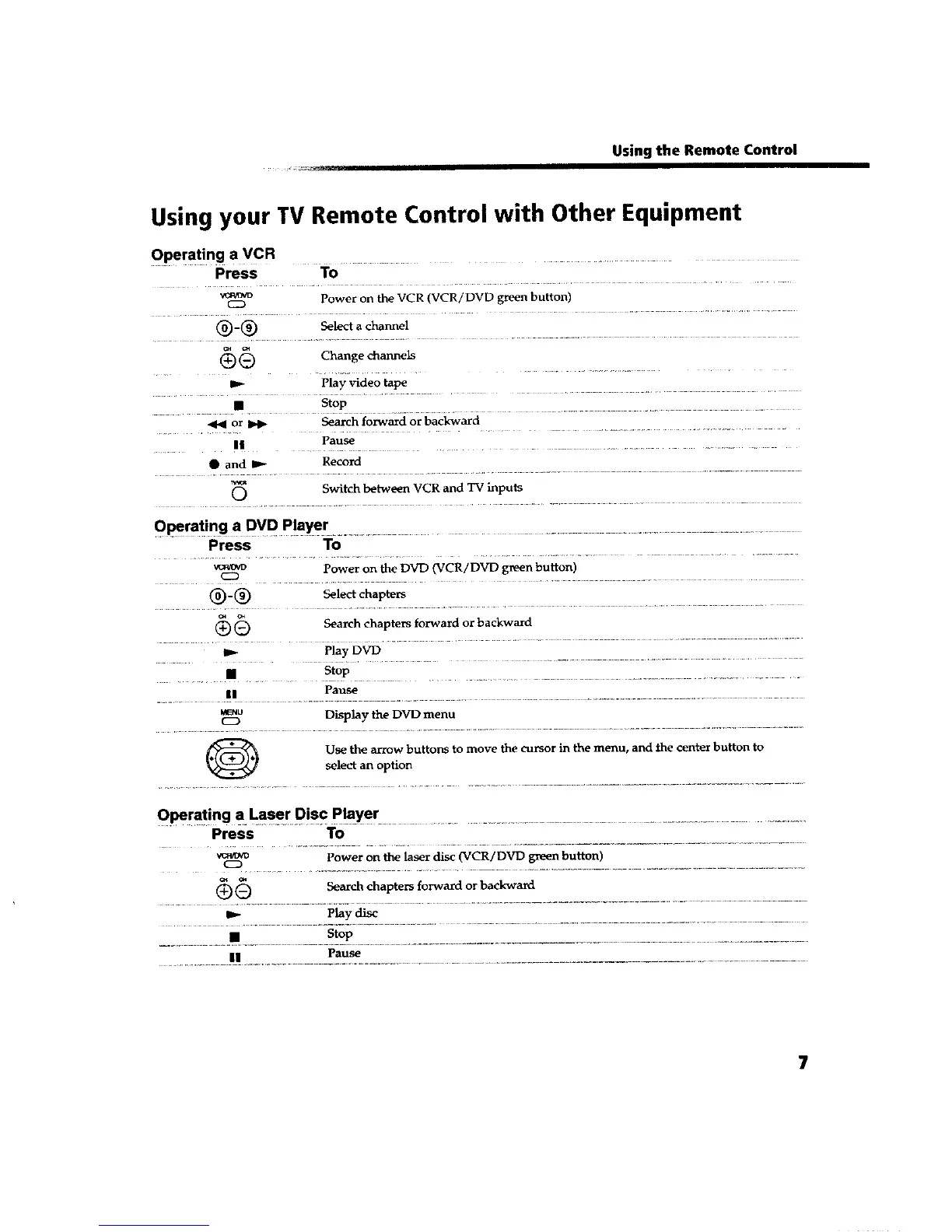
Using your TV Remote Control with Other Equipment
Operating a VCR .....
Press To
Power on the VCR (VCR/DVD green button)
C2D
(_-(_ Select a channel
(_) Chang e channe_-_
...... D" Play Video tape ..........
• .... st?p ........
or _ Search forward or backward
Pause
• and _ Record
Switch between VCR and TV inputs
Press To
vcm_w Power on the DVD (VCR/DVD green button)
(_)- (_ Select chapters
(_ _) Search chapters forward or backward
_._ Play DVD
• Stop
Pause
|1 ..............
_.nu Display the DVD menu
C2D
O Use the arrow buttons to move the cursor in the menu, and the center button to
select an option
Press To
Power on the laser disc (VCR/DVD green button)
C2D
_ Search chapters forward or backward
Play disc
• Stop
Pause
............ || ................... .................................................









 To Next Page