Operating Instructions
About this Manual
This manual provides instructions to help you enjoy your new TV. It shows you how to
connect to an antenna or cable, cable box, VCR, DVD, satellite receiver, stereo system, or
camcorder. Once your TV is connected, follow the instructions and use the remote control to
access the on-screen menus.
Batteries for the Remote Control
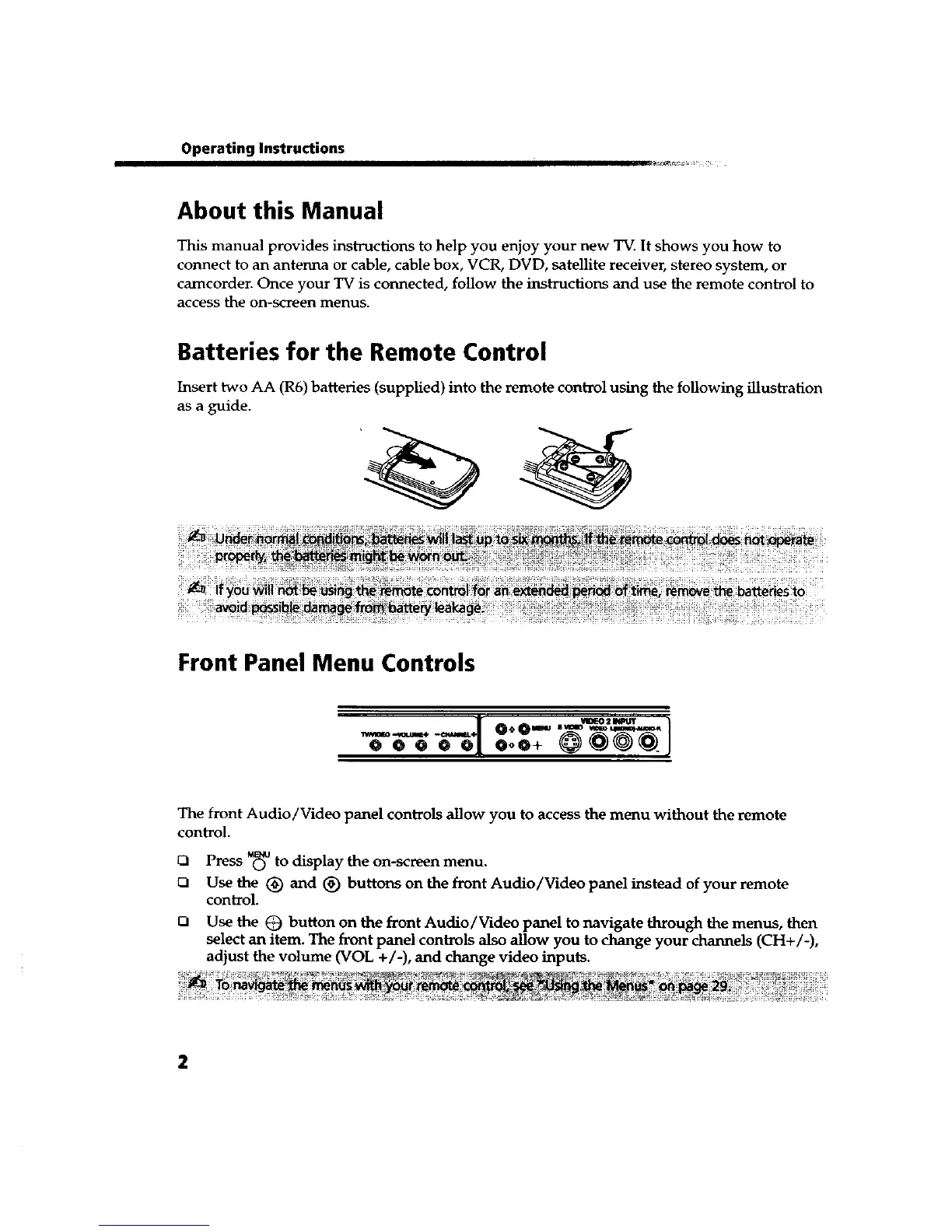
Insert two AA (R6) batteries (supplied) into the remote control using the following illustration
as a guide.
Front Panel Menu Controls
The front Audio/Video panel controls allow you to access the menu without the remote
control.
_1 Press © to display the on-screen menu.
r7 Usethe (_ and (_ buttons on the front Audio/Video panel instead of your remote
control.
Q
Use the (_ button on the front Audio/Video panel to navigate through the menus, then
select an item. The front panel controls also allow you to change your channels (CH+/-),
adjust the volume (VOL +/-), and change video inputs.









 To Next Page