Using the Menus
Using the Parent _ Menu
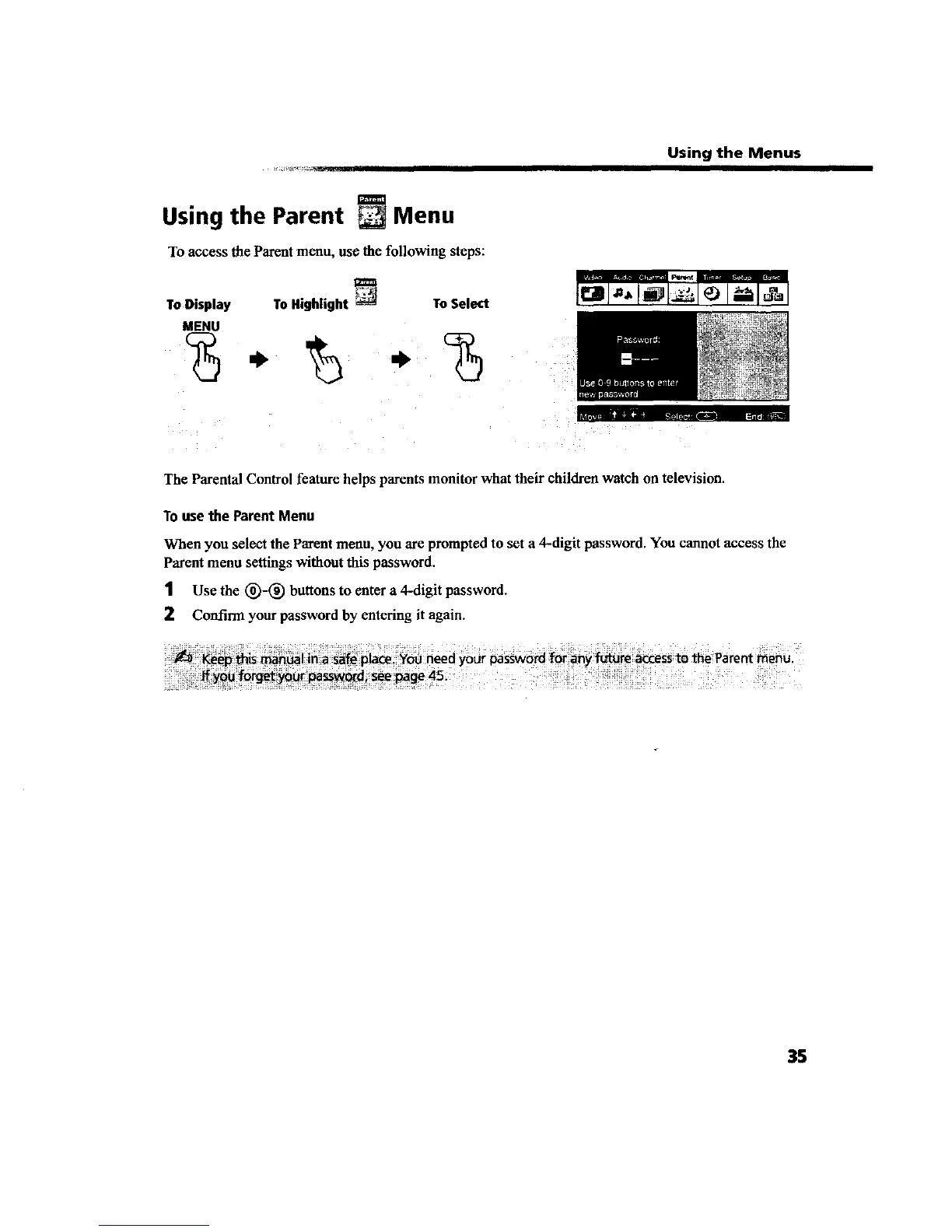
To access the Parentmenu, use the following steps:
To Display To Highlight To Select
MENU
-%
li_['_ • -".....
The Parental Control feature helps parents monitor what their children watch on television.
Tousethe ParentMenu
When you select the Parent menu, you are prompted to set a 4-digit password. You cannot access the
Parent menu settings without this password.
1 Use the (_-(_ buttons to enter a 4-digit password.
2 Confirm your password by entering it again.
35









 To Next Page