Using the Menus
Using the Basic Menu
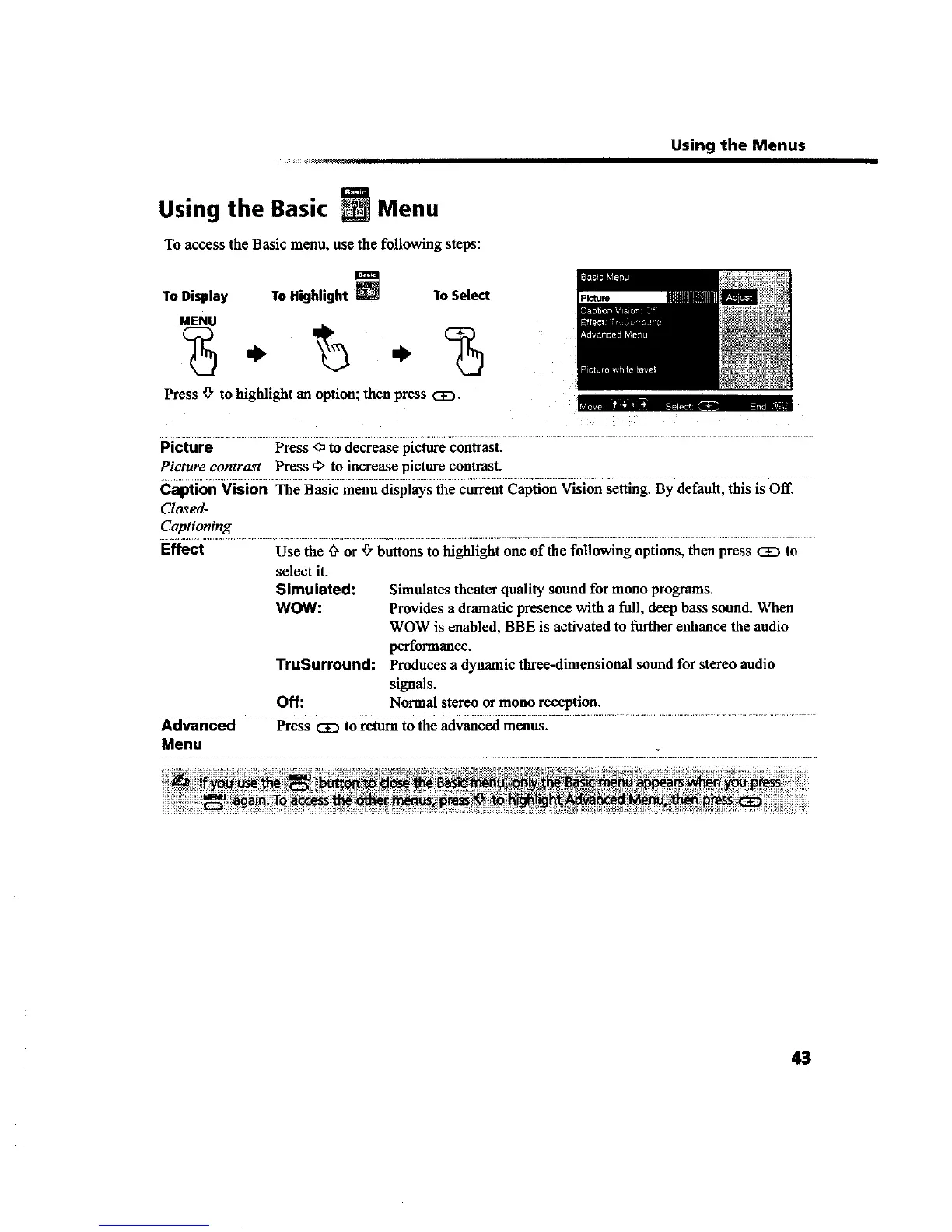
To access the Basic menu, use the following steps:
To Display To Highlight
To Select
MENU
Press '_ to highlight an option; then press CE).
mhw.--_
Picture Press <) to decrease picture contrast.
Picture contrast Press _ to increase picture contrast.
Caption Vision The Basic menu displays the currentCaption Vision setting. By default, this is Off.
Closed-
Captioning
Effect Use the _ or _" buttons to highlight one of the following options, then press <2E)to
select it.
Simulated: Simulates theater quality sound for mono programs.
WOW: Provides a dramatic presence with a full, deep bass sound. When
WOW is enabled, BBE is activated to further enhance the audio
pel_'ognlance.
TruSurround: Produces a dynamic three-dimensional sound for stereo audio
signals.
Off: Normal stereo or mono reception.
Advanced Press CE) to return to the advanced menus.
Menu
43









 To Next Page