Using the Menus
mm
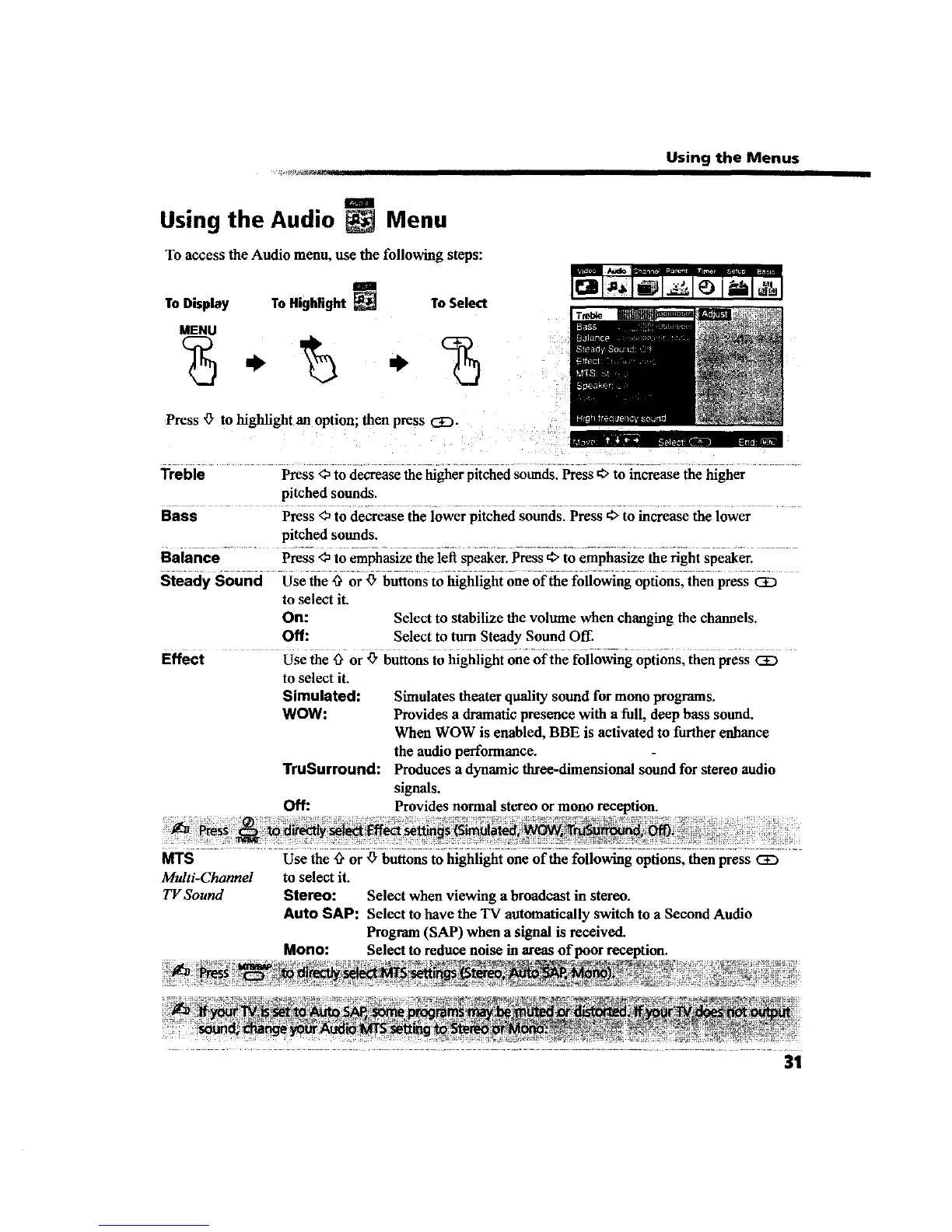
Using the Audio Menu
To access the Audio menu, use the following steps:
ToDisplay ToHighlight _ ToSelect
MENU
Press '0"to highlight an option; then press CD.
It"
Treble Press <_to decrease the higher pitched sounds. Press €, to increase the higher
pitched sounds.
Bass Press <_to decrease the lower pitched sounds. Press _ to increase the lower
pitched sounds.
Balance Press <_to emphasize the left speaker. Press 4>to emphasize the right speaker.
Steady Sound Use the _ or _" buttons to highlight one of the following options, then press CE)
to select it.
On: Select to stabilize the volume when changing the channels.
Off: Select to turn Steady Sound Off.
Effect Use the _" or _" buttons to highlight one of the following options, then press CE)
to select it.
Simulated: Simulates theater quality sound for mono programs.
WOW: Provides a dramatic presence with a full, deep bass sound.
When WOW is enabled, BBE is activated to further enhance
the audio performance.
TruSurround: Produces a dynamic three-dimensional sound for stereo audio
signals.
Off: Provides normal stereo or mono reception.
MTS Use the _ or _ buttons to highlight one of the following options, then press CE3
Multi-Channel to select it.
TV Sound Stereo: Select when viewing a broadcast in stereo.
Auto SAP: Select to have the TV automatically switch to a Second Audio
Program (SAP) when a signal is received.
Mono: Select to reduce noise in areas of poor reception.
31









 To Next Page