Operating Instructions
Quick Start to the Menus
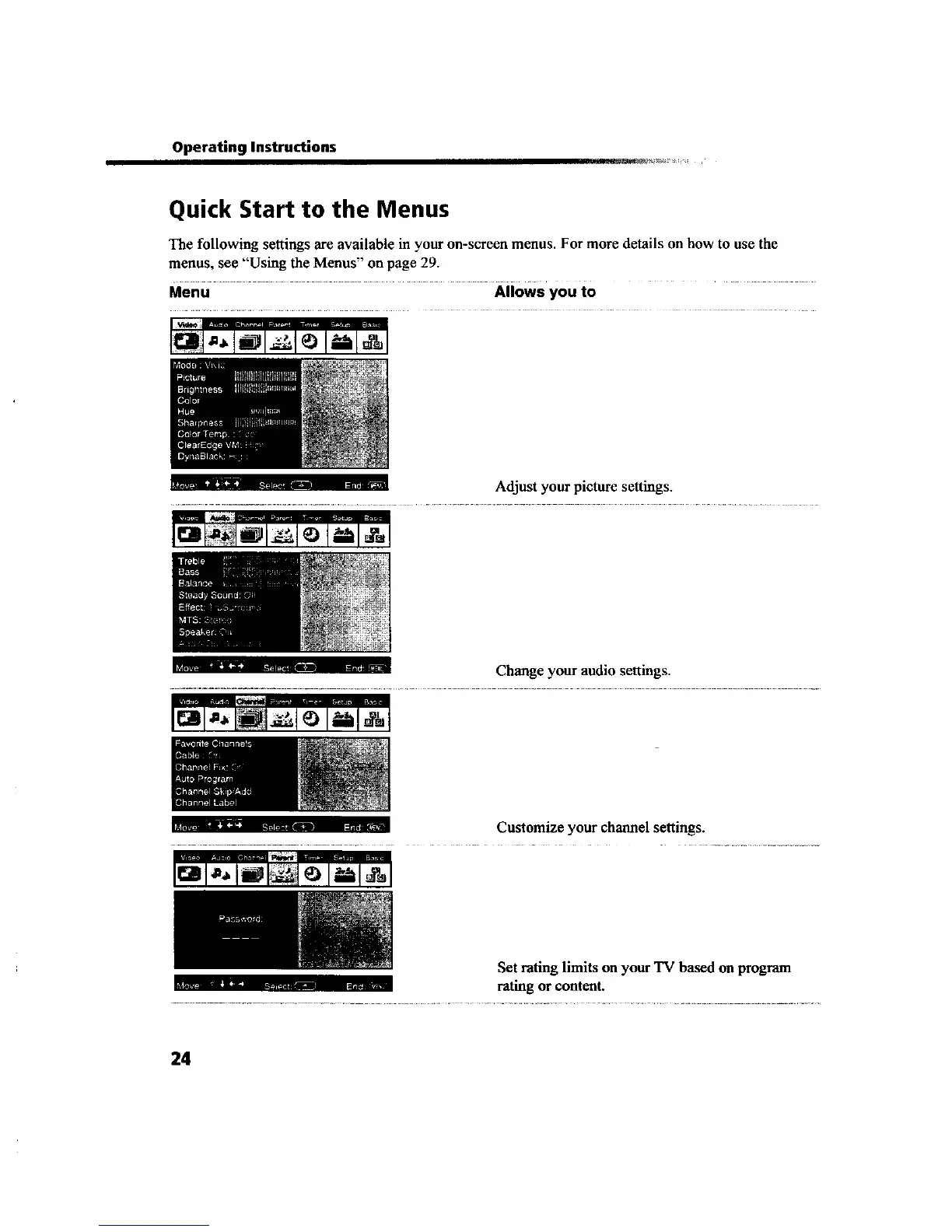
The following settings are available in your on-screen menus. For more details on how to use the
menus, see "Using the Menus" on page 29.
Menu Allows you to
m,, . ,-, Adjust your picture settings
.......- " " n Change your audio settings.
...... -..... [, Customize your channel settings.
Set rating limits on your TV based on program
i z . rating or content.
24









 To Next Page