Using Basic Functions
Menu Allows you to
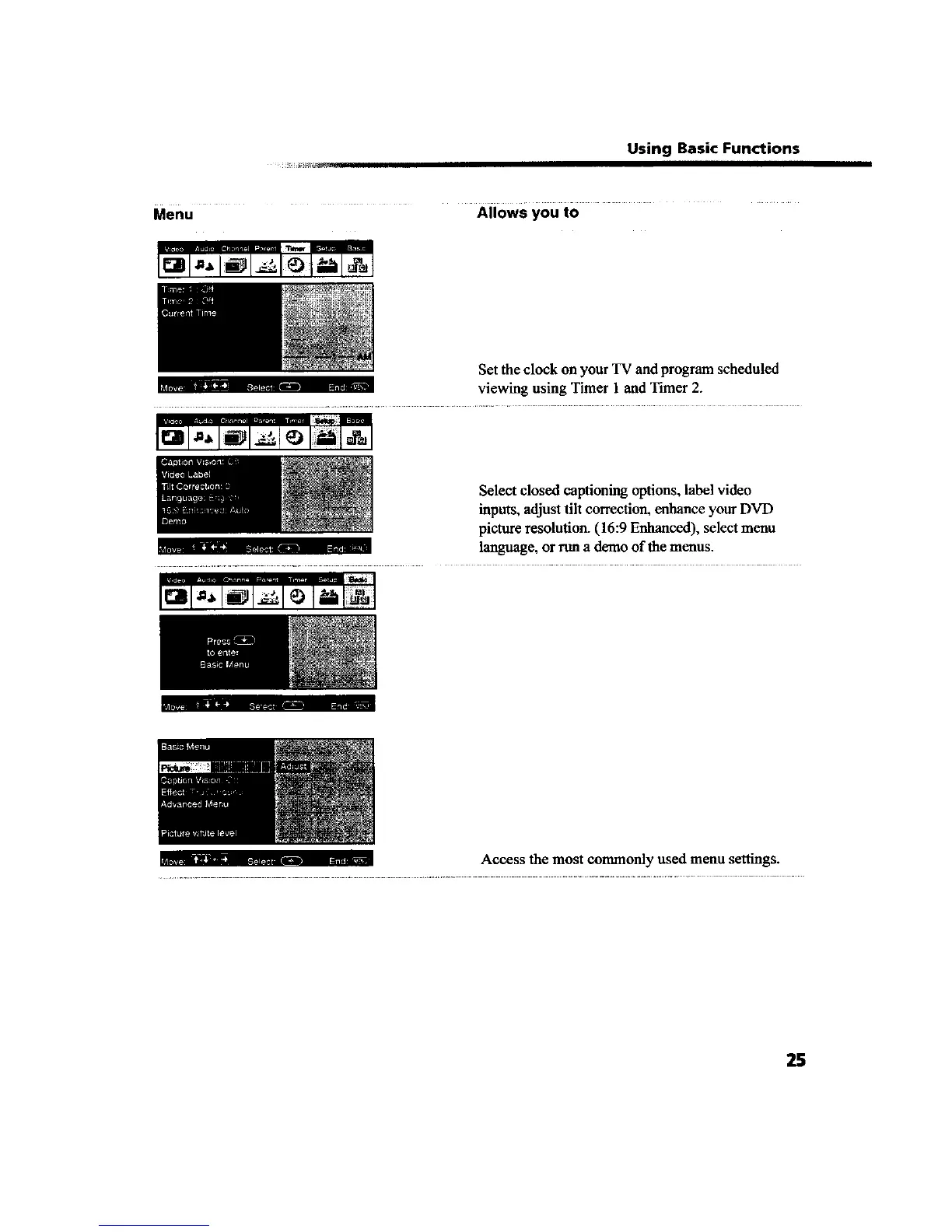
Set the clock on your TV and program scheduled
u,. _ z -i..... viewing using Timer 1 and Timer 2.
Select closed captioning options, label video
inputs, adjust tilt correction, enhance your DVD
picture resolution. (16:9 Enhanced), select menu
L • m ,, language, or run a demo oftbe menus.
i_ii. I, _ .._
_;...... Access the most commonly used menu settings.
25









 To Next Page