Operating Instructions
Using the Setup Menu
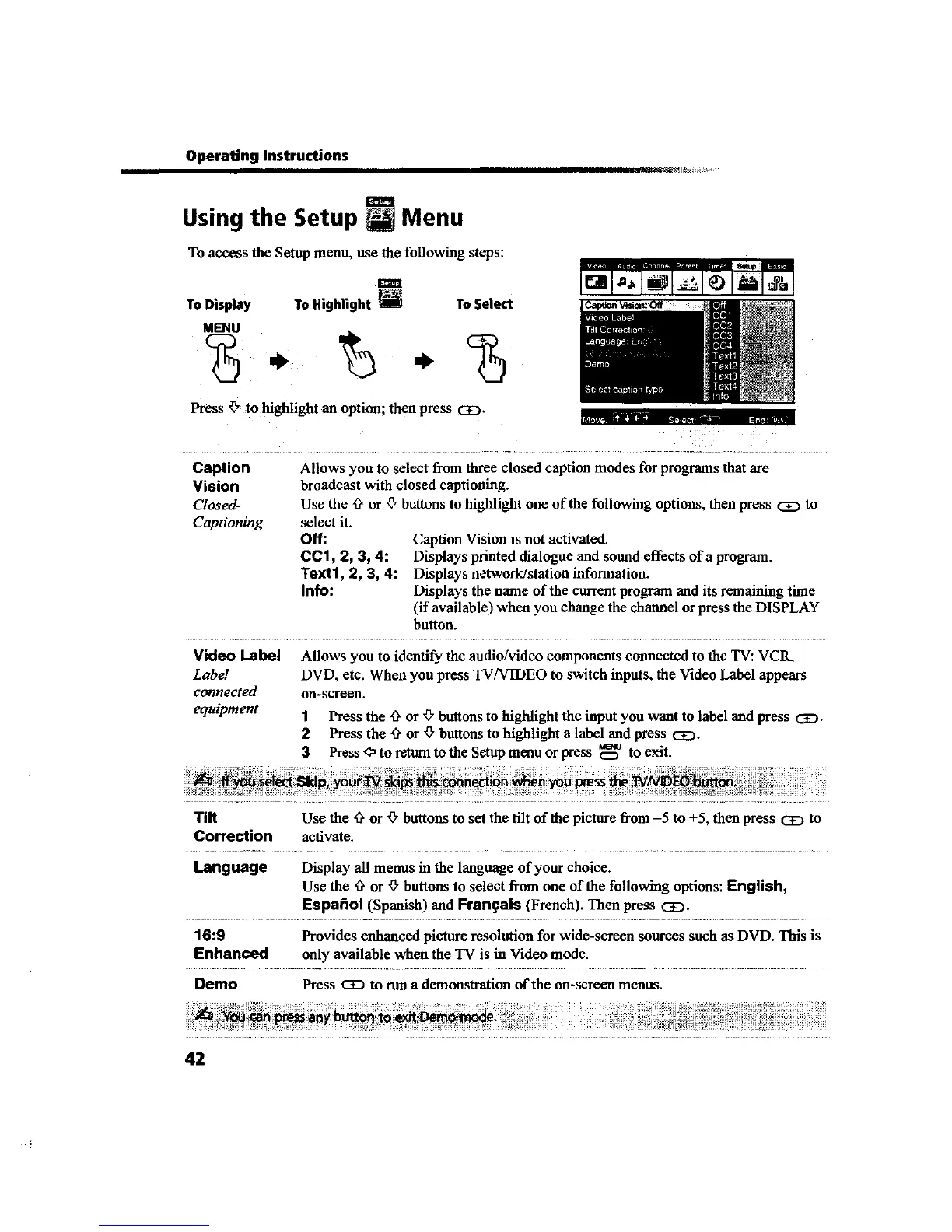
To access the Setup menu, use the following steps:
ToDisplay ToHighlight
MENU
To Select
I ml ,l l l I=1 1
Press _, to highlight an option; then press _.
mlq,r---_w _
Caption
Vision
Closed-
Captioning
Allows you to select from three closed caption modes for programs that arc
broadcast with closed captioning.
Use the _ or '_"buttons to highlight one of the following options, then press CE) to
select it.
Off: Caption Vision is not activated.
CC1, 2, 3, 4: Displays printed dialogue and sound effects of a program.
Text1, 2, 3, 4: Displays network/station information.
Info: Displays the name of the current program and its remaining time
(if available) when you change the channel or press the DISPLAY
button.
Video Label
Label
connected
equipment
Allows you to identify the audio/video components connected to the TV: VC1L
DVD, etc, When you press TV/VIDEO to switch inputs, the Video Label appears
on-screen.
1 Press the _ or '_"buttons to highlight the input you want to label and press CE).
2 Press the _ or ¢" buttons to highlight a label and press _.
3 Press <_to raurn to the Setup menu or press _ to exit.
Tilt Use the ,_ or _" buttons to set the tilt of the picture from -5 to +5, then press CE:)to
Correction activate.
Language Display all menus in the language of your choice.
Use the '3'or _" buttons to select from one of the following options: English,
Espafiol (Spanish) end Frangais (French). Then press CD.
16:9 Provides enhanced picture resolution for wide-screen sources such as DVD. This is
Enhanced only available when the TV is in Video mode.
Demo Press _ to run a demonstration of the on-screen menus.
42









 To Next Page