Using the Menus
Using the Timer Menu
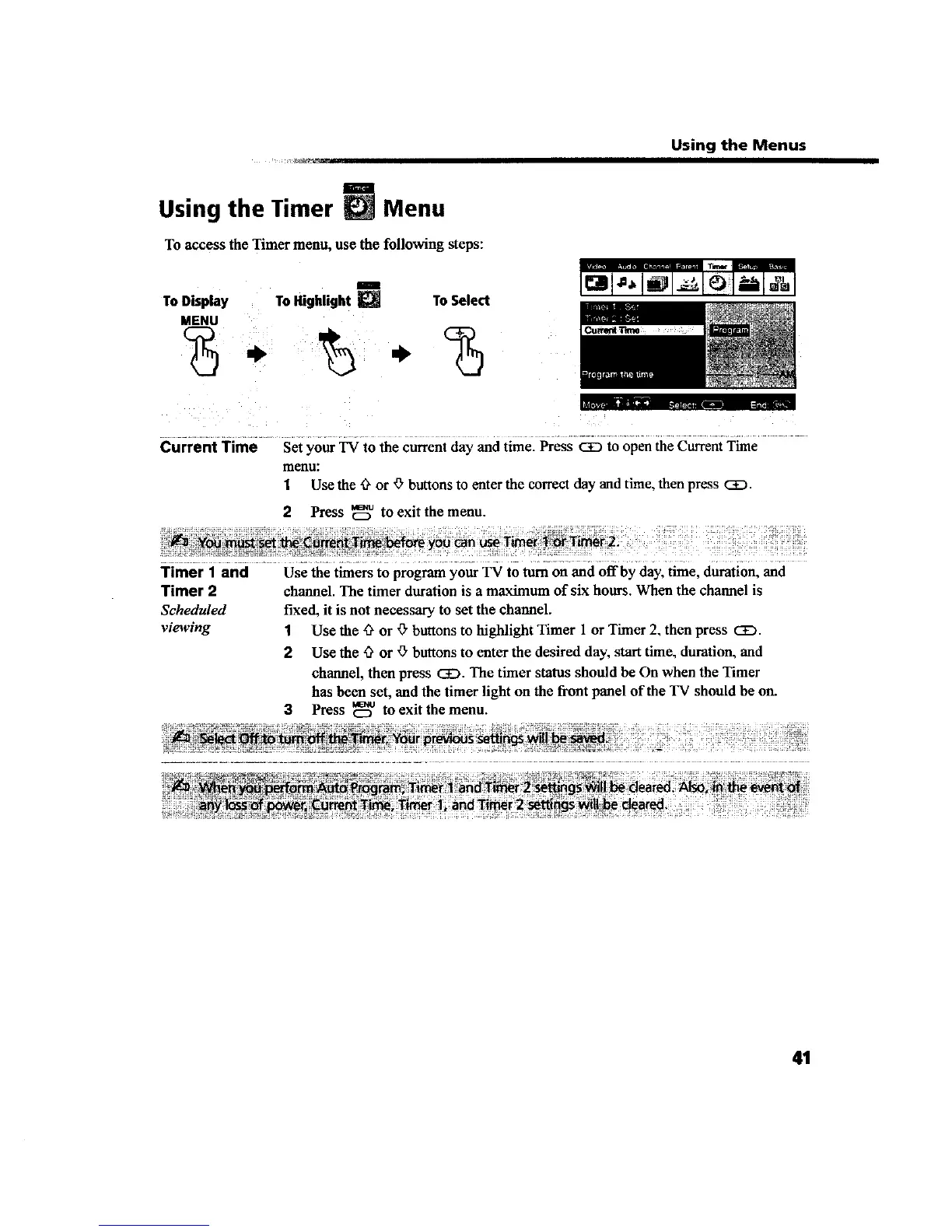
To access the Timer menu, use the following steps:
I
To Display To Highlight _ To Select
MENU
Current Time Set your TV to the currentday and time. Press CiD to open the CurrentTime
menu:
1 Use the 0 or O buttons to enter the correct day and time, then press CEg.
2 Press _ to exit the menu.
Timer I and Use the timers to program your TV to turn on and off by day, time, duration, and
Timer 2 channel. The timer duration is a maximum of six hours. When the channel is
Scheduled fixed, it is not necessary to set the channel.
viewing 1 Use the 'ff or _" buttons to highlight Timer 1 or Timer 2, then press CE).
2 Use the '3" or '_"buttons to enter the desired day, start time, duration, and
channel, then press CiD. The timer status should be On when the Timer
has bean set, and the timer light on the front panel of the TV should be on.
3 Press _o to exit the menu.
41









 To Next Page