Operating Instructions
Button Description
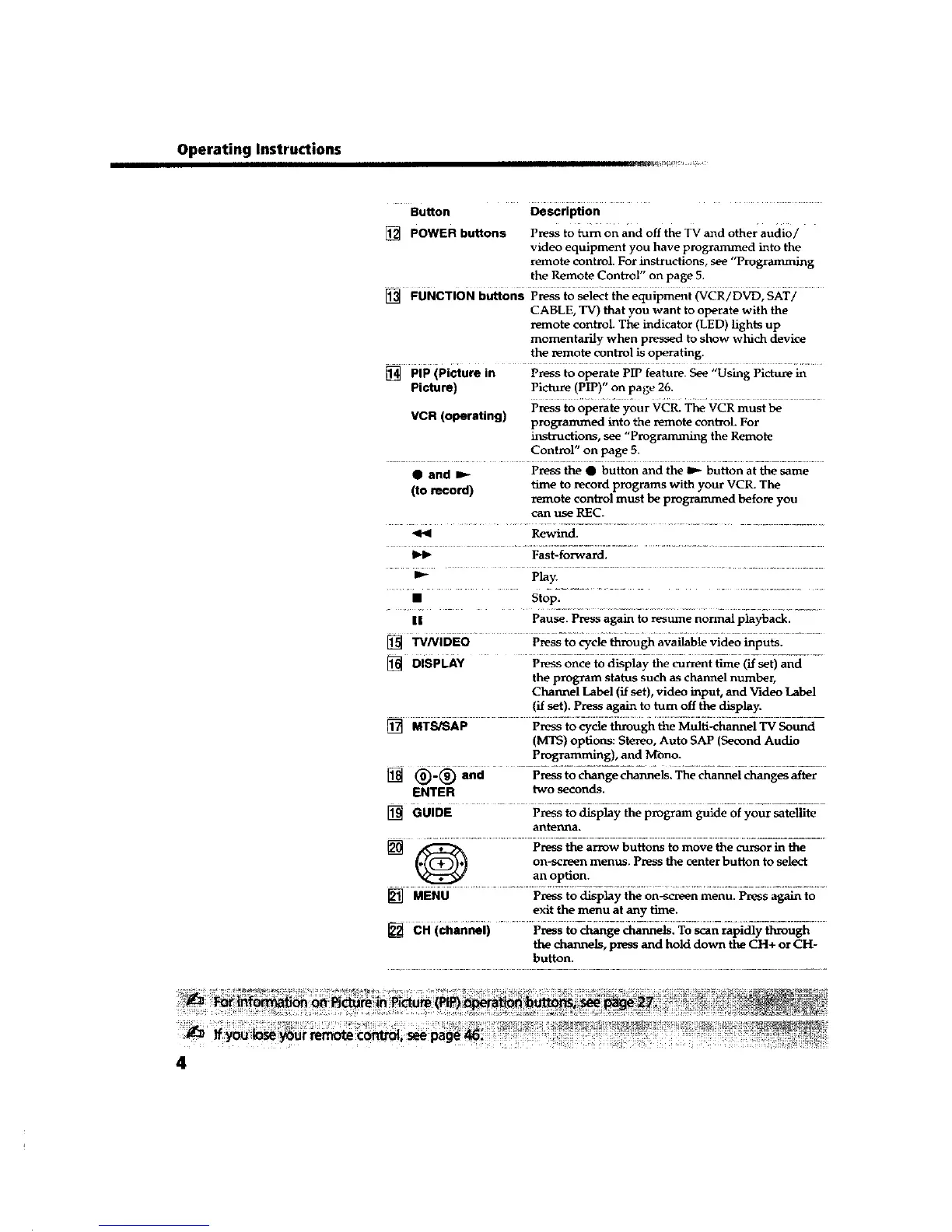
[] POWER buttons Press to turn on and off the TV and other audio/
video equipment you have programmed into the
remote control. For instructions, see "Programming
the Remote Control" on page 5.
[] FUNCTION b_0ns Press to sei_ file equipment _CR/D_, SAT/ .........
CABLE, TV) that you want to operate with the
remote control. The indicator (LED) lights up
momentarily when pressed to show which device
the remote control is operating.
[] PIP (picture in Press to operate PIP feature. See "Using Picture in
Picture) PictaLre (PIP)" on page 26.
VCR (operating) Press to operate your VCR. The VCR must be
programmed into the remote control. For
instructions, see "Programming the Remote
Control" on page 5.
• and I_ Press the • button and the I_ button at the same
(to record) time to record programs with your VCR. The
remote control must be programmed before you
can use REC.
Rewind.
_1_ Fast-forward.
m- Play.
• sto ;:......................
II Pause. Press again to _sttme normal playback.
[] W/VIDEO Press to cycle through available video inputs.
[] DISPLAY P_son-cetod-_playti_eeu_enit_ma-e (if-_et)and- -
the program status such as channel number,
Channel Label (if set), video input, and Video Label
(if set). P_ss again to turn off the display.
[] MTSiSAP Press to cycle through the Multi-channel TV Sotmd
(MTS) options: Stereo, Auto SAP (Second Audio
Programming), and M-ono.
[] (_-_ and Press to change channels. The channel changes after
ENTER two seconds.
[] GUIDE Pressto display the program guide of your satellite
aD.tel:_l_a.
[] _ Press the arrow buttons to move the cursor in the
on-screen menus. Press the center button to select
an option.
[] •ENU Press to display the on-screen menu. Press again to
exit the menu at any time.
[] CH (channel) Pressto change channels, To scan rapidly through
the channels, press and hold down the CH+ or CH-
button.
4









 To Next Page