21
KDL-40XBR4/40XBR5/46XBR4/46XBR5
KDL-40XBR4/40XBR5/46XBR4/46XBR5
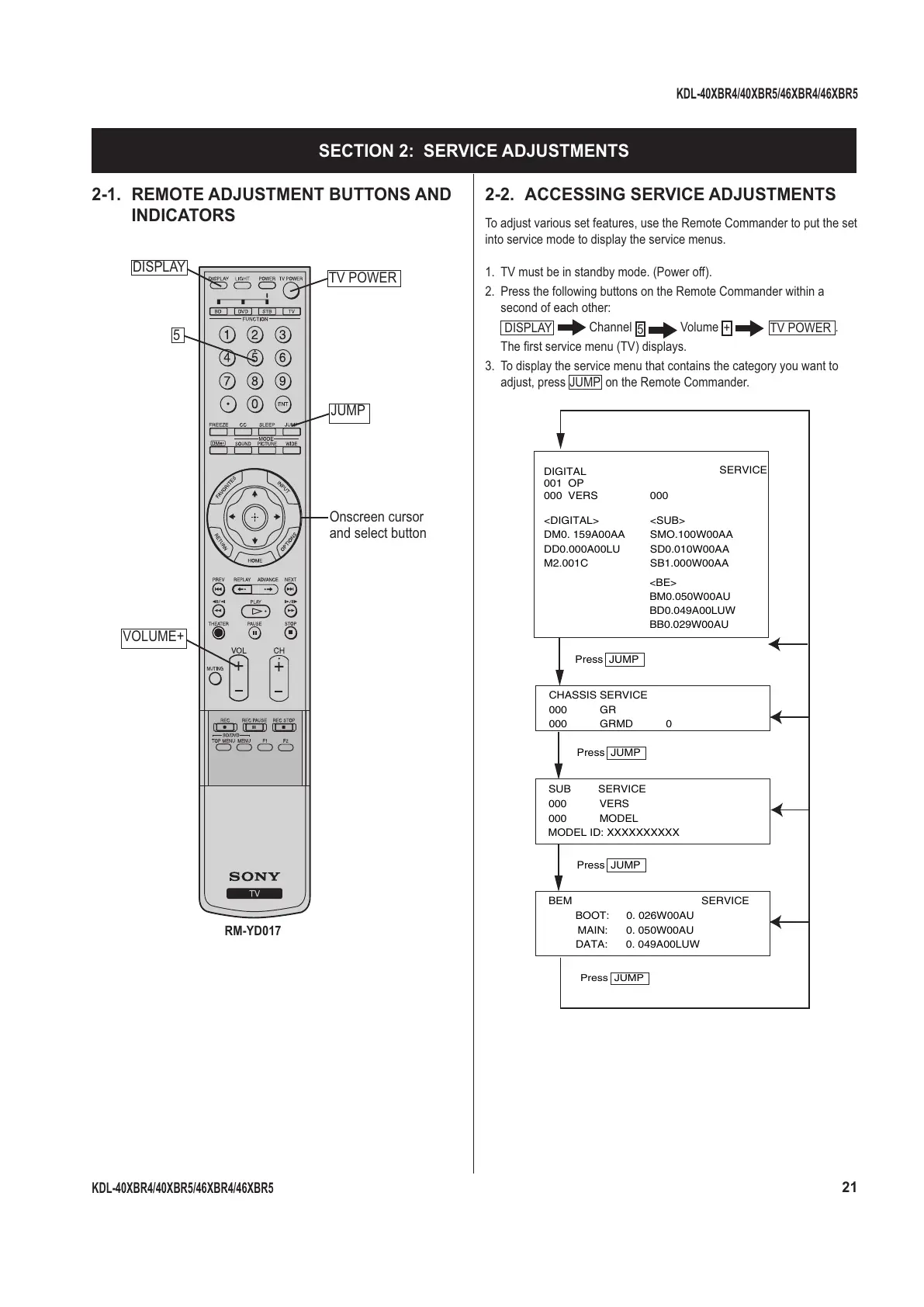
2-1. REMOTE ADJUSTMENT BUTTONS AND
INDICATORS
TV POWER
Onscreen cursor
and select button
DISPLAY
RM-YD017
5
VOLUME+
JUMP
SECTION 2: SERVICE ADJUSTMENTS
2-2. ACCESSING SERVICE ADJUSTMENTS
To adjust various set features, use the Remote Commander to put the set
into service mode to display the service menus.
1. TV must be in standby mode. (Power off).
2. Press the following buttons on the Remote Commander within a
second of each other:
DISPLAY
Channel
5
Volume
+
TV POWER
.
The fi rst service menu (TV) displays.
3. To display the service menu that contains the category you want to
adjust, press
JUMP
on the Remote Commander.
CHASSIS SERVICE
000 GR
000 GRMD 0
SUB SERVICE
000 VERS
000 MODEL
MODEL ID: XXXXXXXXXX
Press JUMP
BEM SERVICE
BOOT: 0. 026W00AU
MAIN: 0. 050W00AU
DATA: 0. 049A00LUW
Press JUMP
Press JUMP
DIGITAL
001 OP
000000 VERS
<SUB><DIGITAL>
SMO.100W00AADM0. 159A00AA
SD0.010W00AADD0.000A00LU
SB1.000W00AA
<BE>
BM0.050W00AU
BD0.049A00LUW
BB0.029W00AU
M2.001C
Press JUMP
SERVICE



 To Next Page