EasyManua.ls Logo

Sony SLV-340 - Using the Time Counter

Sony SLV-340
41 pages
Print Icon
To Next Page IconTo Next Page
To Previous Page IconTo Previous Page
Loading...
Sa
ea
ae
Playing
a
tape
(continued)
Notes
¢
When
you
insert
a
tape
with
a
short
tape
length
such
as
T-
20,
T-30
or
a
non-standard
commercially
available
tape,
the
remaining
tape
length
may
not
be
correct.
The
display
will
not
appear
during
still
mode
or
slow-
motion
playback.
Notes
¢
When
a
tape
is
reinserted,
the
counter
returns
to
“QHOOMO0S.”
¢
The
counter
will
not
work
on
tape
portions
with
no
recording.
22
-EN
|
Basic
Operations
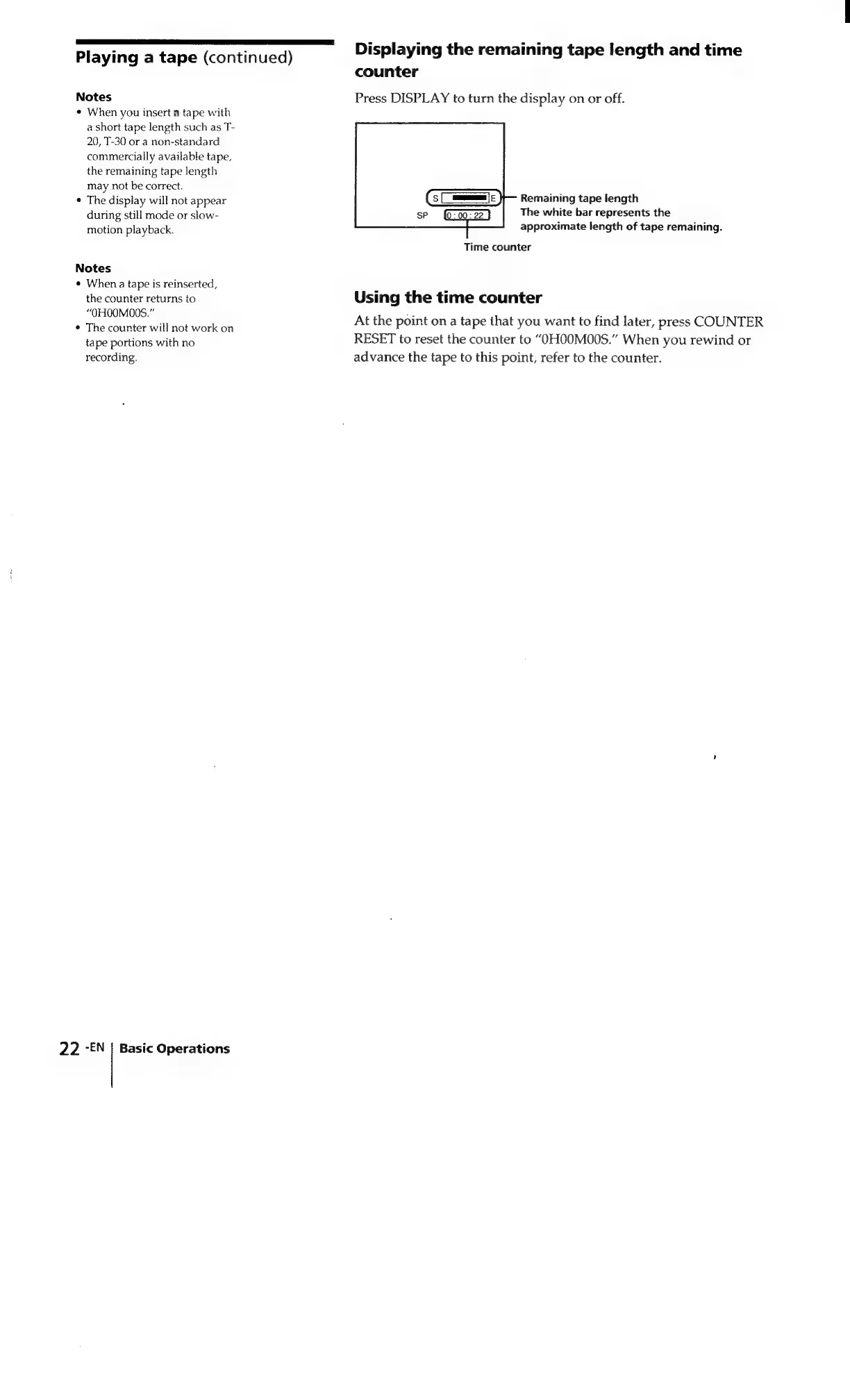
Displaying
the
remaining
tape
length
and
time
counter
Press
DISPLAY
to
turn
the
display
on
or
off.
Remaining
tape
length
The
white
bar
represents
the
approximate
length
of
tape
remaining.
Time
counter
Using
the
time
counter
At
the
point
on
a
tape
that
you
want
to
find
later,
press
COUNTER
RESET
to
reset
the
counter
to
“OHOOMO0S.”
When
you
rewind
or
advance
the
tape
to
this
point,
refer
to
the
counter.

Related product manuals