EasyManua.ls Logo

Sony SLV-340 - Watching a TV Program While Recording Another

Sony SLV-340
41 pages
Print Icon
To Next Page IconTo Next Page
To Previous Page IconTo Previous Page
Loading...
Watching
a
TV
program
while
recording
another
You
can
watch
a
TV
program
and
record
another
at
the
same
time.
1
Press
TV/VTR
to
turn
off
the
VTR
indicator
in
the
display
window.
2
If
the
TV
is
connected
to
the
VCR
using
the
audio/video
cable,
set
the
TV
to
TV
input.
If
the
TV
is
connected
to
the
VCR
using
only
the
antenna
cable,
skip
this
step.
3
Select
the
desired
channel
on
the
TV.
Saving
a
recording
Video
tapes
have
a
safety
tab
to
protect
against
accidental
recording.
To
prevent
accidental
erasure
of
a
recording,
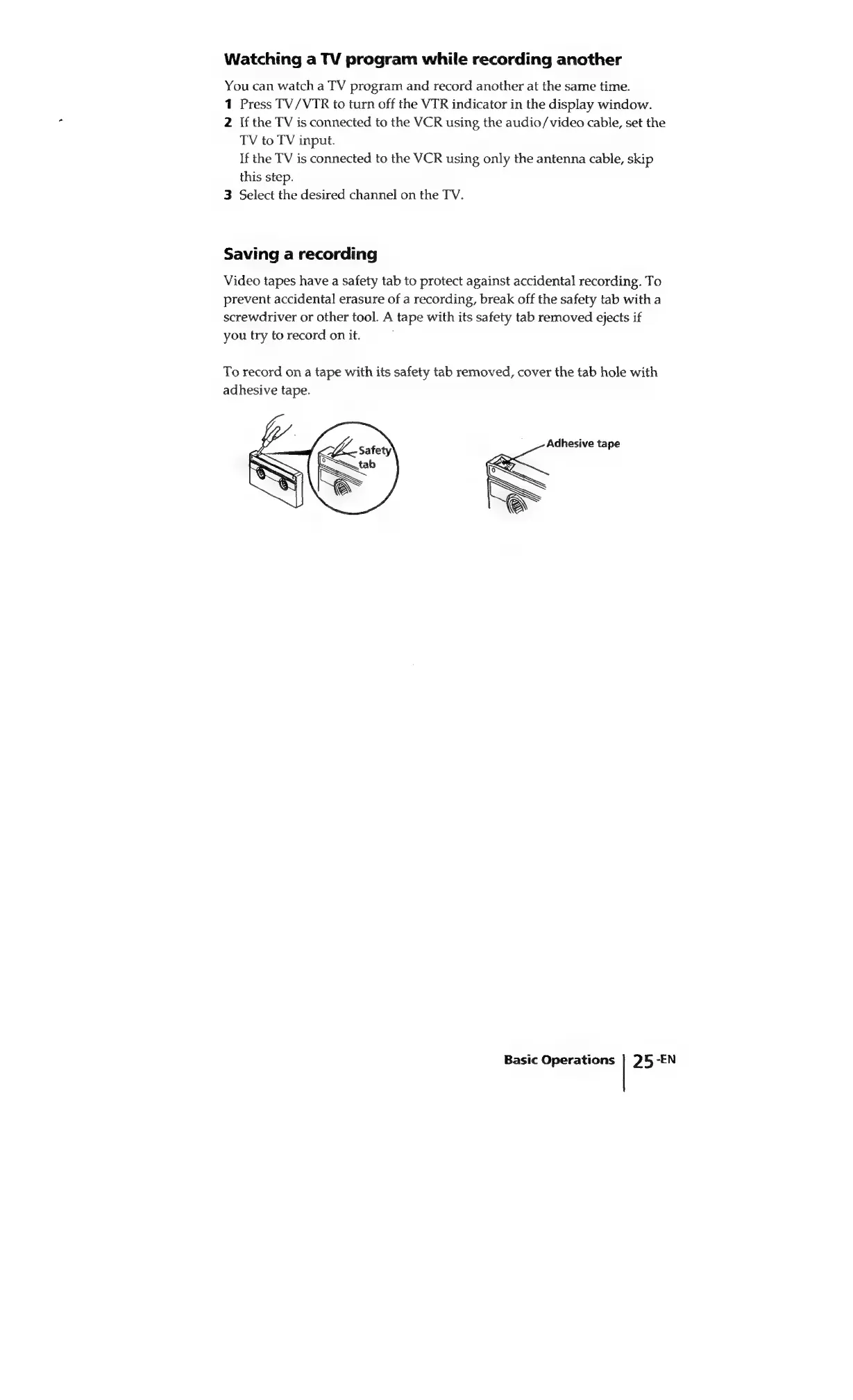
break
off
the
safety
tab
with
a
screwdriver
or
other
tool.
A
tape
with
its
safety
tab
removed
ejects
if
you
try
to
record
on
it.
To
record
on
a
tape
with
its
safety
tab
removed,
cover
the
tab
hole
with
adhesive
tape.
Adhesive
tape
Basic
Operations
|
25
-EN

Related product manuals