Setting up the VCR Plus+ GOLD system (continued)
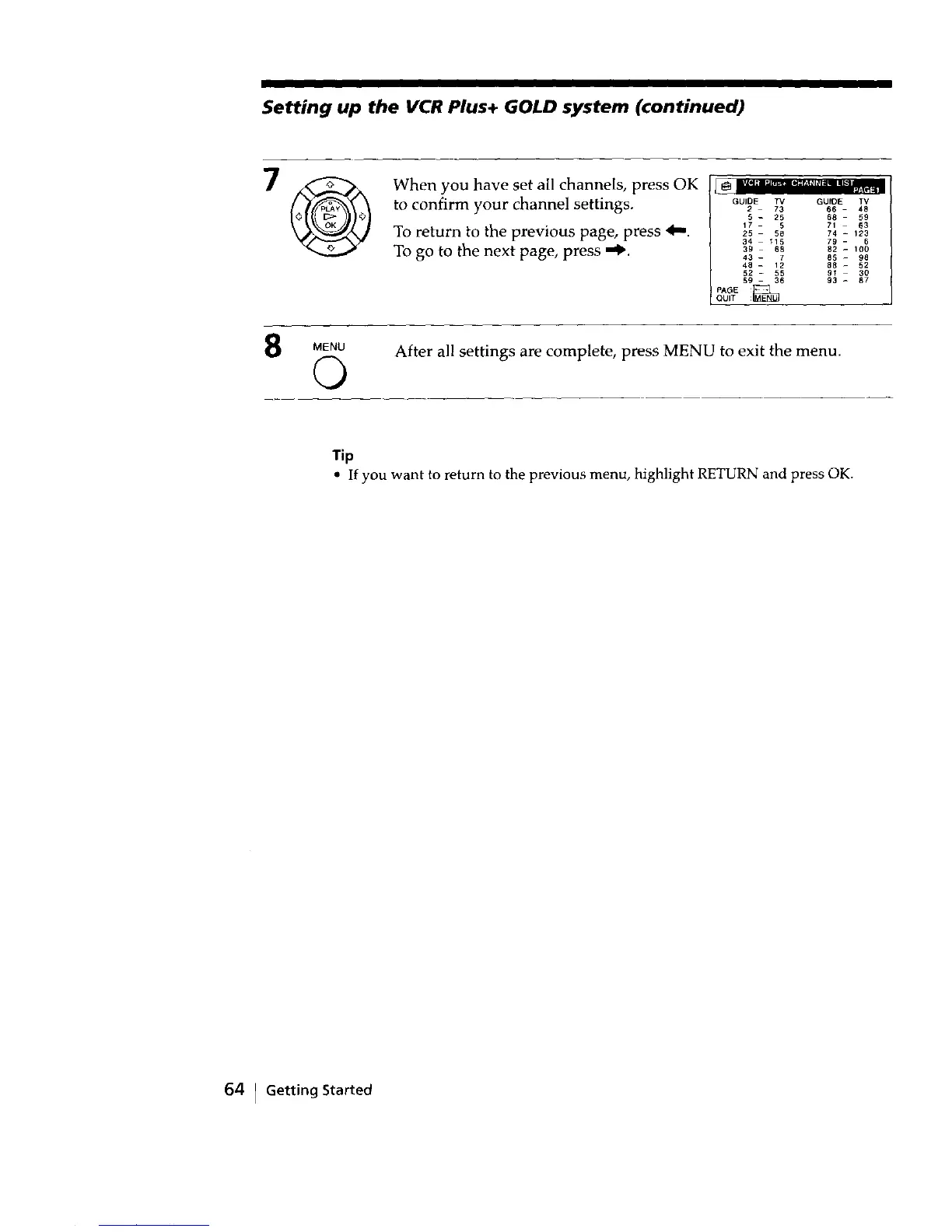
When you have set all channels, press OK
to confirm your channel settings.
_ _[oI_ ,1_'t¢41_'_"_ _T_ _lg 1_'_ Ltl=I
To return to the previous page, press 4,,,.
To go to the next page, press "_.
GUIDE TV GUIDE IV
2 73 66 - 48
5 - 25 68 59
17 - 5 71 63
25 58 74 - 123
34 115 79 - 6
39 68 B2 - 100
43 - 7 85 - 98
48 - 12 88 - 52
52 - 55 91 - 30
59 - 36 93 _ 87
pA_E
QUIT
MENU After all settings are complete, press MENU to exit the menu.
©
Tip
• If you want to return to the previous menu, highlight RETURN and press OK.
64 I Getting Started



 To Next Page